1. **Setup Power Source**: Connect the charger to a power outlet using the provided power cable. Ensure the outlet is compatible with the charger’s input voltage and that the charger is placed on a stable surface.
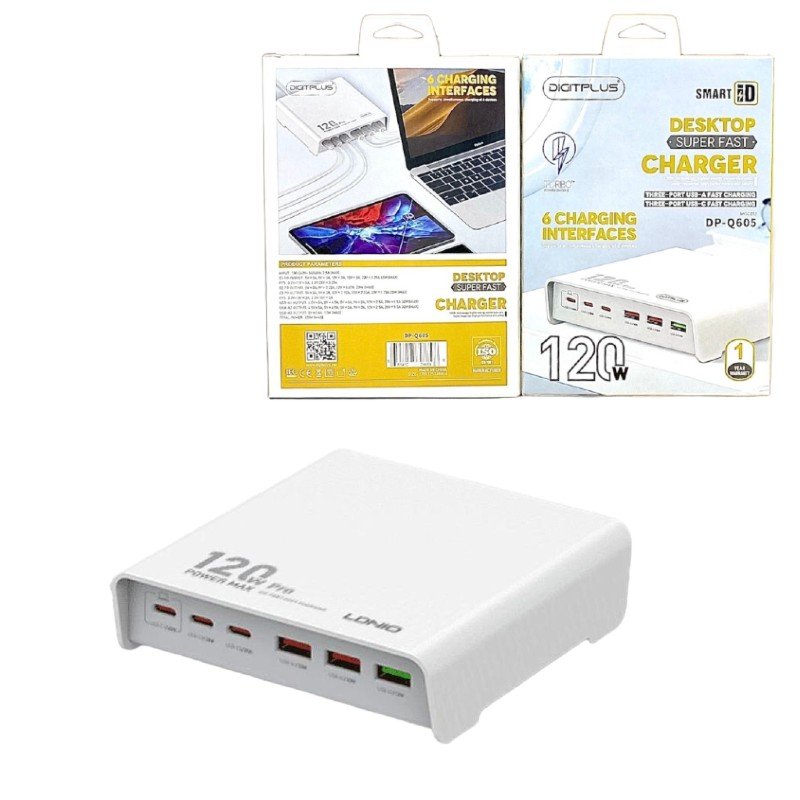
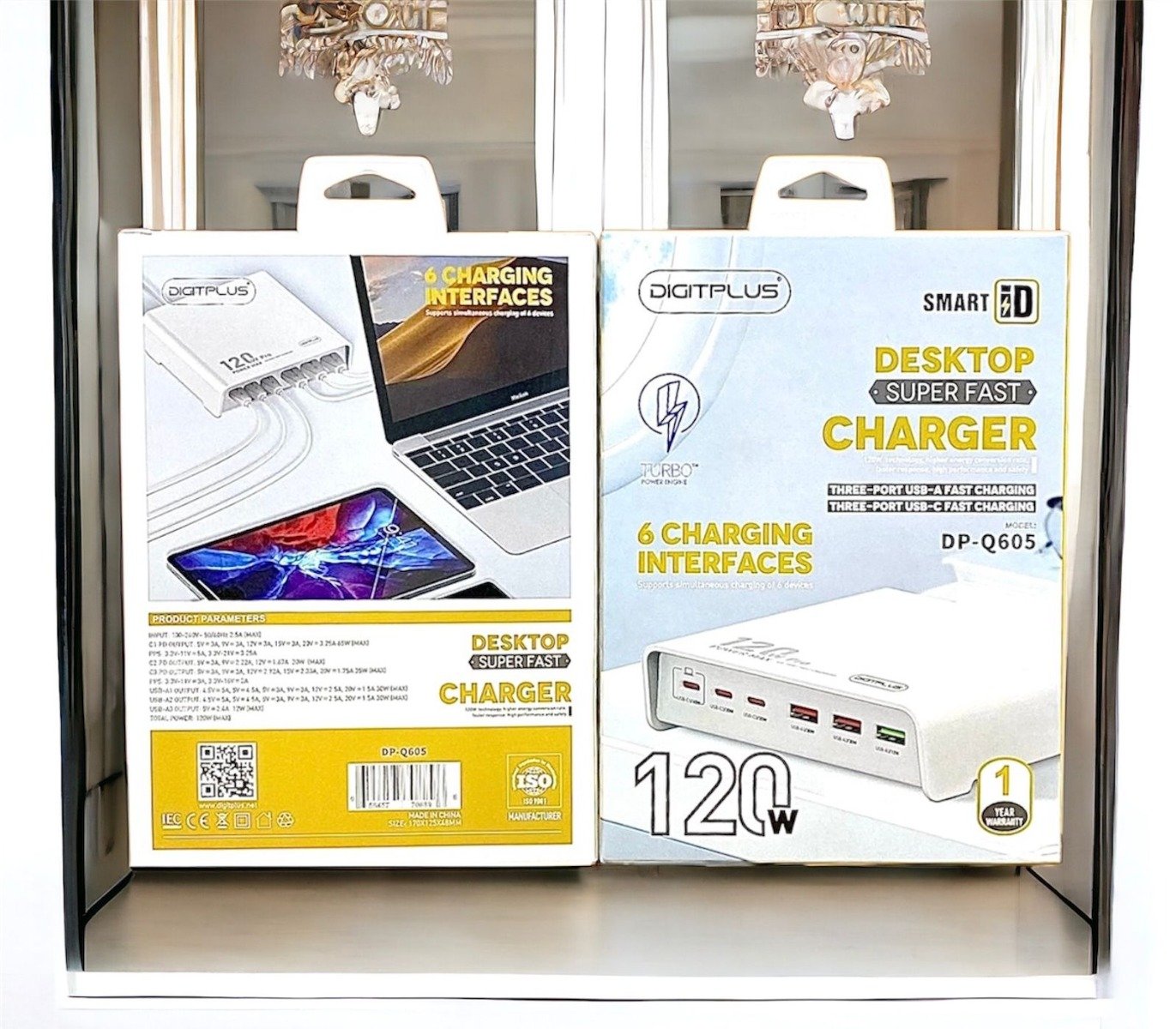
2. **Identify Ports**: Determine which devices you want to charge and which ports on the charger you’ll use for each device. The DP-Q605 features three USB-A and three USB-C ports, providing versatility for charging a variety of devices.
3. **Connect Devices**: Plug the USB-A or USB-C charging cables into the corresponding ports on the DP-Q605 charger. Ensure the cables are securely inserted to initiate charging.
4. **Monitor Charging**: Once the devices are connected, monitor the charging status to ensure they are receiving power. Many devices display a charging indicator when connected to a power source.
5. **Optimize Charging**: To optimize charging efficiency, prioritize higher-power devices like laptops or tablets by connecting them to the USB-C ports, as they support higher power output. You can simultaneously charge multiple devices, taking advantage of the charger’s six-port design for added convenience.

 SONY PS4 FINAL FANTASY VII GAME CD
1 × 17.700 OMR
SONY PS4 FINAL FANTASY VII GAME CD
1 × 17.700 OMR  SONY PS4 STAR WARS SQUADRONS GAME CD
1 × 15.800 OMR
SONY PS4 STAR WARS SQUADRONS GAME CD
1 × 15.800 OMR  L-1 Professional Streaming Player Stand
1 × 13.900 OMR
L-1 Professional Streaming Player Stand
1 × 13.900 OMR  USAMS Iphone 11 Pro Metal Camera Lens Glass Film
1 × 1.900 OMR
USAMS Iphone 11 Pro Metal Camera Lens Glass Film
1 × 1.900 OMR  New Arrivals
 Offers
 Service & Repair

There are no reviews yet.