
-
×
 Cleo-GA Handheld Video Game M27
1 × 23.900 OMR
Cleo-GA Handheld Video Game M27
1 × 23.900 OMR
Subtotal: 23.900 OMR
SKU:
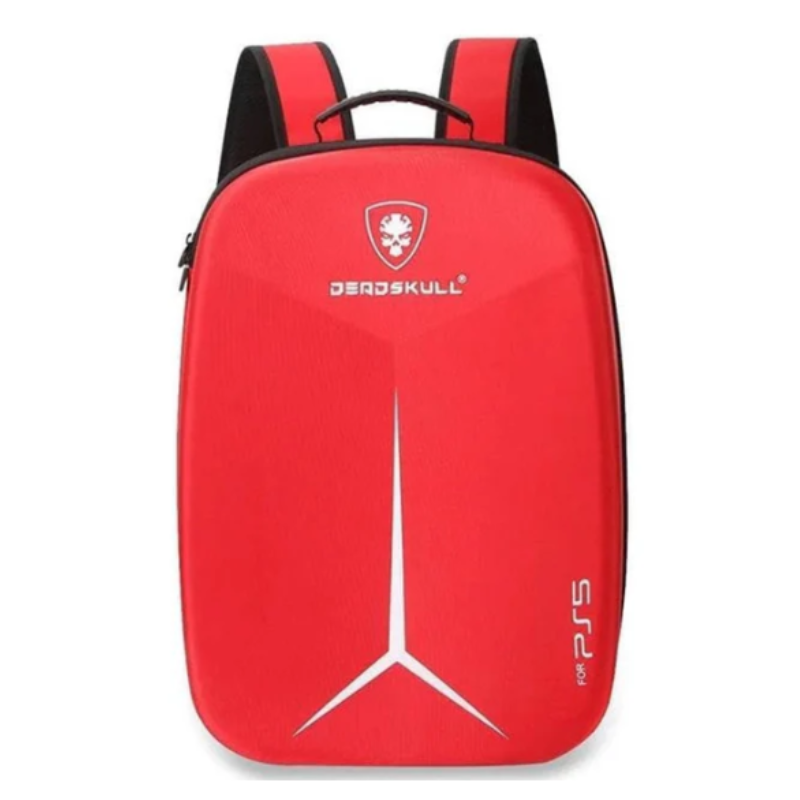
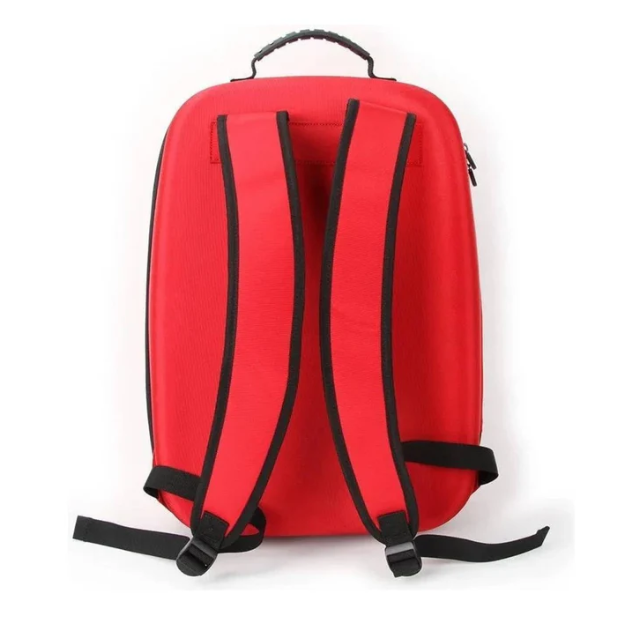
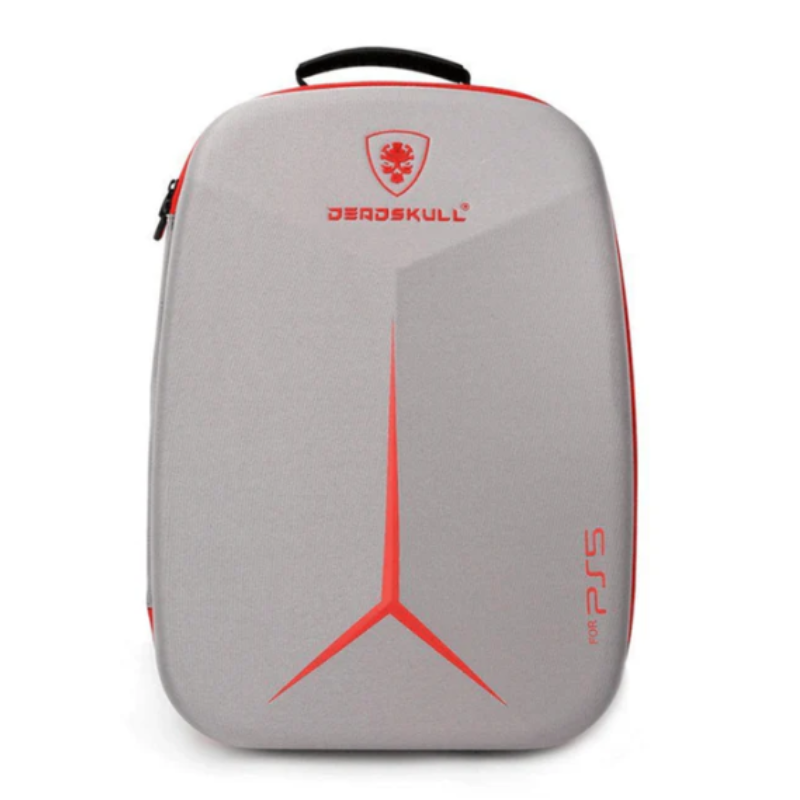
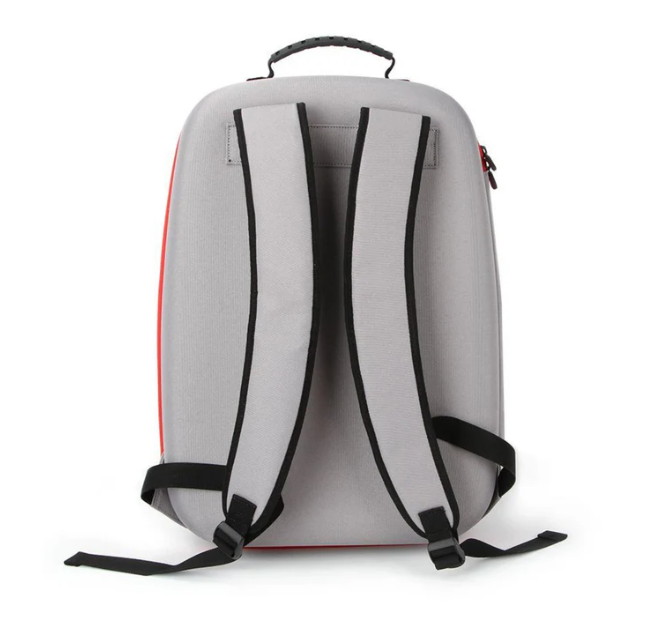
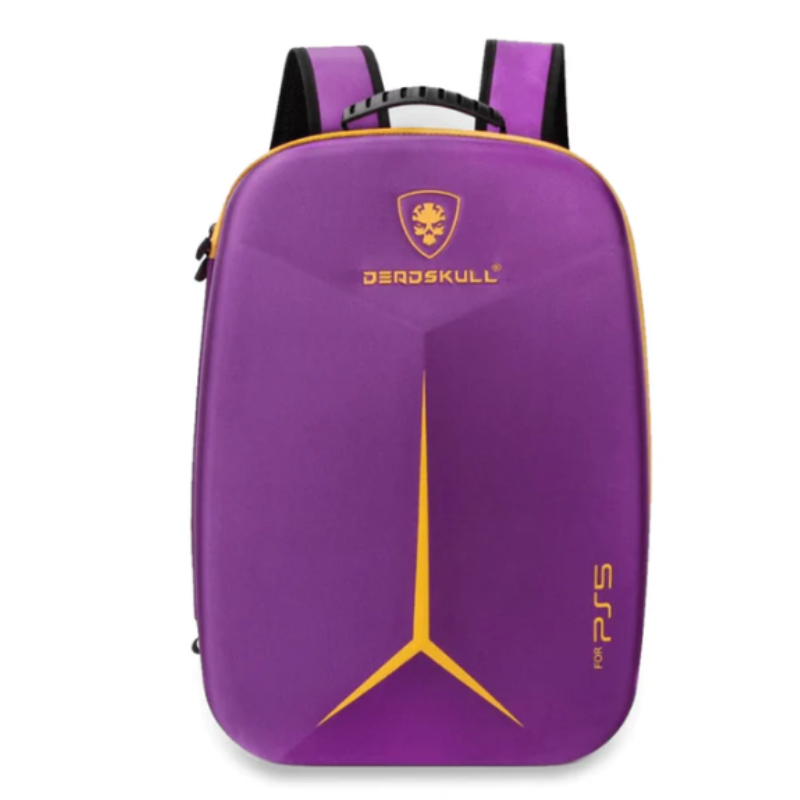
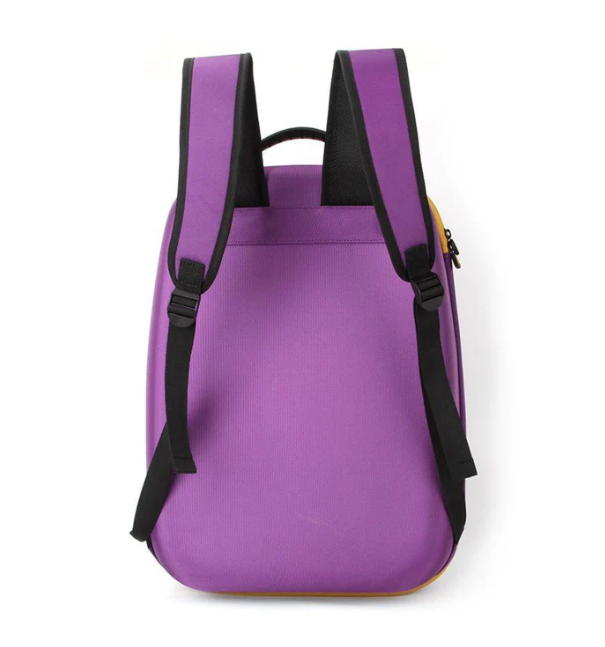
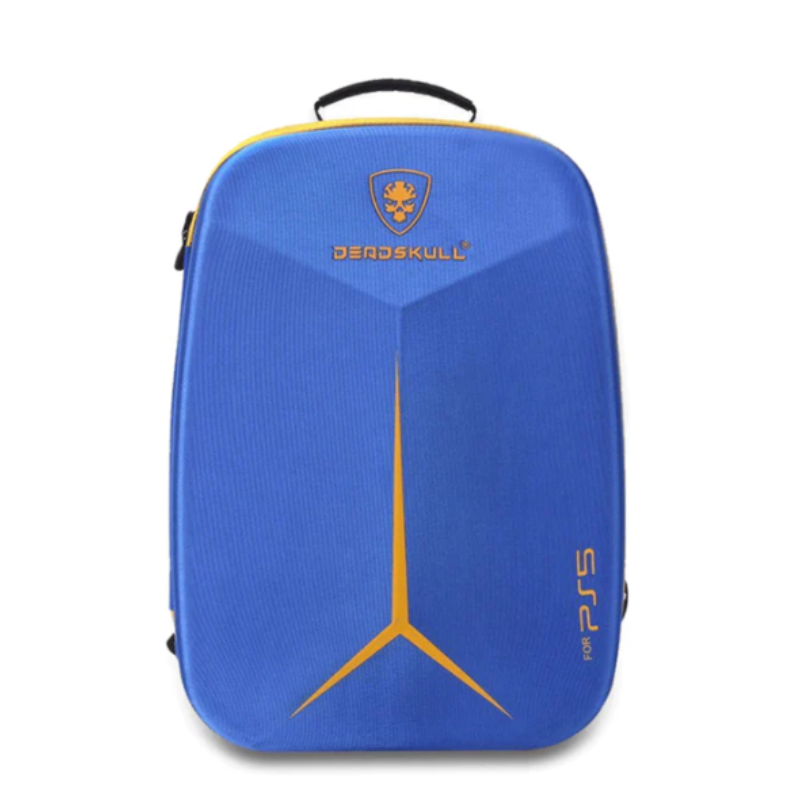
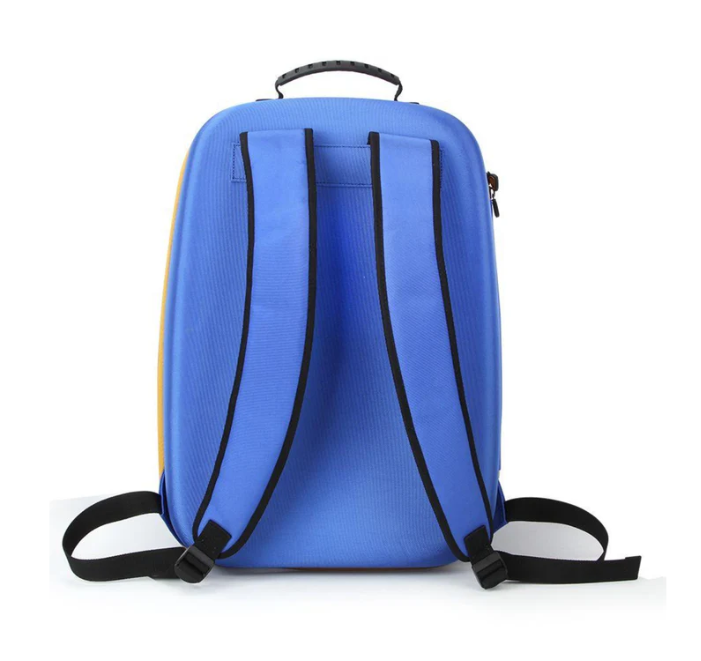
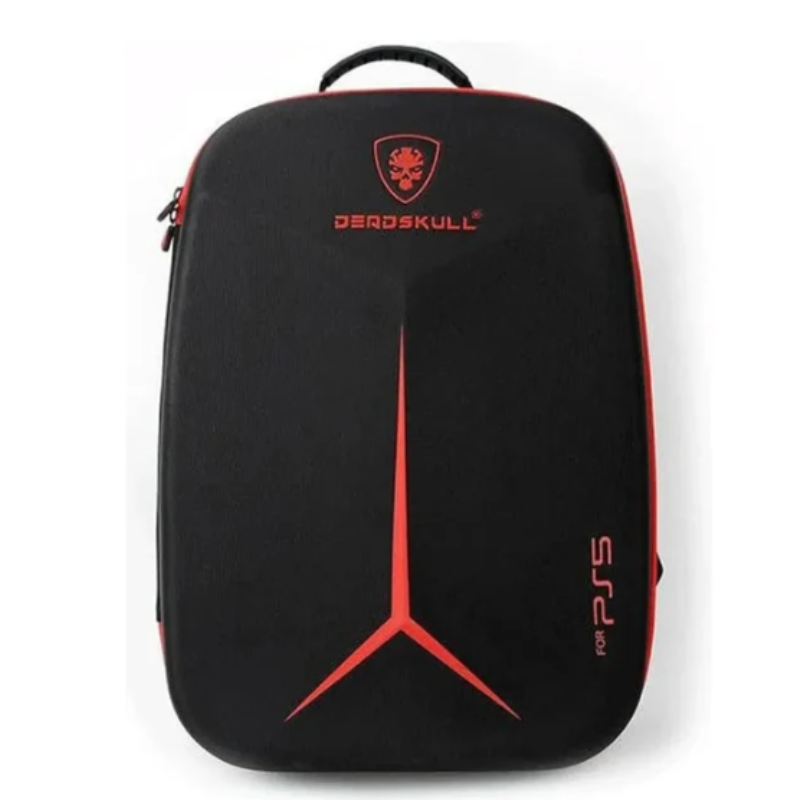
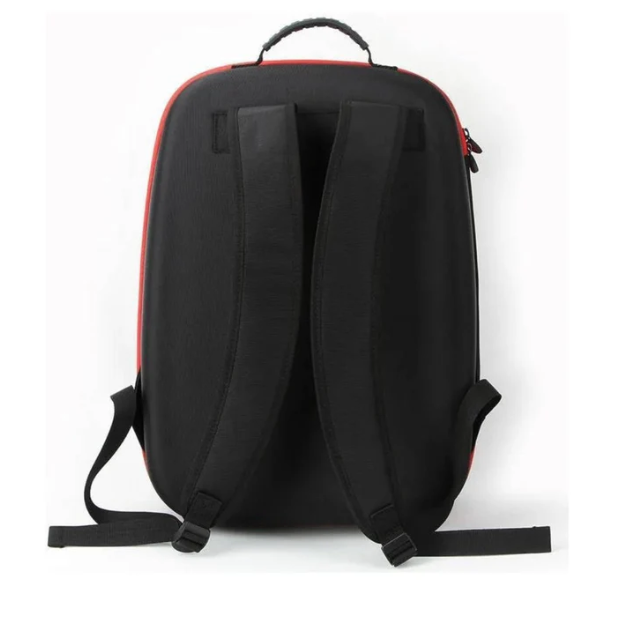
The DeadSkull PS5 Carrying Backpack is a durable and stylish solution for transporting your PlayStation 5 console and accessories. Designed with a hard-shell canvas exterior and cushioned interior, it offers shockproof and dustproof protection. The backpack features dedicated compartments for the PS5 console, controllers, cables, and games, ensuring organized and secure storage. Its adjustable shoulder straps and handle provide comfortable carrying options, making it ideal for gamers on the go.
10.800 OMR
DeadSkull PS5 Carrying Backpack
Adjustable shoulder straps
User manual
Prepare the Backpack:
Unzip all compartments and ensure the backpack is clean and free from debris.
Insert the PS5 Console:
Open the main compartment.
Gently place the PS5 console into the designated space, ensuring it fits snugly.
Store Accessories:
Use the side compartments to store:
Two wireless controllers
Headphones
AC power cord
HDMI and USB cables
Multiple game discs
Secure the Contents:
Use the provided straps and dividers to secure the PS5 console and accessories, preventing movement during transport.
Adjust the Straps:
Adjust the shoulder straps to your preferred length for comfortable carrying.
Use the top handle for an alternative carrying option.
Regular Cleaning:
Wipe the exterior with a damp cloth to remove dust and stains.
Clean the interior with a soft brush or cloth to remove debris.
Deep Cleaning:
If the backpack is heavily soiled, hand wash with mild detergent and lukewarm water.
Air dry completely before use.
Storage:
When not in use, store the backpack in a cool, dry place.
Avoid placing heavy objects on top to maintain its shape.
Avoid Overloading: Do not exceed the recommended weight capacity to prevent strain on the zippers and straps.
Keep Dry: Ensure the backpack remains dry to prevent mold and mildew growth.
Regular Checks: Periodically check the straps, zippers, and compartments for wear and tear.
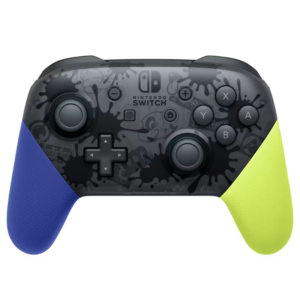
Vibrant Splatoon 3 Styling: Features a translucent dark body adorned with ink-splat graphics and contrasting neon blue and neon yellow handles.
Pro-Grade Control & Ergonomics: Full-sized asymmetric analog sticks, precise D-pad, and comfortable contoured grips designed for high-intensity competitive play.
Integrated Motion Controls & HD Rumble: Built-in 6-axis gyro motion sensors deliver fast, accurate aiming in shooters alongside refined haptic feedback.
Long-Lasting 40-Hour Battery & NFC: Internal rechargeable battery provides up to 40 hours of playtime with built-in amiibo support on the center logo.
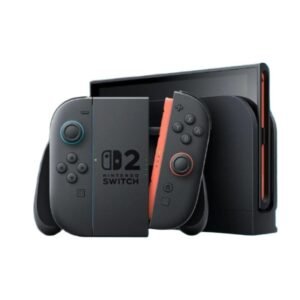
🎮 Next-Gen Performance: Powered by a custom NVIDIA chipset for ultra-smooth performance
📺 4K Docked Gaming: Stunning ultra-HD visuals when connected to your TV
💡 7.5-Inch OLED Display: Vibrant colors and sharper contrast for handheld mode
🔋 Longer Battery Life: Game longer with improved battery efficiency
🎮 Redesigned Joy-Cons: Enhanced comfort, precision, and reduced drift issues
💾 Expandable Storage: Support for up to 2TB microSD cards
♻️ Backward Compatibility: Fully compatible with Nintendo Switch game library
🌐 Online Multiplayer + Cloud Saves: Nintendo Switch Online ready
🧳 Hybrid Portability: Seamlessly switch between docked and handheld play
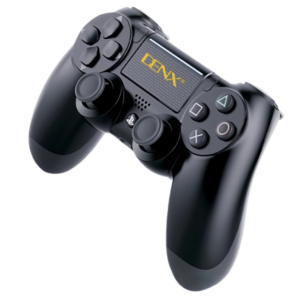
Official Denx PS4 DualShock Wireless Controller (Model: DX1709) designed for seamless wireless gaming on PlayStation 4, PC, iOS, and Android platforms.
Equipped with dual-point clickable touchpad, high-precision dual analog joysticks, and responsive tactile action buttons.
Features dual vibration feedback motors (DualShock) and a 6-axis motion sensor system (accelerometer + gyroscope) for immersive gameplay.
Integrated interactive LED light bar and built-in speaker paired with a 3.5mm stereo headset jack.
Powered by an 800 mAh rechargeable battery delivering up to 8 hours of continuous wireless gameplay on a single charge.
 New Arrivals
 Offers
 Service & Repair


There are no reviews yet.