
 أقل سعر
 الخدمة والإصلاح

 أحدث
أحدث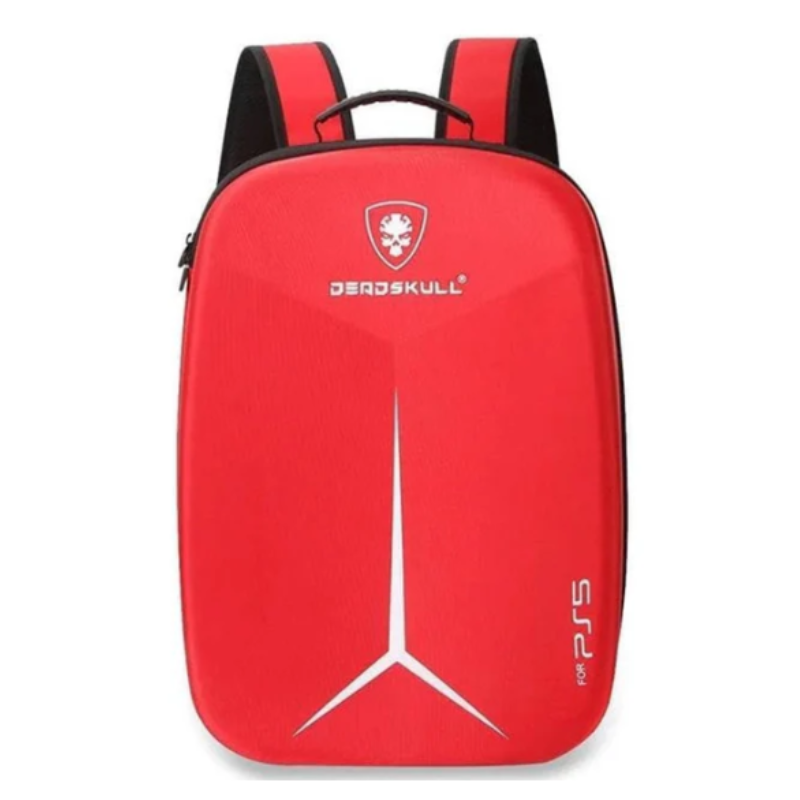
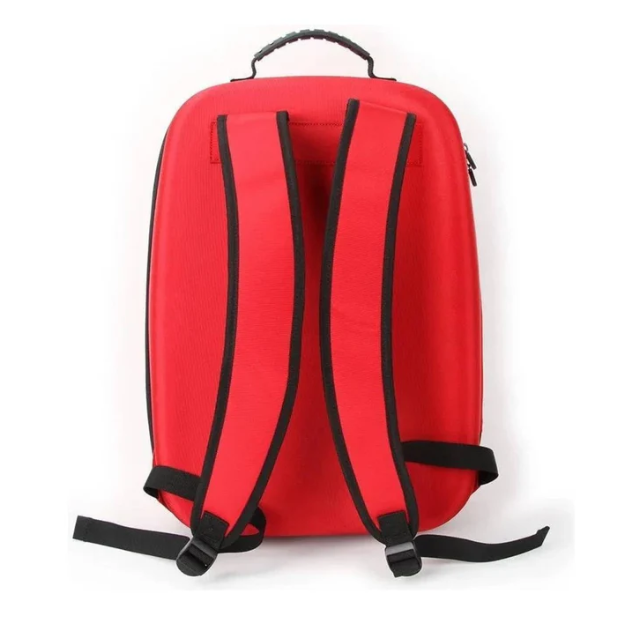
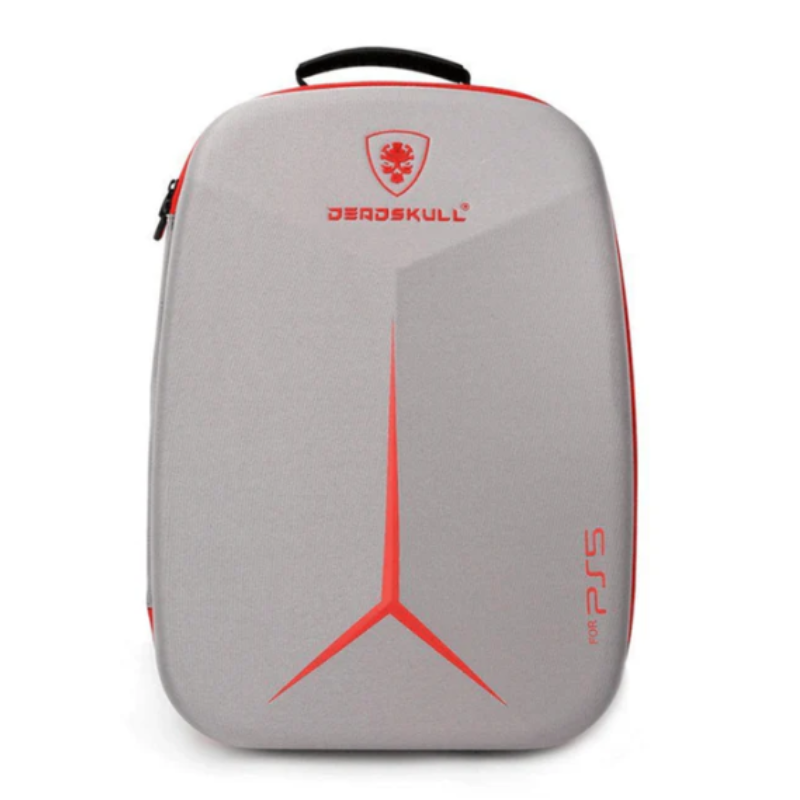
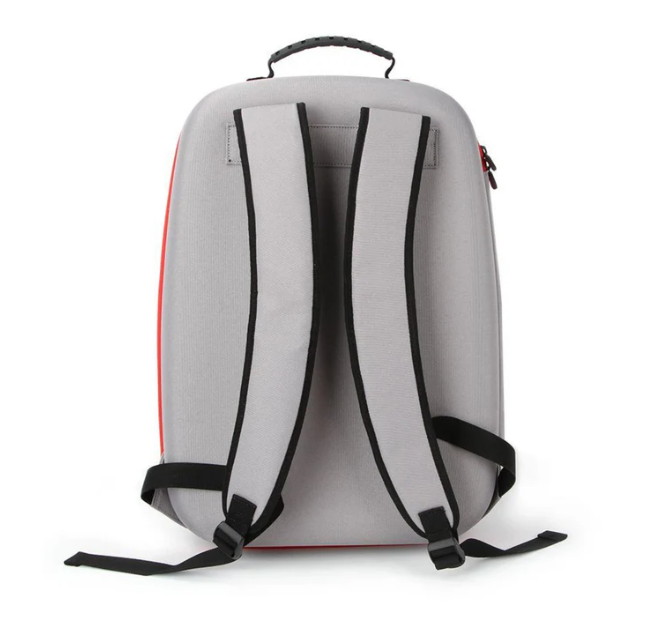
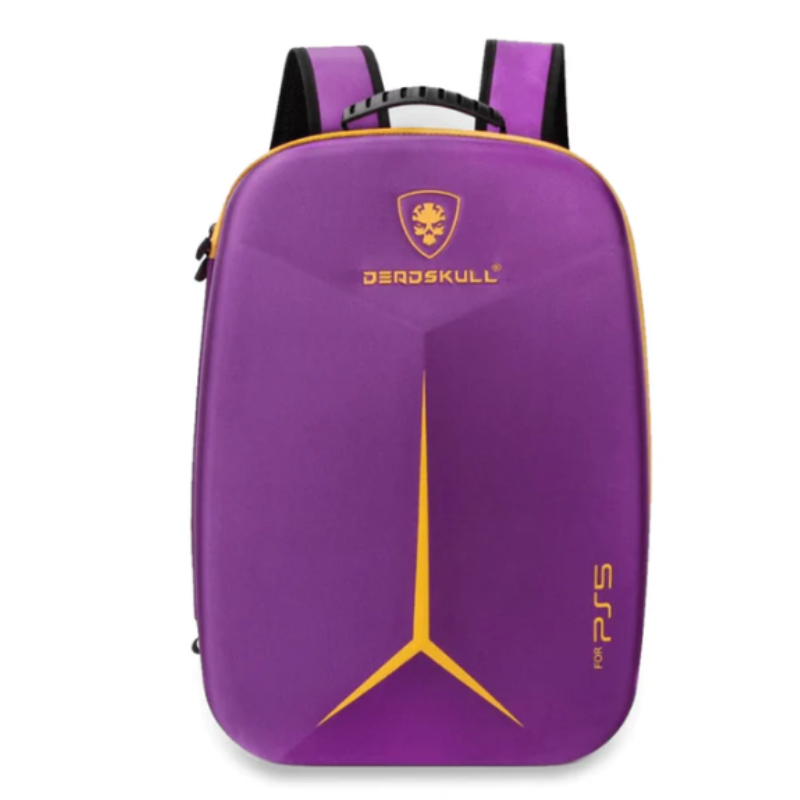
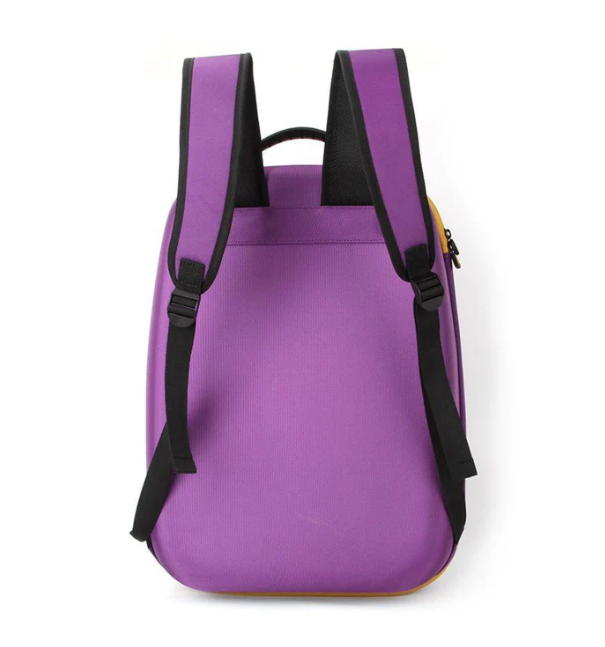
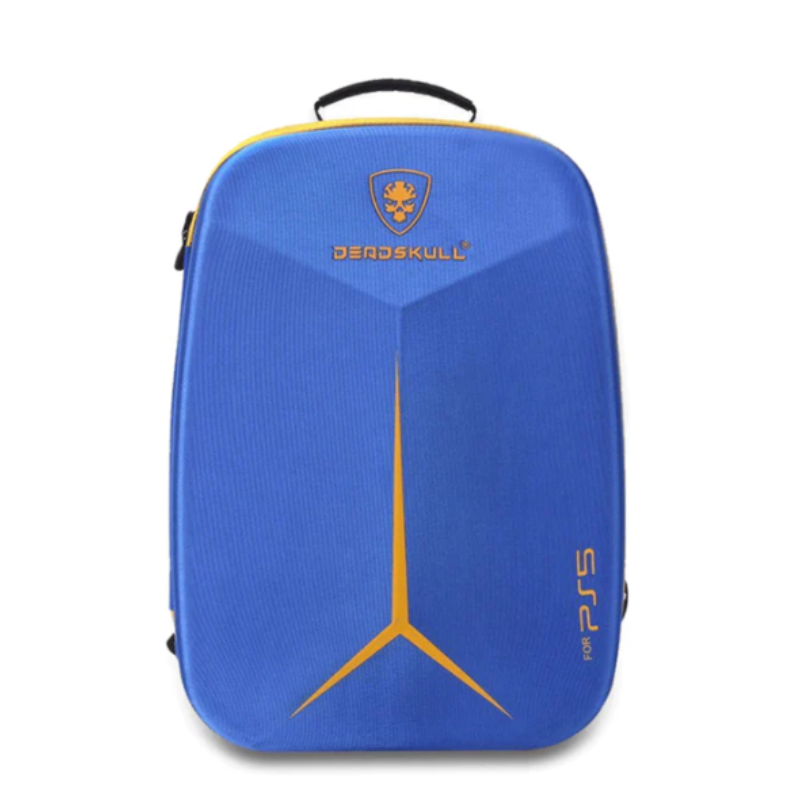
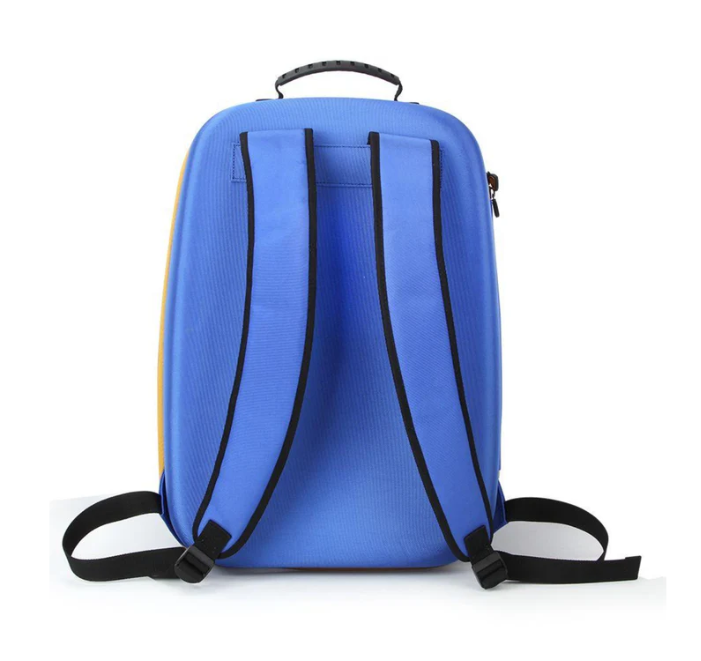
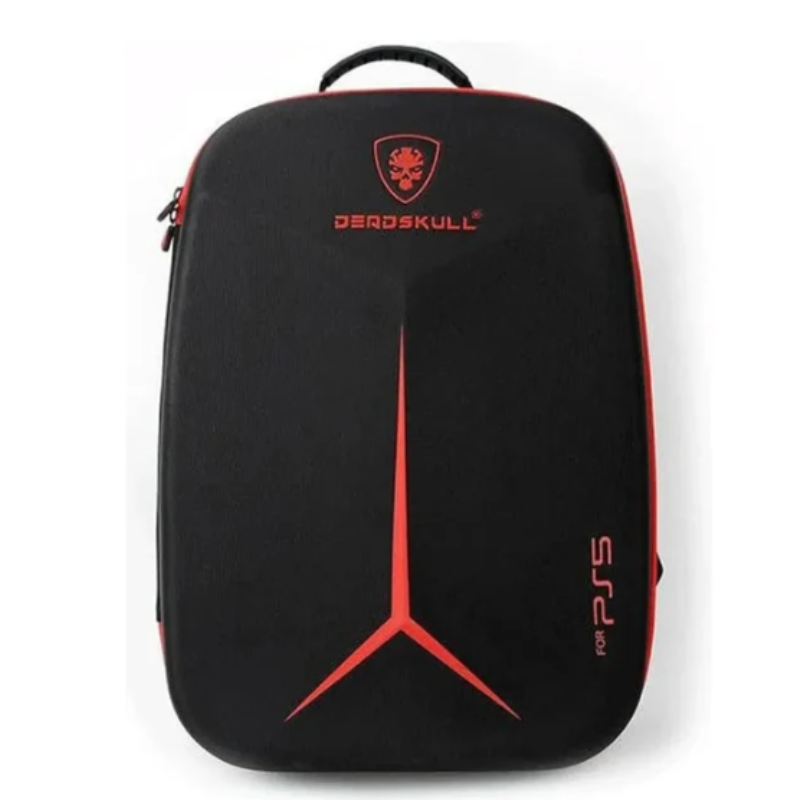
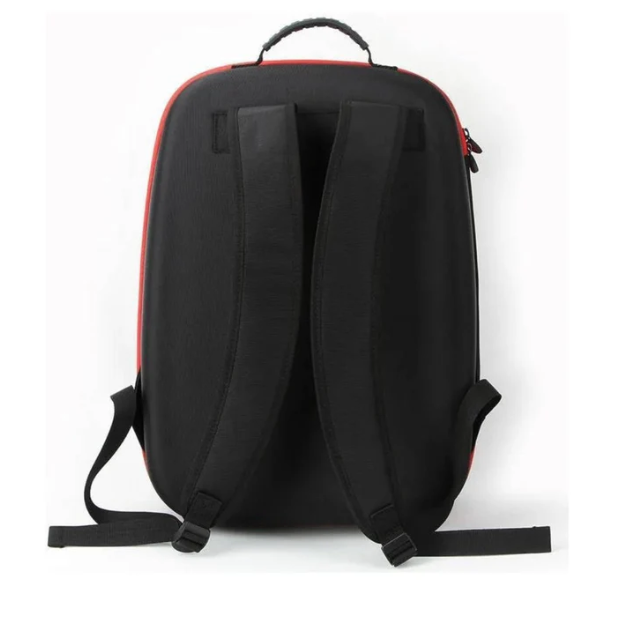
Deadskull PS 5 Carrying Backpack
SKU:
The DeadSkull PS5 Carrying Backpack is a durable and stylish solution for transporting your PlayStation 5 console and accessories. Designed with a hard-shell canvas exterior and cushioned interior, it offers shockproof and dustproof protection. The backpack features dedicated compartments for the PS5 console, controllers, cables, and games, ensuring organized and secure storage. Its adjustable shoulder straps and handle provide comfortable carrying options, making it ideal for gamers on the go.
10.800 OMR
✅ What’s in the Box:
-
DeadSkull PS5 Carrying Backpack
-
Adjustable shoulder straps
-
User manual
🧼 How to Use:
-
Prepare the Backpack:
-
Unzip all compartments and ensure the backpack is clean and free from debris.
-
-
Insert the PS5 Console:
-
Open the main compartment.
-
Gently place the PS5 console into the designated space, ensuring it fits snugly.
-
-
Store Accessories:
-
Use the side compartments to store:
-
Two wireless controllers
-
Headphones
-
AC power cord
-
HDMI and USB cables
-
Multiple game discs
-
-
-
Secure the Contents:
-
Use the provided straps and dividers to secure the PS5 console and accessories, preventing movement during transport.
-
-
Adjust the Straps:
-
Adjust the shoulder straps to your preferred length for comfortable carrying.
-
Use the top handle for an alternative carrying option.
-
🧽 How to Clean & Maintain:
-
Regular Cleaning:
-
Wipe the exterior with a damp cloth to remove dust and stains.
-
Clean the interior with a soft brush or cloth to remove debris.
-
-
Deep Cleaning:
-
If the backpack is heavily soiled, hand wash with mild detergent and lukewarm water.
-
Air dry completely before use.
-
-
Storage:
-
When not in use, store the backpack in a cool, dry place.
-
Avoid placing heavy objects on top to maintain its shape.
-
⚠️ Important Tips:
-
Avoid Overloading: Do not exceed the recommended weight capacity to prevent strain on the zippers and straps.
-
Keep Dry: Ensure the backpack remains dry to prevent mold and mildew growth.
-
Regular Checks: Periodically check the straps, zippers, and compartments for wear and tear.
ماركة
DEADSKULL
استنادا إلى 0 من المراجعات
Be the first to review “Deadskull PS 5 Carrying Backpack”
منتجات ذات صلة
-
أجهزة الألعاب, ألعاب الفيديو ووحدات التحكم
Cleo-GA 2.4G Wireless Game M22 Ultra
-
Plug-and-Play 4K HD HDMI Output: Connects directly into your TV, monitor, or projector HDMI port for instant high-definition retro gaming without complex setup.
-
30,000+ Preloaded Retro Games: Loaded with a massive library of classic arcade and retro titles powered by 52 built-in game emulators.
-
Dual 2.4GHz Wireless Gamepads: Includes two ergonomic wireless controllers providing stable, low-latency control for seamless two-player action.
-
Expandable 64GB High-Speed Storage: Generous memory capacity ensures smooth game performance, quick loading, and room for game saves.
-
Open-Source Linux RetroArch System: Powered by a stable operating system delivering high emulation compatibility across classic gaming eras.
SKU: 0910000085 -
-
-
أجهزة الألعاب, ألعاب الفيديو ووحدات التحكم
Nintendo Switch 2 Joy Con 2 Controller
-
Next-Gen Magnetic Attachment: Replaces physical rail slides with secure, high-strength magnetic latches for effortless snapping and docking.
-
Dedicated GameChat & C Button: Features an integrated chat shortcut button alongside expanded system navigation options for seamless communication.
-
Enhanced Motion Controls & HD Rumble 2.0: Upgraded internal gyroscopes and refined haptic feedback deliver high-precision spatial tracking and tactile realism.
-
Versatile Multi-Mode Play: Operates wirelessly as two standalone controllers, combined into a single gamepad, or attached directly to the console.
SKU: 0906000073 -


لا توجد مراجعات حتى الآن.