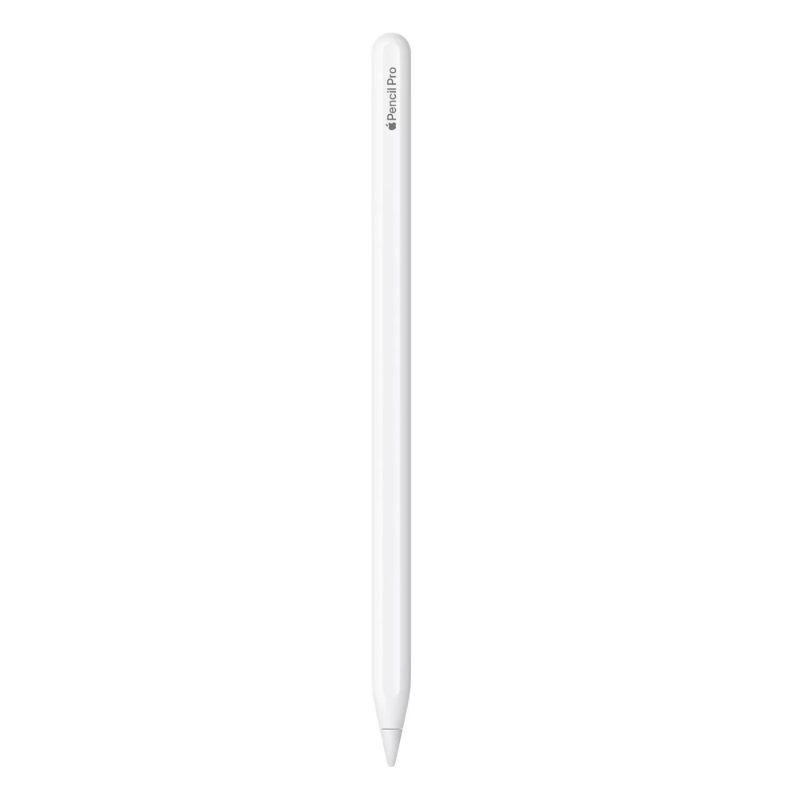
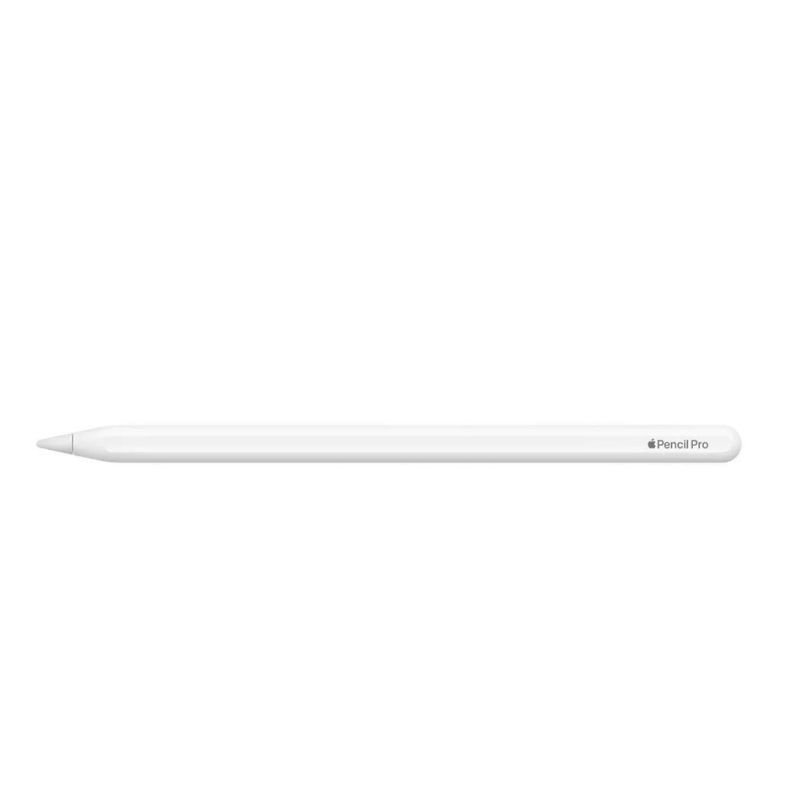
1. **Pairing**: Turn on your Apple device and ensure that Bluetooth is enabled. Remove the cap from the end of the Pencil Pro to reveal the Lightning connector. Plug the Pencil Pro into the Lightning port of your device. Follow the on-screen prompts to pair the Pencil Pro with your device. Once paired, you’re ready to use it.
2. **Charging**: When the battery of your Pencil Pro is low, you can charge it by connecting it to the Lightning port of your device or using a compatible Lightning cable. A quick charge feature allows you to get 30 minutes of use after just 15 seconds of charging. A full charge provides extended use.
3. **Drawing and Writing**: With the Pencil Pro paired and charged, you can start using it for drawing, writing, or navigating your device. The Pencil Pro offers high precision, pressure sensitivity, and tilt recognition, making it ideal for various tasks such as sketching, note-taking, or annotating documents.
4. **Customizing Settings**: Depending on your preferences, you can customize the settings of the Pencil Pro to suit your needs. This includes adjusting the double-tap functionality, which allows you to switch between tools or toggle features like eraser mode. Navigate to the Settings app on your device, then select “Apple Pencil” to access customization options.
5. **Storing and Care**: When not in use, it’s essential to store your Pencil Pro properly to prevent damage. The magnetic attachment feature allows you to securely attach the Pencil Pro to the side of your compatible iPad for easy access and storage. Additionally, avoid dropping or applying excessive pressure to the Pencil Pro to maintain its performance and longevity.
Mebashi ME-CEM301 3in1 Multi Capsule Coffee Machine
OTVO P4 USB DATA CABLE (For P4 Host & Handle)
APPLE IPAD Pro 12.9 Inch 4TH GEN SMART KEYBOARD FOLIO
SONY PS4 Rocket Arena Game CD
Cle Usb Fridge
Cleo-TY Sparkblade LED Samurai Katana Toy 8899Y1
Candc DC C9 Cardioid Microphone
RING SUPPLEMENTARY LAMP 36W + STAND
New Arrivals
Offers
Service & Repair


There are no reviews yet.