
 أقل سعر
 الخدمة والإصلاح

 أحدث
أحدث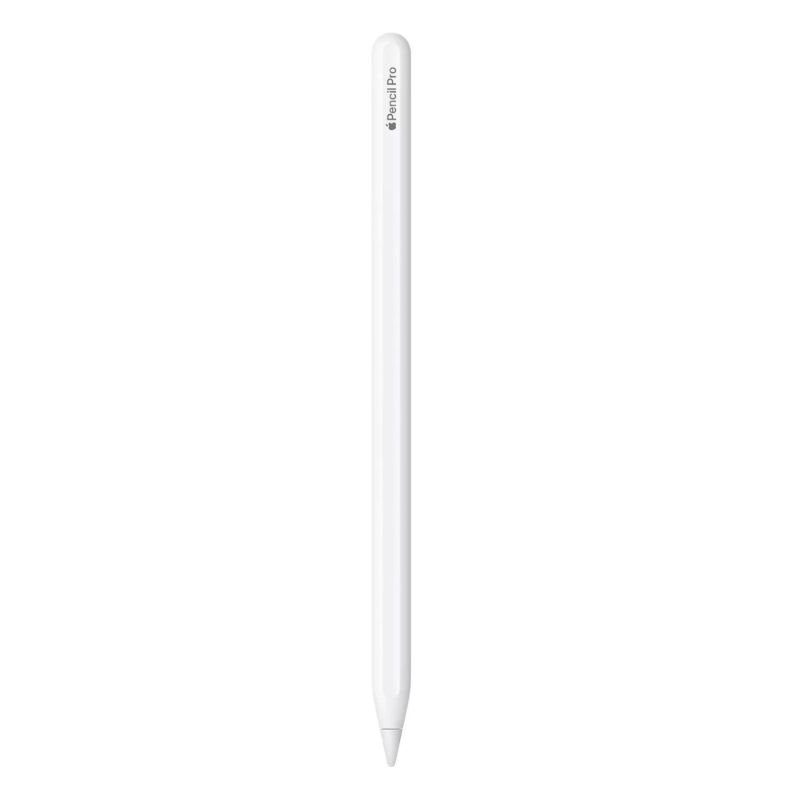
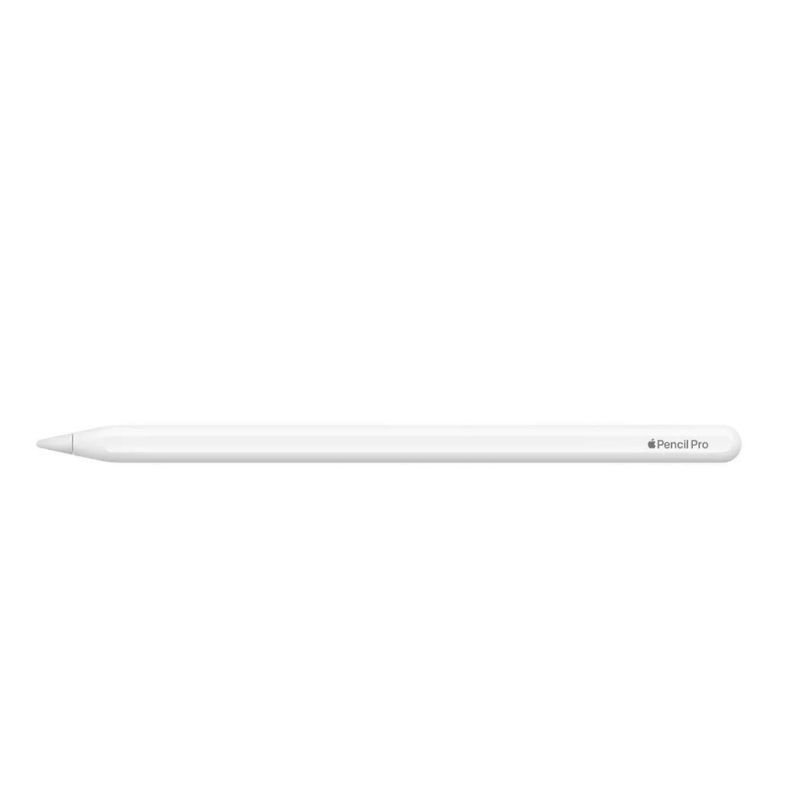
Apple MX2D3ZE PENCIL PRO – A2538
SKU: Apple MX2D3ZE PENCIL PRO - A2538
متوفر في المخزون
The Apple MX2D3ZE Pencil Pro (Model A2538) is a cutting-edge stylus designed to enhance the precision and versatility of your digital creations. With its sleek design and seamless compatibility with Apple devices, it offers a natural and responsive drawing experience. Equipped with advanced features like pressure sensitivity and tilt recognition, it allows artists, designers, and note-takers to express their creativity with unparalleled accuracy and fluidity. Whether you’re sketching, annotating documents, or editing photos, the Apple Pencil Pro is the ultimate tool for unleashing your imagination.
54.900 OMR
متوفر في المخزون
1. **Pairing**: Turn on your Apple device and ensure that Bluetooth is enabled. Remove the cap from the end of the Pencil Pro to reveal the Lightning connector. Plug the Pencil Pro into the Lightning port of your device. Follow the on-screen prompts to pair the Pencil Pro with your device. Once paired, you’re ready to use it.
2. **Charging**: When the battery of your Pencil Pro is low, you can charge it by connecting it to the Lightning port of your device or using a compatible Lightning cable. A quick charge feature allows you to get 30 minutes of use after just 15 seconds of charging. A full charge provides extended use.
3. **Drawing and Writing**: With the Pencil Pro paired and charged, you can start using it for drawing, writing, or navigating your device. The Pencil Pro offers high precision, pressure sensitivity, and tilt recognition, making it ideal for various tasks such as sketching, note-taking, or annotating documents.
4. **Customizing Settings**: Depending on your preferences, you can customize the settings of the Pencil Pro to suit your needs. This includes adjusting the double-tap functionality, which allows you to switch between tools or toggle features like eraser mode. Navigate to the Settings app on your device, then select “Apple Pencil” to access customization options.
5. **Storing and Care**: When not in use, it’s essential to store your Pencil Pro properly to prevent damage. The magnetic attachment feature allows you to securely attach the Pencil Pro to the side of your compatible iPad for easy access and storage. Additionally, avoid dropping or applying excessive pressure to the Pencil Pro to maintain its performance and longevity.

لا توجد مراجعات حتى الآن.