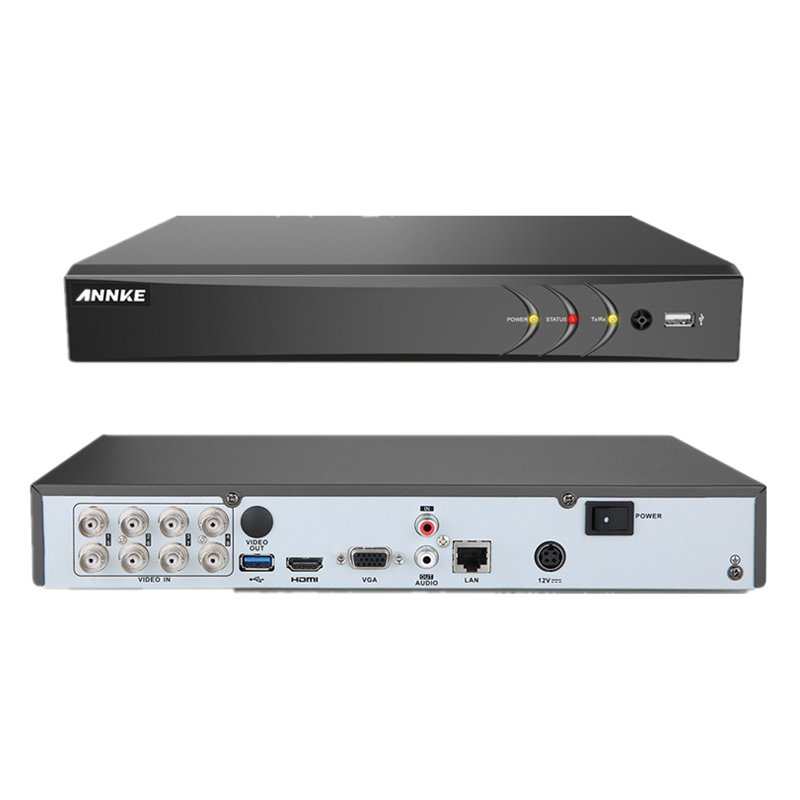
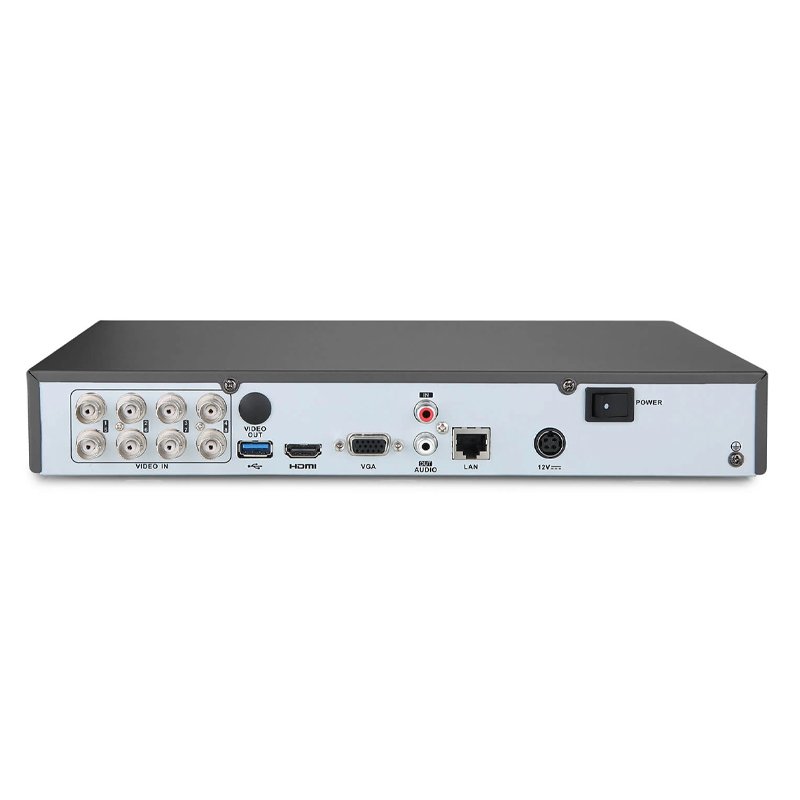
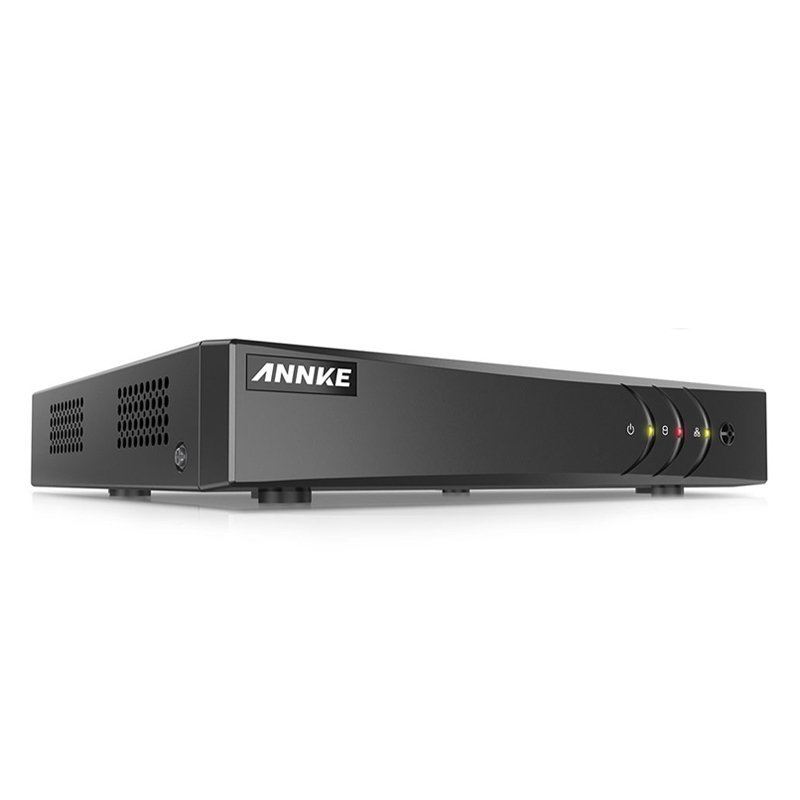
Sure, here’s a step-by-step guide for setting up the ANNKE DVR DT81DP:
1. **Unboxing and Setup**: Begin by unboxing the ANNKE DVR DT81DP and its accompanying accessories. Ensure you have all the necessary components, including the DVR, power adapter, remote control, and cables.
2. **Connection**: Connect your surveillance cameras to the DVR using the provided coaxial cables. Ensure each camera is securely connected to its corresponding channel on the DVR to enable video recording and monitoring.
3. **Power On**: Plug the DVR into a power source using the included power adapter. Power on the DVR and wait for it to boot up. Once powered on, the DVR will initialize and be ready for setup.
4. **Initial Setup**: Connect the DVR to a display monitor or TV using an HDMI or VGA cable. Follow the on-screen prompts to complete the initial setup, including language selection, date and time configuration, and network settings if applicable.
5. **Configuration and Monitoring**: Access the DVR’s menu interface using the included remote control or front panel buttons. Configure settings such as motion detection, recording schedules, and remote access options according to your preferences. You can then monitor live video feeds, playback recorded footage, and manage your surveillance system remotely using the ANNKE app or software.
Logitech M350 Pebble Mouse Rose
FANTECH W 188 WIRELESS OFFICE MOUSE
Canon Ink Paper Set Postcard Size Rp108
Sony PS5 HD Camera
BBurago Metal Car Ferrari 499P Size 1.18
Tolaye Ks06 Keyboard Stand
Boya Wireless Microphone By Wm4 Pro
Bm 13k Bee Melodica
New Arrivals
Offers
Service & Repair


There are no reviews yet.