
 New Arrivals
 Offers
 Service & Repair

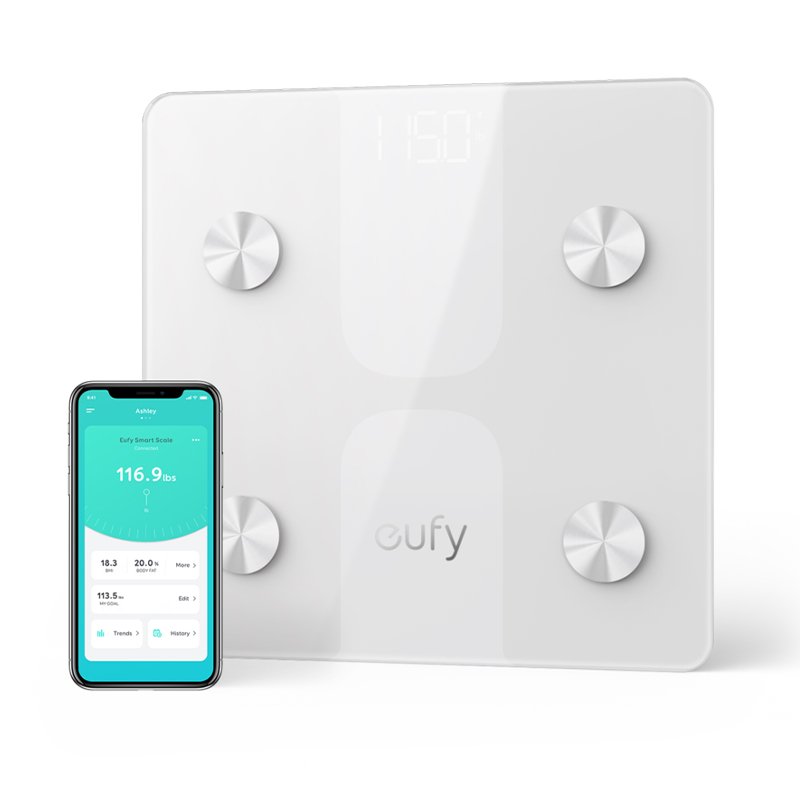
ANKER C1 SMART SCALE White
SKU: ANKER C1 SMART SCALE White
Out of stock
HOLISTIC HEALTH: Instantly learn 12 insightful measurements of your body’s health.FREE EUFYLIFE APP & 3RD-PARTY APPS: Track your measurements on Apple Health, Google Fit, and Fitbit.ACCURACY IMPROVED BY 10%: Two pairs of super-sensitive G-shaped sensors ensure more precise measurements.FOR THE WHOLE FAMILY: Track the health trends of up to 16 users from one account,recognise each member automatically.
Out of stock
1. **Setup**: Begin by unboxing your Anker C1 Smart Scale and placing it on a flat and stable surface in your desired location. Ensure it’s within range of your smartphone or tablet for connectivity.
2. **Download App**: Download and install the “Anker EufyLife” app from the App Store (for iOS) or Google Play Store (for Android). Create an account or log in if you already have one.
3. **Pairing**: Open the app and follow the on-screen instructions to pair your Anker C1 Smart Scale with your smartphone or tablet via Bluetooth. Make sure your device’s Bluetooth is turned on.
4. **Measurement**: Step onto the scale with bare feet and ensure your weight is evenly distributed. The scale will display your weight on its LED screen, and the data will also be sent to the app for tracking.
5. **Data Analysis**: After weighing yourself, the Anker EufyLife app will sync the data automatically. Use the app to track your weight trends, body composition, and set goals for a healthier lifestyle. You can also share your progress with friends and family for added motivation.
With these simple steps, you can effectively use the Anker C1 Smart Scale to track your weight and achieve your fitness goals.

There are no reviews yet.