
-
×
 used Nokia 3109
1 × 17.900 OMR
-
×
 Cleo-TY Small Train Aroma Diffuser HT4307 J045
1 × 6.800 OMR
-
×
 TY Scoring Pinball Game
1 × 7.800 OMR
-
×
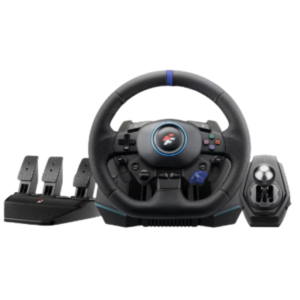 Flashfire Monaco Racing Wheel F127
1 × 74.900 OMR
-
×
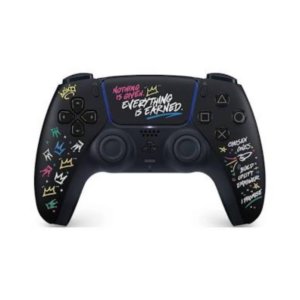 Sony Ps 5 DualSense Wireless Controller LeBron James Limited Edition
1 × 34.900 OMR
-
×
 Used Nokia X3 02 Touch
1 × 20.500 OMR
-
×
 Boya Larger Diaphragm Condenser Microphone By M1000
2 × 38.800 OMR
-
×
 SONY PS4 STAR WARS SQUADRONS GAME CD
1 × 15.800 OMR
-
×
 WAHL 8467 SUPER TAPER
1 × 19.900 OMR
-
×
 Biba Flute Deluxe
2 × 6.500 OMR
-
×
 SONY PS4 TOM CLANCY'S RAINBOW SIX SIEGE GAME CD
1 × 17.700 OMR
-
×
 Sony PS5 Dual Sense Wireless Controller - Purple
1 × 25.900 OMR
-
×
 TIAN DU FAST CAR REMOTE CONTROL TOYS
1 × 4.000 OMR
-
×
 Meroon Is 75b Mic Stand Round Base
1 × 10.000 OMR
-
×
 SONY PS4 NIOH 2 GAME CD
1 × 9.900 OMR
-
×
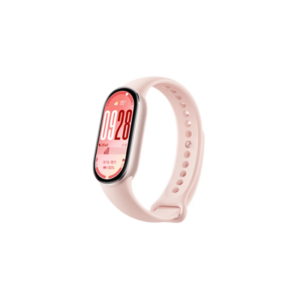 Xiaomi M2459B1 Smart Band 10 Mystic Rose
1 × 14.900 OMR
-
×
 Bm 13k Bee Melodica
1 × 5.900 OMR
-
×
 USAMS Iphone 11 Pro Metal Camera Lens Glass Film
1 × 1.900 OMR
-
×
 WAHL HOME PRO 300 SERIES HAIRCUT KIT
1 × 15.800 OMR
Subtotal: 395.100 OMR
 New Arrivals
 Offers
 Service & Repair


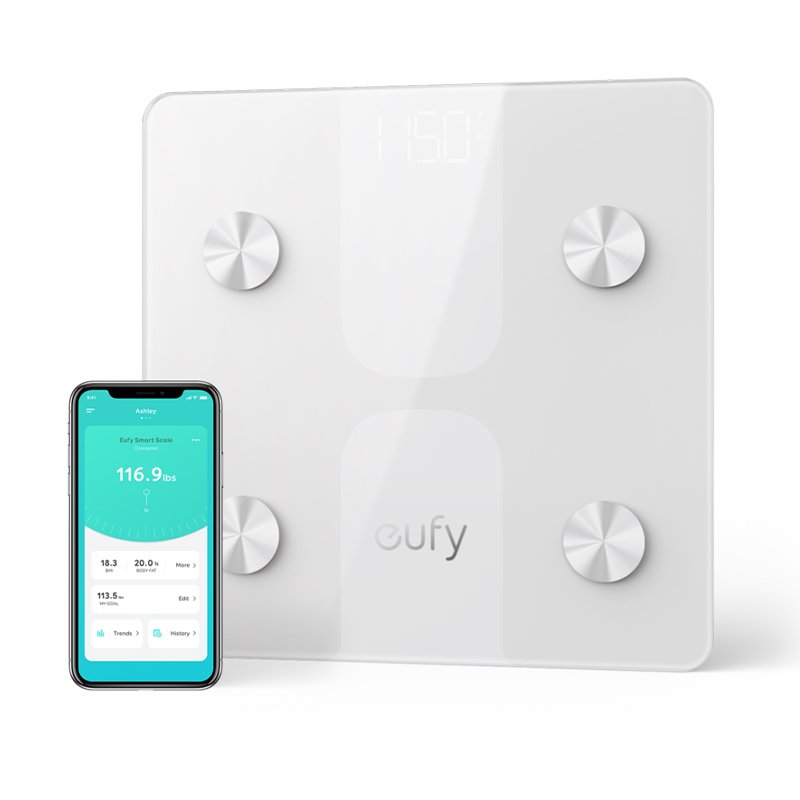
There are no reviews yet.