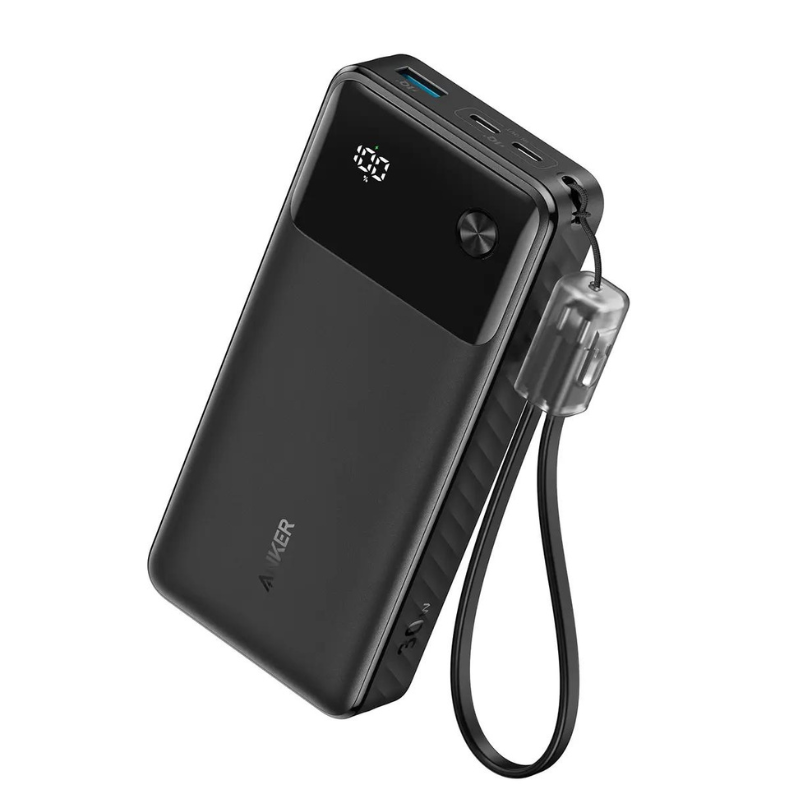
1. **Charge the Power Bank**: Use the included USB-C cable to charge the ANKER A1384 Power Bank. Connect the USB-C end to the power bank and the other end to a USB power source such as a wall adapter or a computer.
2. **Check Battery Level**: Press the power button on the power bank to check the remaining battery level. The LED indicators will show how much charge is left in the power bank.
3. **Connect Your Device**: Use the appropriate charging cable for your device (USB-C or USB-A). Plug one end into the power bank’s output port and the other end into your device (e.g., smartphone, tablet).
4. **Start Charging**: Once connected, the power bank will automatically start charging your device. You may need to press the power button on the power bank if it doesn’t start charging automatically.
5. **Monitor Charging**: Keep an eye on your device’s battery level and the power bank’s LED indicators to ensure the device is charging properly. Disconnect the cable when your device is fully charged to conserve power.

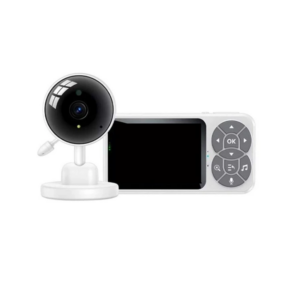 Yesido Wireless Baby Monitor KM26
1 × 22.900 OMR
Yesido Wireless Baby Monitor KM26
1 × 22.900 OMR 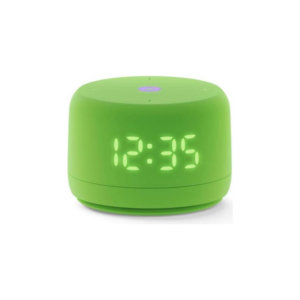 Yasmina Lite Smart Portable Bluetooth Speaker Green
1 × 14.900 OMR
Yasmina Lite Smart Portable Bluetooth Speaker Green
1 × 14.900 OMR  USAMS Iphone 11 Pro Metal Camera Lens Glass Film
2 × 1.900 OMR
USAMS Iphone 11 Pro Metal Camera Lens Glass Film
2 × 1.900 OMR  L-1 Professional Streaming Player Stand
1 × 13.900 OMR
L-1 Professional Streaming Player Stand
1 × 13.900 OMR  New Arrivals
 Offers
 Service & Repair


There are no reviews yet.