
-
×
 Yesido Phone Holder C81 Magnetic
1 × 1.900 OMR
-
×
 Cpt 0783-347 Metal 1.22 Dfeneder
1 × 4.800 OMR
-
×
 Next Level F Gt Lite Gaming Racing Simulator Cockpit F Gt Lite
1 × 104.800 OMR
-
×
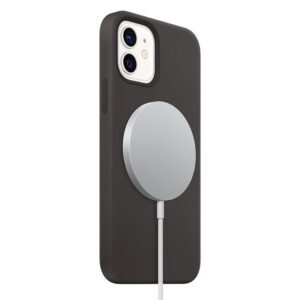 Apple Magsafe Wireless Charger MX6X3ZM/A 20w
1 × 14.900 OMR
-
×
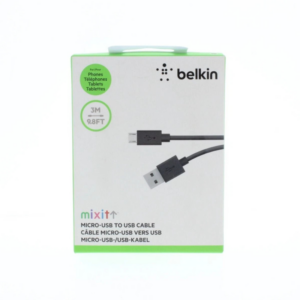 Belkin F2CU012bt Mixit Cable Usb A to Micro 3mtr
1 × 1.900 OMR
-
×
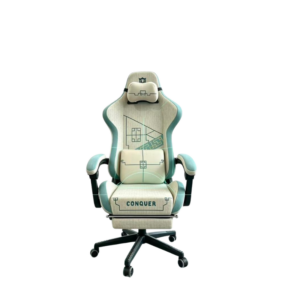 Cleo-GA Lxradeo Ergonomic Gaming Chair
1 × 49.900 OMR
-
×
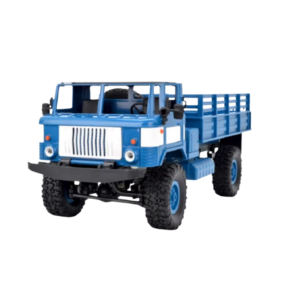 Cleo-TY Remote Control RC Military Truck B-24
1 × 14.900 OMR
-
×
 BK-20 OUD OIL BUKHOOR BURNER
1 × 6.400 OMR
-
×
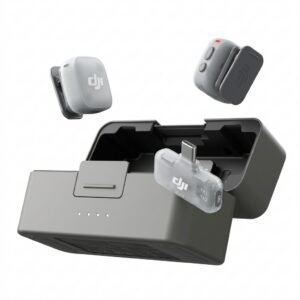 Dji Mini 2 Wireless Microphone DMMR02
1 × 29.900 OMR
-
×
 Mix Lite Mouse & Keyboard Converter
1 × 2.900 OMR
-
×
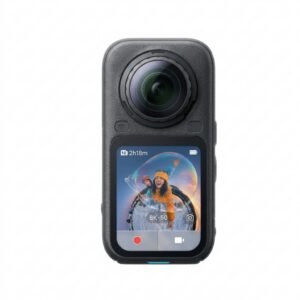 Insta360 X6 8K 360 Action Camera
1 × 239.900 OMR
-
×
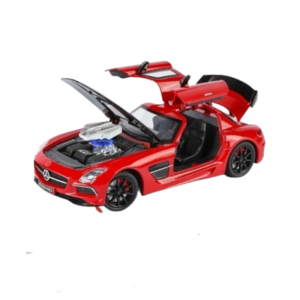 Cleo-TY Metal Car Mercedes Benz SLS A2451 Size 1.24
1 × 6.500 OMR
-
×
 USAMS Iphone 11 Pro Metal Camera Lens Glass Film
1 × 1.900 OMR
Subtotal: 480.600 OMR
 New Arrivals
 Offers
 Service & Repair


There are no reviews yet.