
-
×
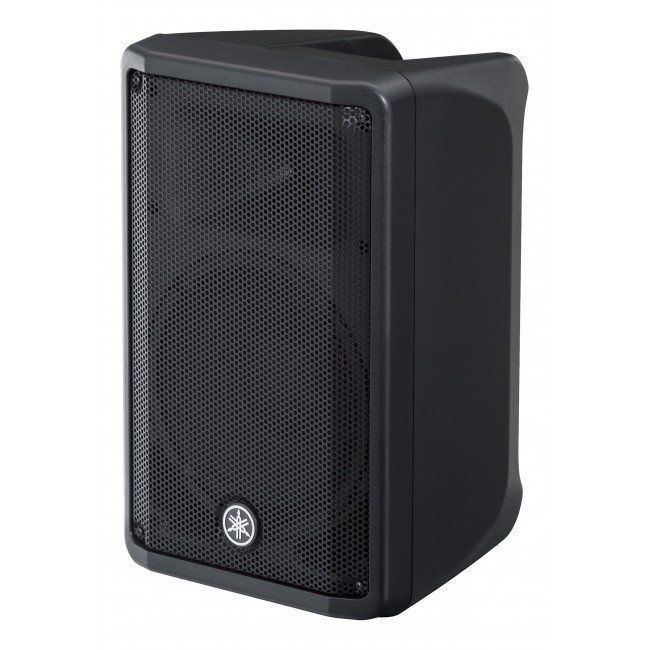
 Jbn Srx725 15" 2 Way Speaker
1 × 136.000 OMR
-
×
 Yesido Phone Holder C316 Wireless Charging Magnetic
1 × 4.250 OMR
-
×
 AHUJA AUD100XLR MICROPHONE
1 × 12.000 OMR
-
×
 BOYA LAVALIER MICROPHONE BY M40D
1 × 20.000 OMR
-
×
 Atouch Led Mini Game Box Keychain
1 × 0.400 OMR
-
×
 سي دي لعبة روكيت ارينا بلاستيشن 4
1 × 16.800 OMR
-
×
 Ezcap Audio Capture 241
1 × 6.400 OMR
-
×
 Earldom Phone Pouch ET S12 Waterproof
1 × 1.500 OMR
-
×
 Norton Internet Security Deluxe 1+2
1 × 7.500 OMR
-
×
 CarlinKit Car Play USB Dongle Mini Pro 745
1 × 8.900 OMR
-
×
 BOYA LARGER DIAPHRAGM CONDENSER MICROPHONE BY M1000
1 × 38.800 OMR
-
×
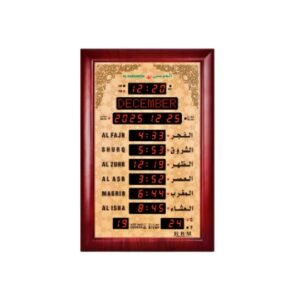 Al-Harameen Azan Clock HA5152
1 × 44.900 OMR
-
×
 Dlc Water Boiler 33230 30L
1 × 25.900 OMR
-
×
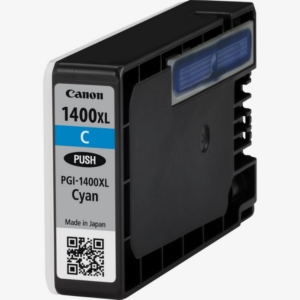 Canon Cartridge Maxify 1400 Cyan
1 × 7.500 OMR
-
×
 Anker True Wirless EarBuds D1202H11 R60i Nc Black
1 × 10.900 OMR
-
×
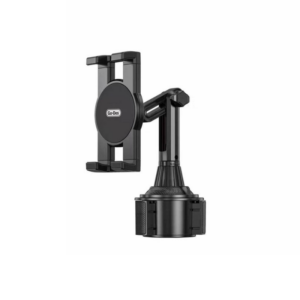 حامل تابلت للسيارة من Go-des GD HD313
1 × 4.500 OMR
-
×
 LAVALIER MICROPHONE LJ02
1 × 1.800 OMR
المجموع: 348.050 OMR
 أقل سعر
 الخدمة والإصلاح


 أحدث


لا توجد مراجعات حتى الآن.