
-
×
 ميلوديكا ميلوديكا النحلة Bm 13k
1 × 5.900 OMR
ميلوديكا ميلوديكا النحلة Bm 13k
1 × 5.900 OMR
المجموع: 5.900 OMR

SKU:
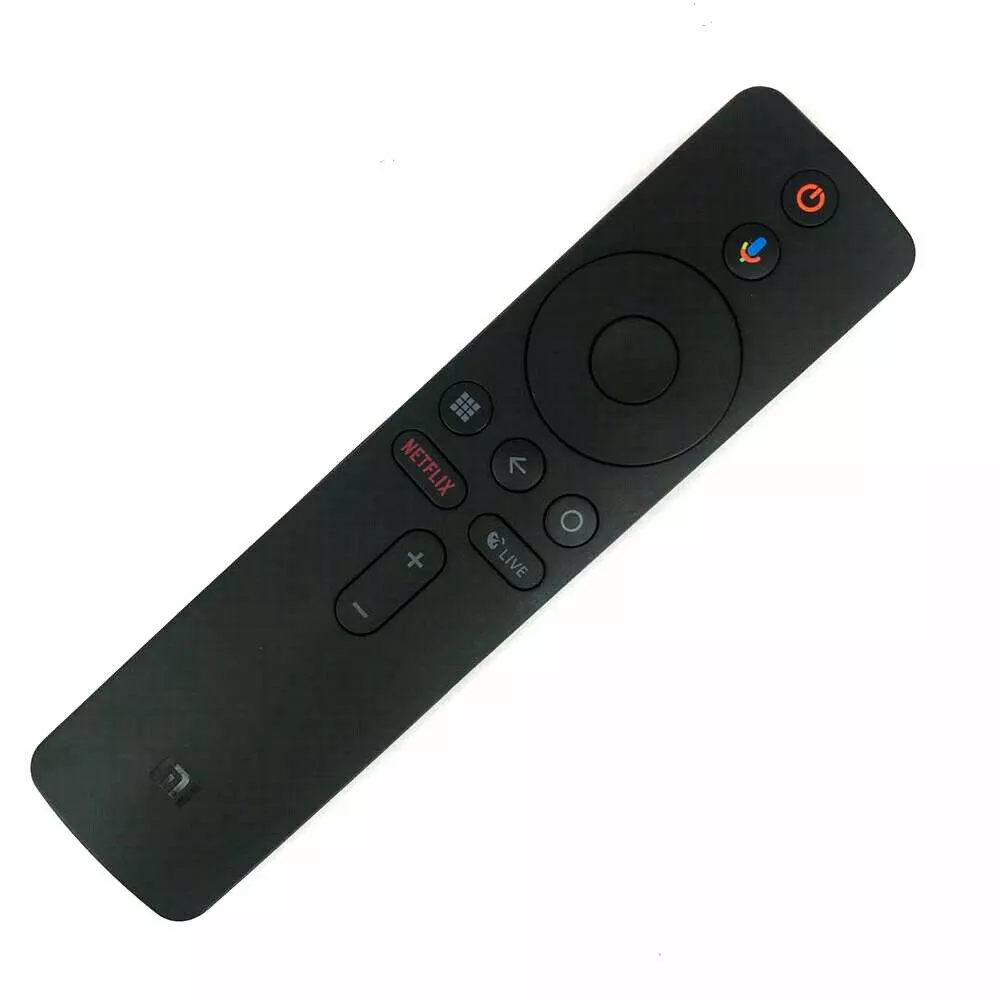
Xiaomi Universal Remote XMRM-006 for Mi Box S
A sleek Bluetooth remote designed for the Mi Box S, featuring voice control, dedicated shortcut keys (Netflix, Live), and easy pairing for seamless streaming and navigation.
3.900 OMR
Power On Your Mi Box S
Ensure your Mi Box S is connected to your TV and powered on.
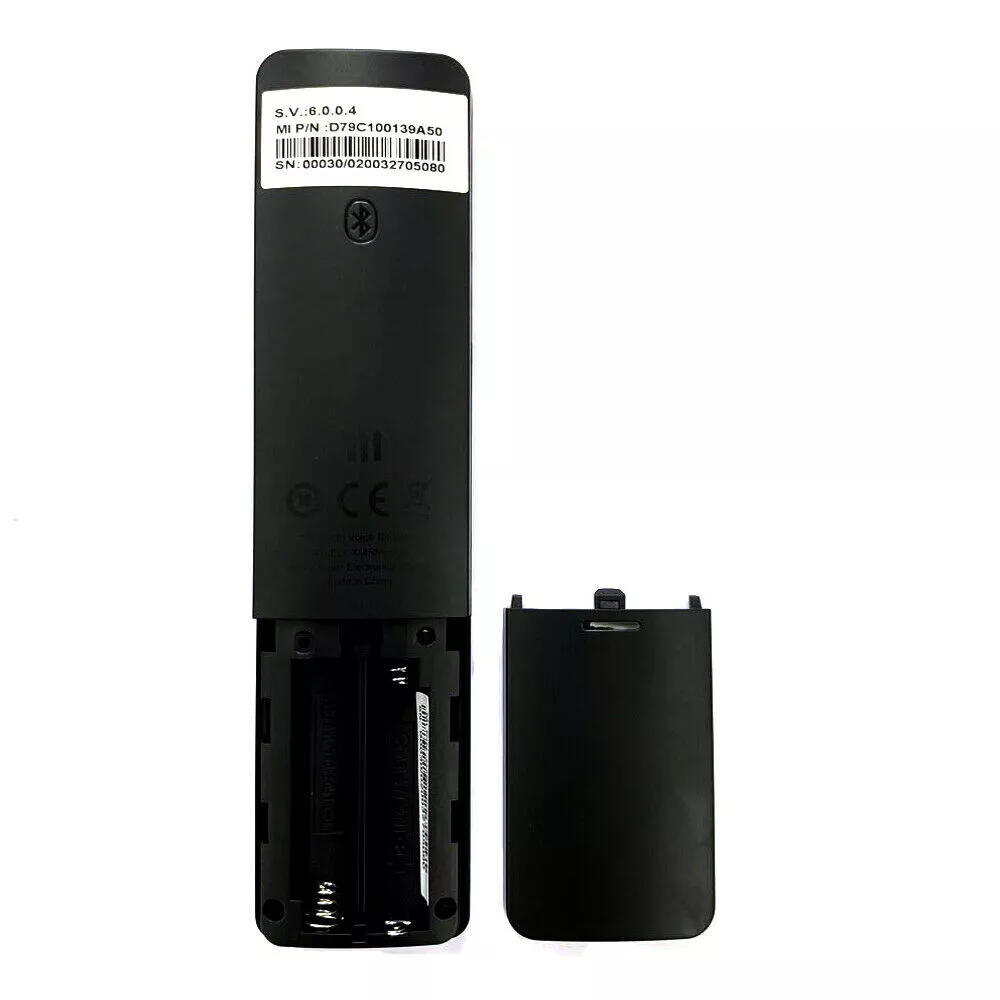
Insert Batteries into the Remote
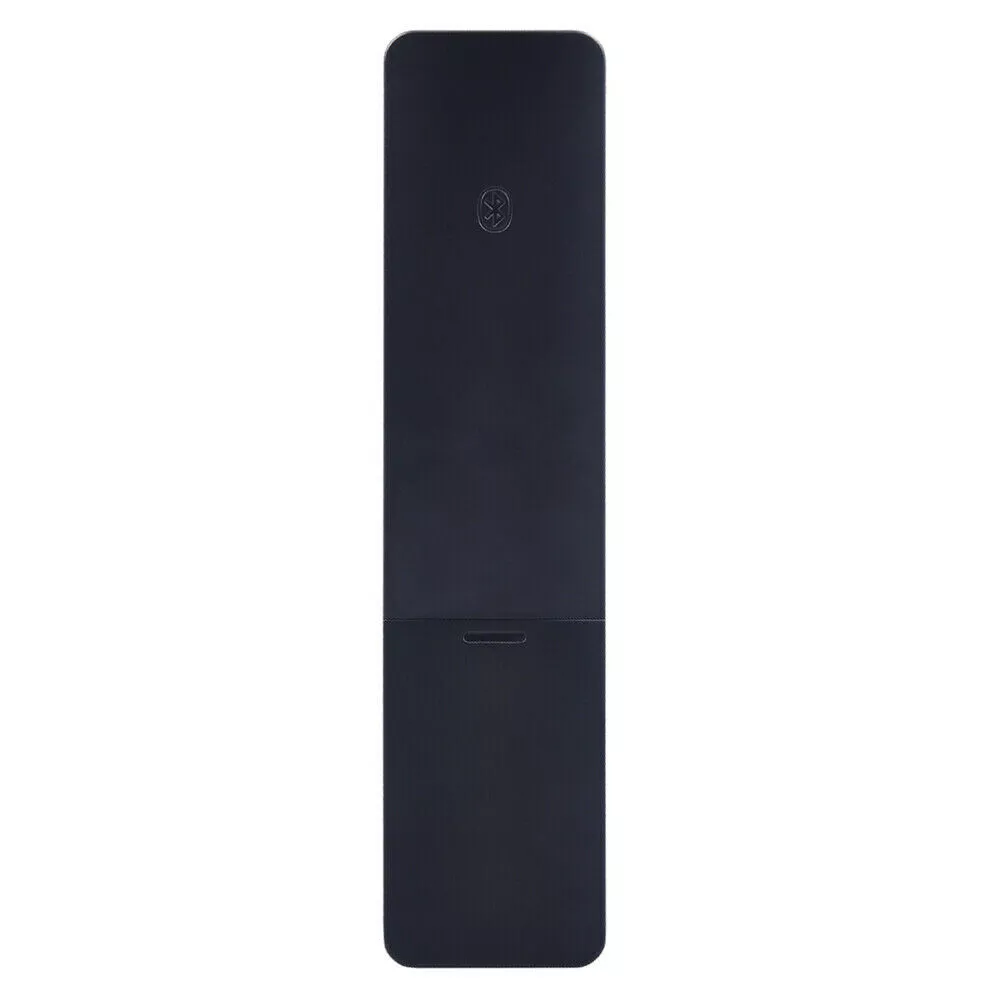
Open the battery compartment on the back of the remote, insert two AAA batteries, and close the compartment.
Initiate Pairing Mode
Press and hold the Home and Menu buttons on the remote simultaneously for about 15–30 seconds. Release the buttons when you hear a beep. The pairing interface should appear on your TV screen.
Confirm Successful Pairing
Wait for the on-screen message indicating successful pairing. You can now use the remote to control your Mi Box S.
*Base bottom with protective cushion design, effective anti-skid, make the host more stable.
*The charging design of the two-handles ensures that the handles have enough power at all times.
*Let the host be placed vertically to reduce the waste of space.
*The charging port of the handle designed, and the handle can be lifted and lowered at any time when charging.
*Dual fans are cooled to prevent the host from overheating during the game.
 أقل سعر
 الخدمة والإصلاح


لا توجد مراجعات حتى الآن.