
 New Arrivals
 Offers
 Service & Repair


Xiaomi Universal Remote Xmrm006 Mi Box
SKU:
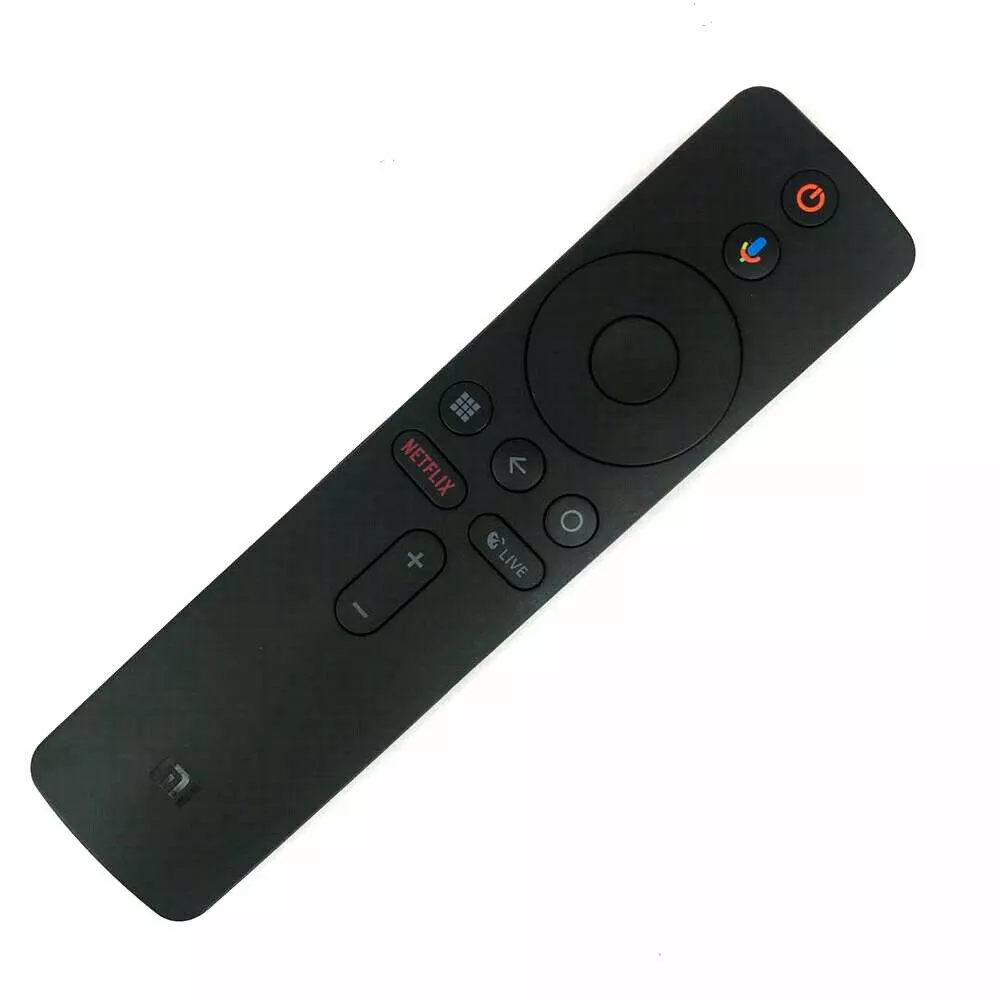
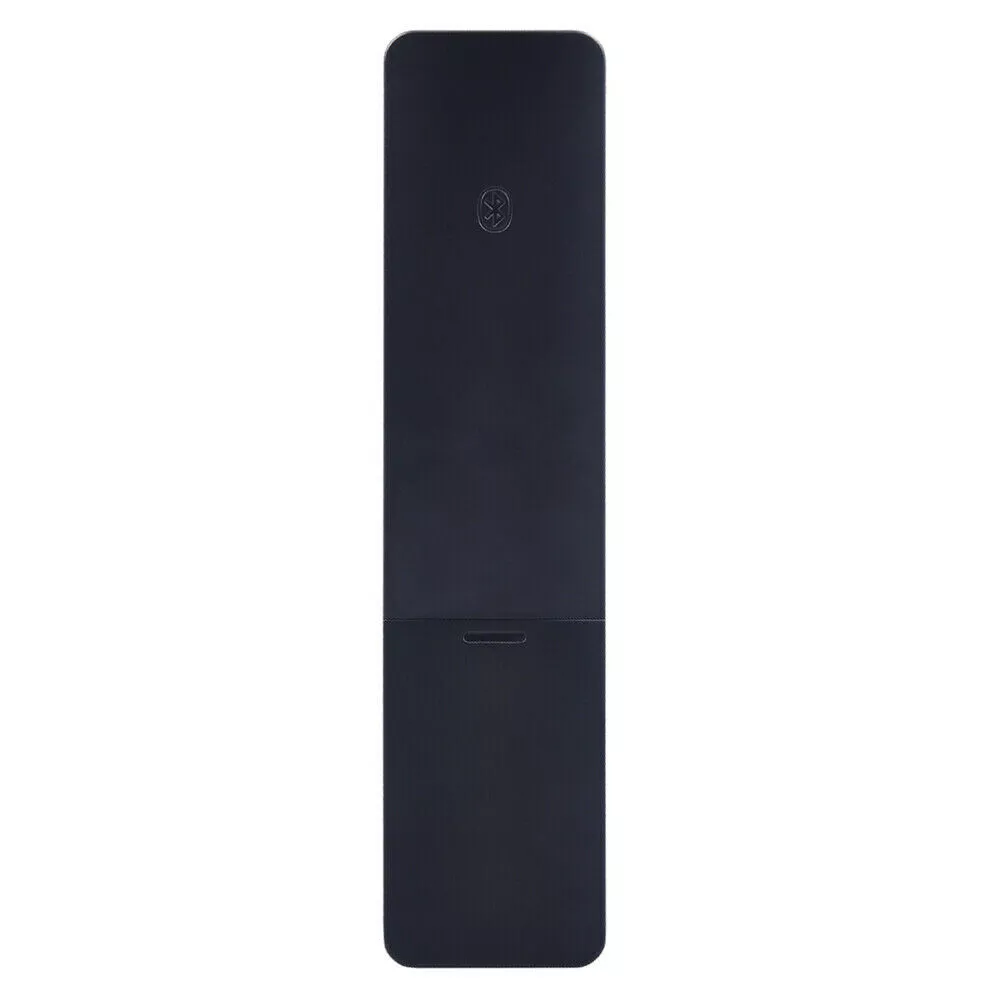
Xiaomi Universal Remote XMRM-006 for Mi Box S
A sleek Bluetooth remote designed for the Mi Box S, featuring voice control, dedicated shortcut keys (Netflix, Live), and easy pairing for seamless streaming and navigation.
3.900 OMR
-
Power On Your Mi Box S
Ensure your Mi Box S is connected to your TV and powered on. -
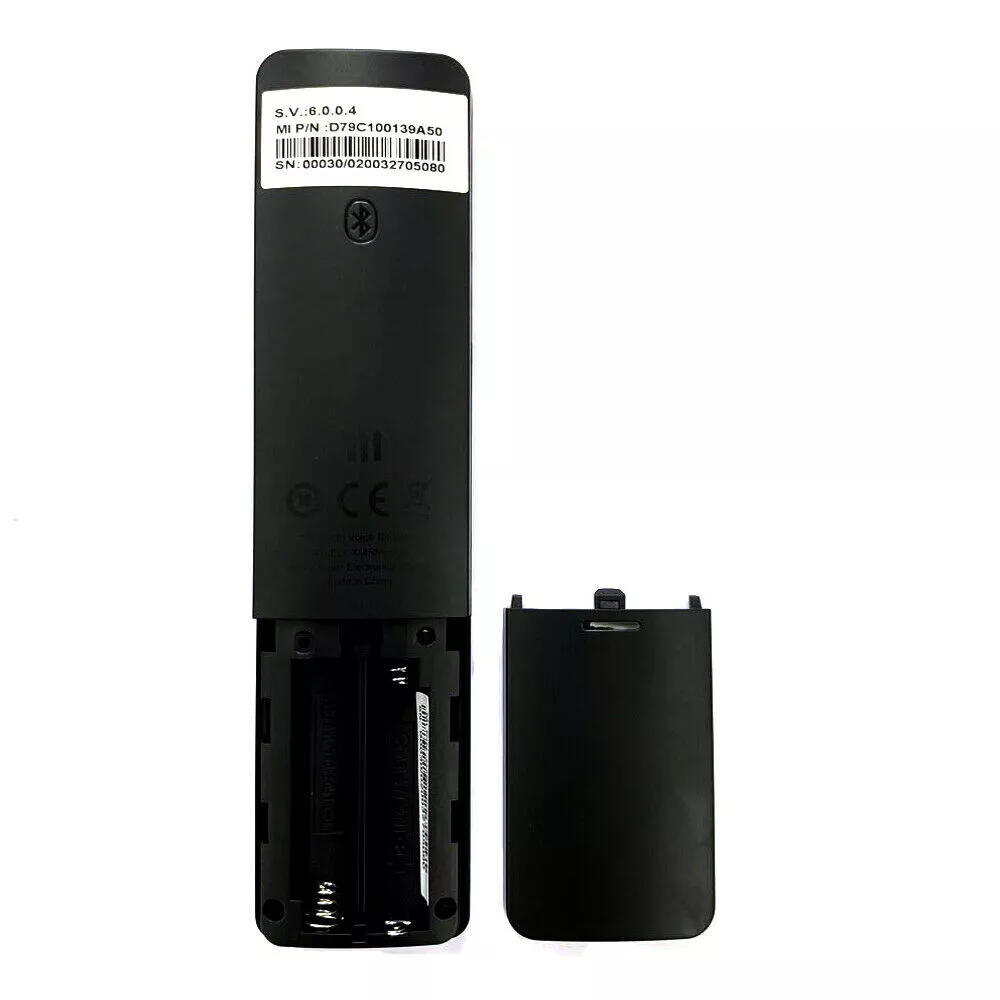
Insert Batteries into the Remote
Open the battery compartment on the back of the remote, insert two AAA batteries, and close the compartment. -
Initiate Pairing Mode
Press and hold the Home and Menu buttons on the remote simultaneously for about 15–30 seconds. Release the buttons when you hear a beep. The pairing interface should appear on your TV screen. -
Confirm Successful Pairing
Wait for the on-screen message indicating successful pairing. You can now use the remote to control your Mi Box S.
Brand
Xiaomi
Based on 0 reviews
Be the first to review “Xiaomi Universal Remote Xmrm006 Mi Box”
Related products
-
Electronics, Stock Clearance
Candc DC C9 Cardioid Microphone
– Brand: CANDC
– Polar Pattern : Cardioid
– Professional Furry Windshield Included
– Compact and Lightweight Directional Mic
– Compatible with Smartphones, Tablets, DSLR Cameras, Consumer Camcorders, Audio Recorders etcSKU: Candc DC C9 Cardioid Microphone -


There are no reviews yet.