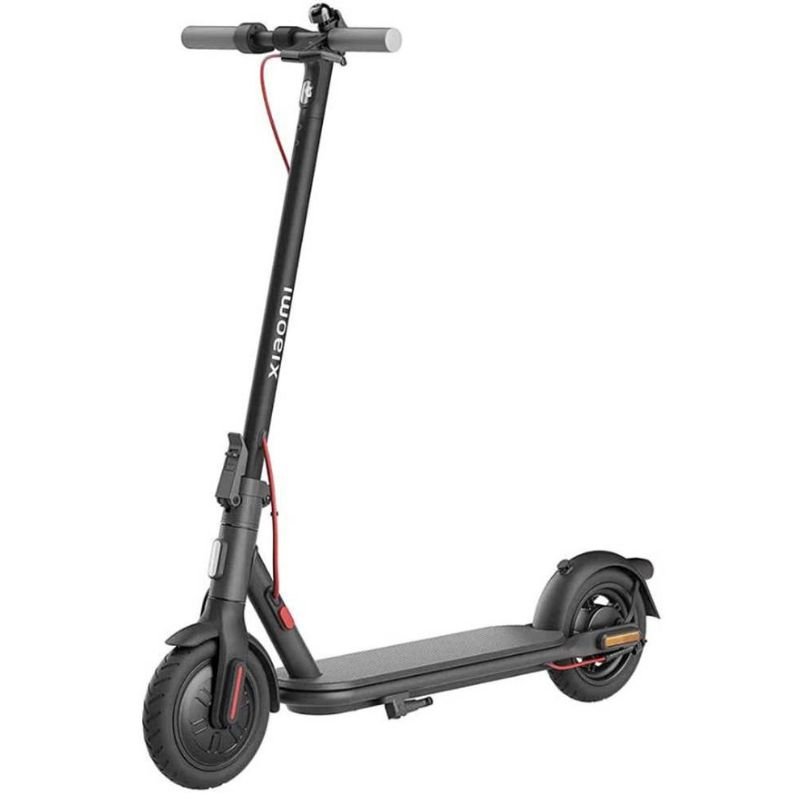
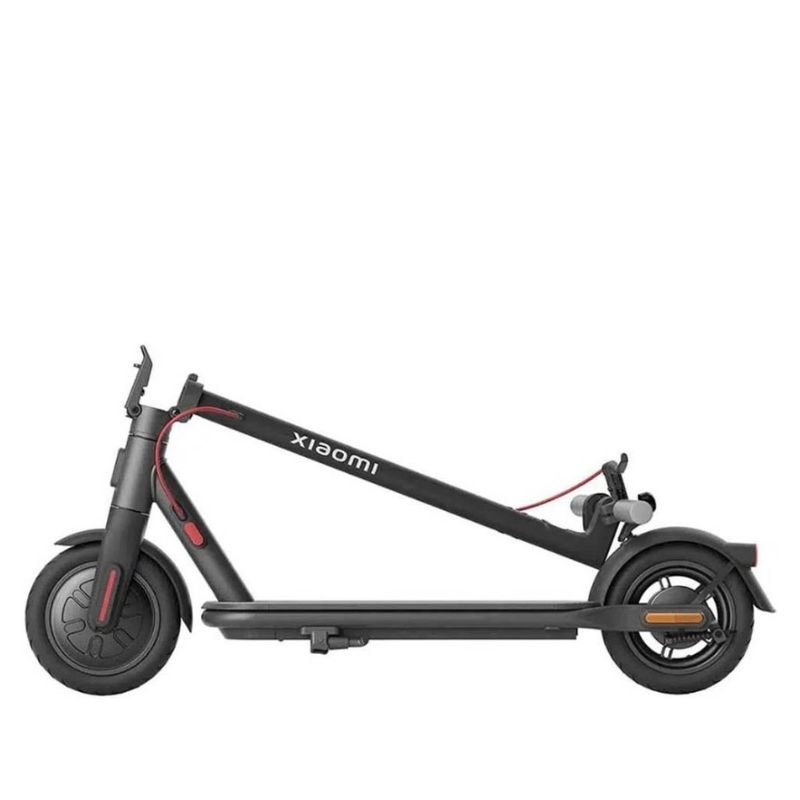
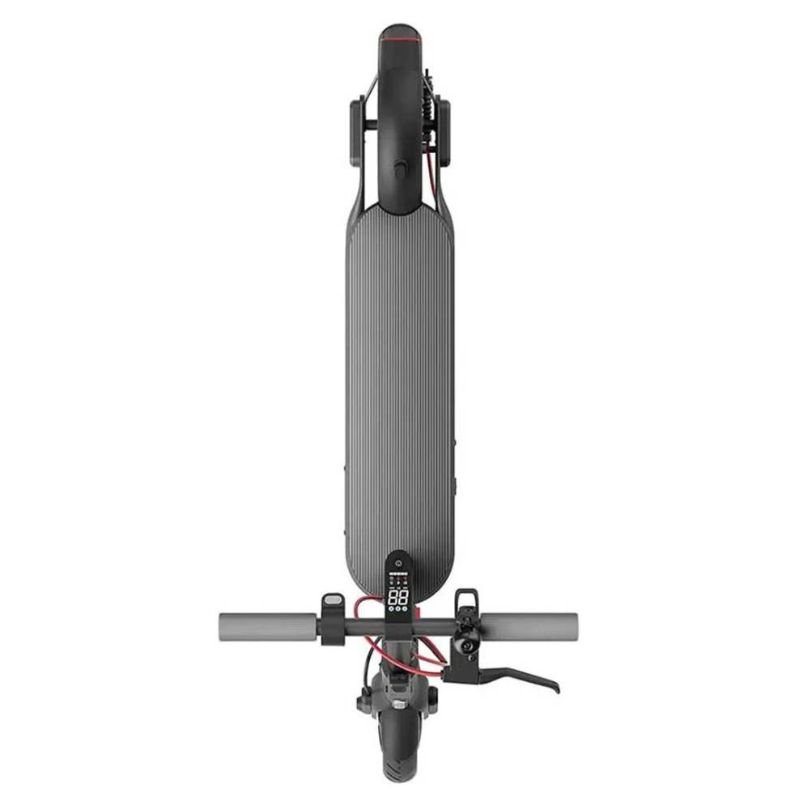
Here’s a step-by-step guide on how to use the XIAOMI Electric Scooter 4 Lite:
1. **Initial Inspection**: Before using the electric scooter, inspect it for any visible damage or loose parts. Ensure that all components, including the handlebars, wheels, and brakes, are properly assembled and functioning correctly.
2. **Charging the Battery**: If the battery is not fully charged, plug the charger into a power outlet and connect it to the scooter’s charging port. Allow the battery to charge until it reaches full capacity, as indicated by the charging indicator lights.
3. **Turning On the Scooter**: Locate the power button, usually located near the handlebars or deck of the scooter. Press and hold the power button until the display screen lights up and the scooter powers on.
4. **Adjusting Handlebar Height (Optional)**: If necessary, adjust the height of the handlebars to a comfortable position for riding. Most electric scooters feature adjustable handlebars that can be raised or lowered to suit the rider’s preference.
5. **Kick-Start**: To start moving, push off with one foot while pressing the throttle with the other. Once the scooter reaches a certain speed (typically around 3-5 mph), the motor will engage, and you can continue accelerating using the throttle.
6. **Riding Safely**: Always ride the electric scooter in a safe and responsible manner, obeying all traffic laws and regulations. Wear appropriate safety gear, including a helmet, and remain vigilant of your surroundings while riding.
7. **Using the Brakes**: To slow down or stop, gently squeeze the brake lever located on the handlebars. Electric scooters are typically equipped with disc brakes or regenerative braking systems to provide smooth and responsive braking.
8. **Monitoring Battery Level**: Keep an eye on the battery level indicator displayed on the scooter’s dashboard. Plan your rides accordingly to avoid running out of battery power while away from home.
9. **Parking and Storage**: When you reach your destination, find a safe and secure place to park the scooter. Use the kickstand to prop up the scooter and prevent it from tipping over.
10. **Turning Off the Scooter**: To power off the scooter, press and hold the power button until the display screen turns off and the scooter shuts down.
By following these steps, you can effectively use the XIAOMI Electric Scooter 4 Lite for convenient and eco-friendly transportation.
Bose Ground speaker 360P Free space Green
BOYA LAVALIER MICROPHONE BY M40D
HUAWEI Free Clip Wireless Earbuds - Black/Purple
EMINENCE GAMMA15A 300W 8 Ohms Spare SPEAKER
Cleo-TY Remote Control Car Baja 5B
Multifunctional Digital Altimeter
Onikuma Professional Gaming Headset K8
LAVALIER MICROPHONE LJ02
WHARFEDALE DIVA 8 SPEAKER
Earldom Car Mp3 BR07 Bluetooth Receiver
Google Fitbit Edge Fitness & Health Tracking Smart Band Black
Sandisk Flash Drive i-xpand Dual Luxe 64GB Type-C to Lightning
YH 25 PS4 Multifunctional Heat Dissipation Charging Bracket
Cleo-EL Portable Power Station 300W ZHY-CN01
Philips 1000 Series Body Groomer BG1025/15
Blue Fire Hydroclean Oral Irrigator And Toothbrush BF-10
Belkin F2CU012bt Mixit Cable Usb A to Micro 3mtr
TANSEN STP10E Guitar Strip 1 Pc
MAX MM 701 MICROPHONE
Telionix Electric Air Fryer 9L TAF4424
APPLE IPAD Pro 12.9 Inch 4TH GEN SMART KEYBOARD FOLIO
KARCHER K 4 POWER HIGH PRESSURE WASHER MACHINE
Blue Fire 22500MAh 150W Portable Power Bank
Google Fitbit Edge Fitness & Health Tracking Smart Band Green
Sony PS4 GRAN TURISMO 7 STANDARD ED/MEA Gaming CD
TOA PC1869 CEILING SPEAKER
GULF DALLA GA-C94848 Coffee Maker
4 IN 1 MOBILE GAME COMBO PACK
أقل سعر
الخدمة والإصلاح
أحدث



لا توجد مراجعات حتى الآن.