
-
×
 Stanley Bottle 20OZ 0.591ml
1 × 6.800 OMR
-
×
 Google Fitbit Edge Fitness & Health Tracking Smart Band Black
1 × 86.900 OMR
-
×
 Google Fitbit Edge Fitness & Health Tracking Smart Band Green
3 × 86.900 OMR
-
×
 Hot Wheels Deutschland Design
6 × 4.900 OMR
-
×
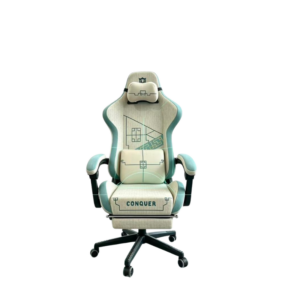 كرسي الألعاب المريح Cleo-GA Lxradeo
1 × 49.900 OMR
-
×
 Dlc Mosquito Killer 32915 15W
1 × 10.900 OMR
-
×
 ميلوديكا ميلوديكا النحلة Bm 13k
1 × 5.900 OMR
-
×
 DELONGHI MC DL EC685.M UK (T)
1 × 80.400 OMR
-
×
 DYNACORD DC1-UM06E8 6W Ceiling Loudspeaker
1 × 22.000 OMR
-
×
 BOYA BY WM8 PRO K2 UHF DUAL CHANNEL WIRELESS MICROPHONE
1 × 76.800 OMR
-
×
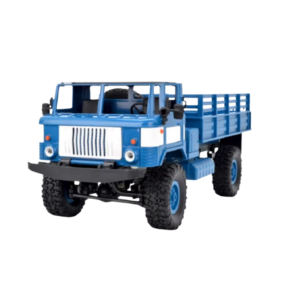 شاحنة عسكرية تعمل بالتحكم عن بعد Cleo-TY طراز B-24
1 × 14.900 OMR
-
×
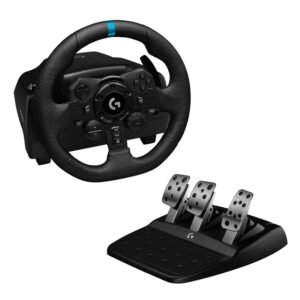 Logitech G923 Racing Wheel & Pedals
1 × 116.800 OMR
-
×
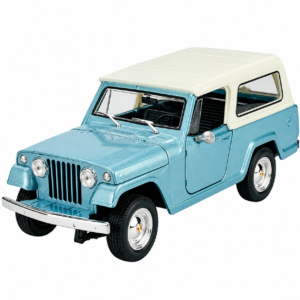 Welly Metal Car Jeep Jeepster Commando Station Wagon Size 1.24 WL-24117H-W
2 × 12.900 OMR
-
×
 Cleo MA X-Sport Pocket Watch
1 × 1.300 OMR
-
×
 GO-DES GD-HD626 CAR MOUND HOLDER
1 × 1.900 OMR
-
×
 APPLE MM0A3ZM/A USB C TO LIGHTNING CABLE ORG
1 × 7.500 OMR
-
×
 Earldom Data Cable 3A Usb to Usb C EC 199C 1.2 Meter
1 × 1.300 OMR
-
×
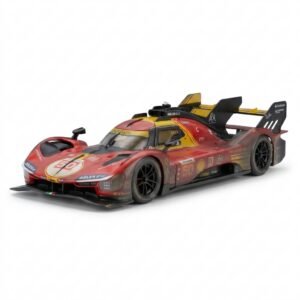 BBurago Metal Car Ferrari 499P Size 1.18
1 × 42.900 OMR
-
×
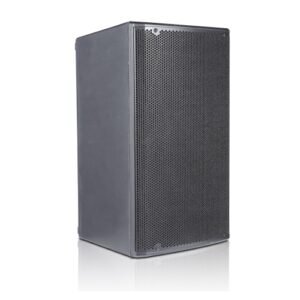 DB OPERA 15 600W POWERED SPEAKER
1 × 230.000 OMR
-
×
 ANKER A81F5H 322 USB C to USB C Cable Braided 60W (0.9m/3ft)
1 × 2.900 OMR
-
×
 Cleo-EL Cleaning Kit Miss Mouth's Messy Eater Stain Treater
1 × 1.500 OMR
-
×
 Cleo-EL Portable Power Station 300W ZHY-CN01
1 × 44.900 OMR
-
×
 Telionix Electric Air Fryer 9L TAF4424
1 × 34.900 OMR
-
×
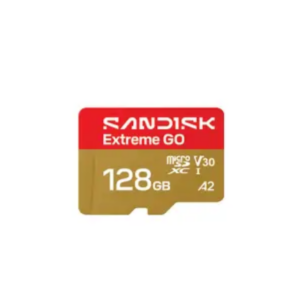 بطاقة ذاكرة سانديسك إكستريم جو مايكرو إس دي بسعة 128 جيجابايت - سرعة نقل بيانات 240 ميجابايت/ثانية
1 × 11.900 OMR
-
×
 Maisto Metal Car Porsche 911 GT3 Size 1.18 36458
4 × 42.885 OMR
-
×
 بطاقة Apple AirTag Mfe94 من الجيل الثاني، عبوة واحدة
1 × 12.900 OMR
-
×
 Acer Laptop Panel A Model Aspire A315-56
1 × 25.000 OMR
-
×
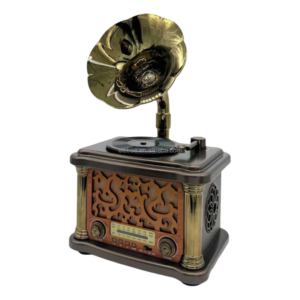 راديو محمول Feexot طراز FX-2503B (يدعم موجات AM/FM/SW)
1 × 10.900 OMR
-
×
 MAX BMS 135 BOOM MIC STAND
1 × 9.500 OMR
-
×
 Sandisk Flash Drive i-xpand Dual Luxe 64GB Type-C to Lightning
2 × 11.500 OMR
-
×
 BBurago Metal Car Ferrari 296 GTB Size 1.18 18-16018
1 × 42.900 OMR
-
×
 نوكيا ان 96
1 × 50.000 OMR
-
×
 Belkin F2CU012bt Mixit Cable Usb A to Micro 3mtr
1 × 1.900 OMR
-
×
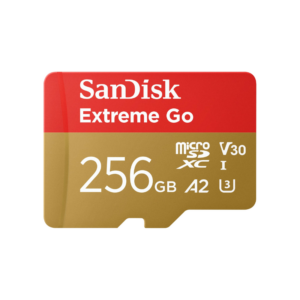 بطاقة ذاكرة سانديسك إكستريم جو مايكرو إس دي بسعة 256 جيجابايت - سرعة نقل بيانات 240 ميجابايت/ثانية
1 × 19.900 OMR
-
×
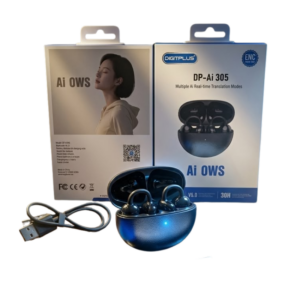 سماعات Digitplus DP-Ai 305 للترجمة الفورية متعددة اللغات بالذكاء الاصطناعي.
1 × 4.900 OMR
-
×
 JEC AB-2823 Indoor Colour Antenna
1 × 6.200 OMR
-
×
 Logitech H390 USB STEREO HEADSET Black
1 × 10.200 OMR
-
×
 ثلاجة كلي أوسب
1 × 5.900 OMR
-
×
 YH 31 PS4 2 in 1 Charging Heat Sink
1 × 11.900 OMR
المجموع: 1,574.840 OMR
 أقل سعر
 الخدمة والإصلاح


 أحدث

لا توجد مراجعات حتى الآن.