
 أقل سعر
 الخدمة والإصلاح

 أحدث
أحدث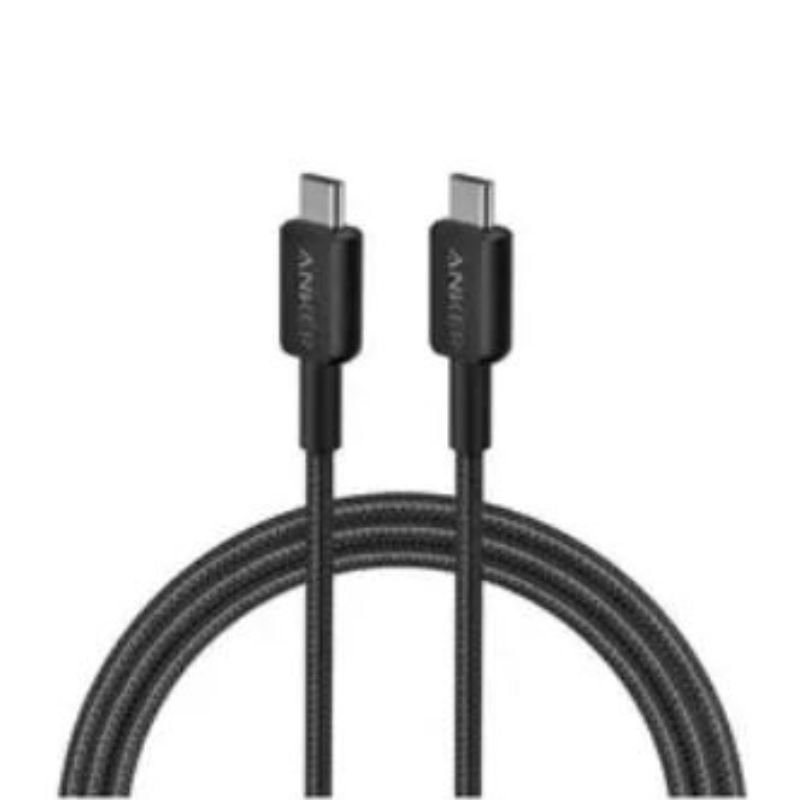
ANKER A81F5H 322 USB C to USB C Cable Braided 60W (0.9m/3ft)
SKU: 020333000125
متوفر في المخزون
The ANKER A81F5H 322 USB-C to USB-C Cable is a durable and high-speed charging and data transfer cable. With a braided design for added durability, it supports up to 60W power delivery, making it suitable for fast charging smartphones, tablets, laptops, and other USB-C devices. Measuring 0.9 meters (3 feet) in length, it offers flexibility and convenience while ensuring reliable performance. Whether you’re charging your device or transferring data, this cable provides a secure and efficient connection, ideal for everyday use at home, in the office, or on the go.
2.900 OMR
متوفر في المخزون
1. **Connecting the Cable**:
– Plug one end of the cable into a USB-C compatible device such as a laptop, smartphone, or tablet.
2. **Connect the Other End**:
– Insert the other end of the cable into another USB-C compatible device or a power source, like a wall adapter or power bank.
3. **Charging or Data Transfer**:
– If you’re charging a device, ensure the power source is turned on. Your device should start charging automatically.
– For data transfer between two USB-C devices, make sure both devices recognize the cable connection. You may need to authorize data transfer on the devices.
4. **Ensuring Compatibility**:
– Ensure that both devices are compatible with USB-C connections. This cable is designed for devices with USB-C ports, offering fast charging and data transfer speeds.
5. **Handling and Storage**:
– When disconnecting the cable, hold it firmly by the connectors and pull straight out. Avoid bending or twisting the cable excessively.
– Store the cable in a safe and dry place when not in use to prevent damage and tangling, ensuring its longevity.

لا توجد مراجعات حتى الآن.