
 أقل سعر
 الخدمة والإصلاح

 أحدث
أحدث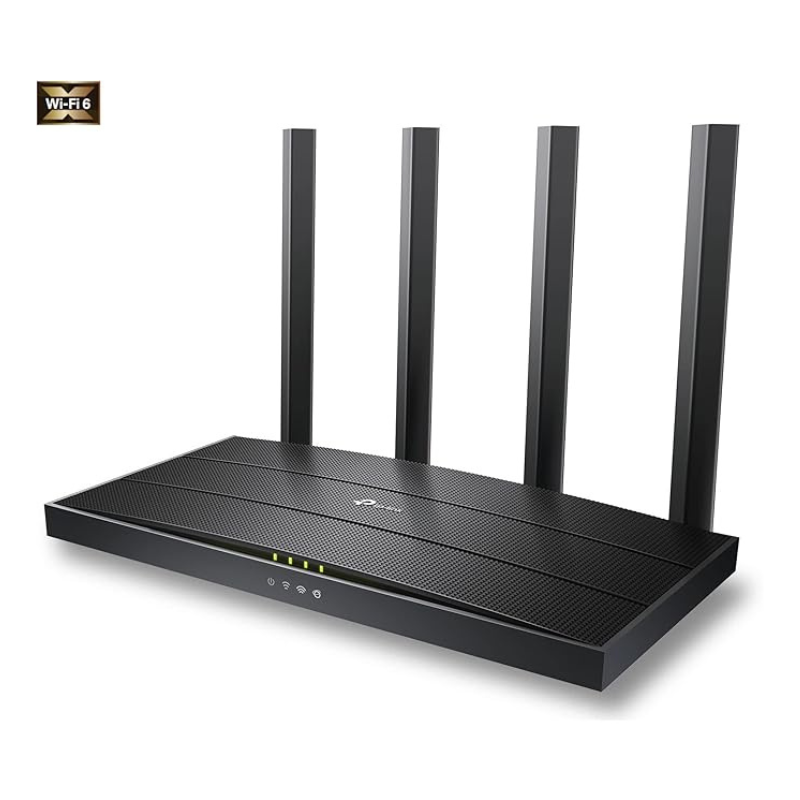
Tp-link Wifi 6 Router Archer Ax12 Ax1500
SKU:
متوفر في المخزون
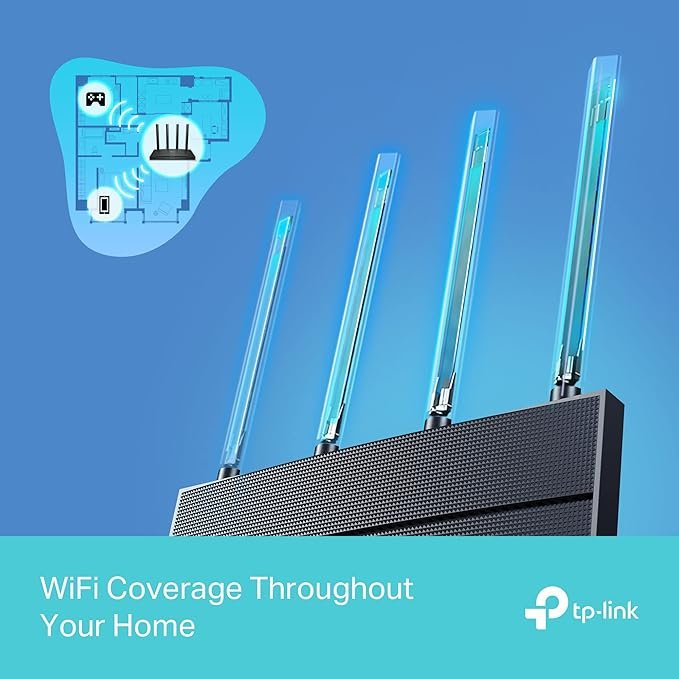
The TP-Link Archer AX12 AX1500 Wi-Fi 6 Router offers high-speed internet with dual-band support, delivering up to 1.5 Gbps. Equipped with four high-performance antennas and WPA3 security, it ensures reliable coverage and enhanced protection for your home network
12.900 OMR
متوفر في المخزون
-
Unbox the Router
-
Remove the Archer AX12 router and all included accessories from the packaging.
-
Ensure you have the router, power adapter, Ethernet cable, and quick installation guide
-
-
Position the Router
-
Place the router on a flat, stable surface in a central location within your home for optimal coverage.
-
Ensure the router is away from obstructions and electronic devices that may cause interference.
-
-
Connect to the Internet
-
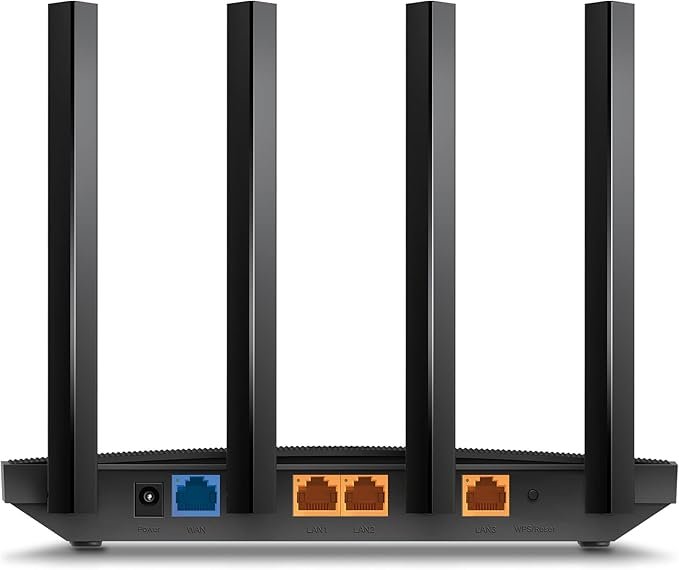
Plug one end of the provided Ethernet cable into the router’s WAN port.
-
Connect the other end to your modem or internet source.
-
-
Power On the Router
-
Insert the power adapter into the router’s power port.
-
Plug the adapter into a power outlet. The router should power on automatically.
-
-
Connect Devices
-
Wired Connection: Use additional Ethernet cables to connect devices to the router’s LAN ports.
-
Wireless Connection: Locate the default Wi-Fi network name (SSID) and password on the router’s label.
-
On your device, scan for the Wi-Fi network and enter the provided password to connect.
-
-
-
Access Router Settings
-
Open a web browser and enter the router’s IP address (usually 192.168.0.1 or 192.168.1.1) in the address bar.
-
Log in using the default username and password (often “admin” for both).
-
Follow the on-screen instructions to set up your network preferences, including Wi-Fi settings and security options.
-
-
Download the TP-Link Tether App (Optional)
-
For easier management, download the TP-Link Tether app on your smartphone.
-
Use the app to monitor connected devices, set up parental controls, and update firmware
-
-
Secure Your Network
-
Change the default router login credentials to something more secure.
-
Update the Wi-Fi network name (SSID) and password to your preference.
-
Enable WPA3 encryption for enhanced security
-
-
Update Firmware
-
Regularly check for firmware updates through the router’s web interface or the Tether app.
-
Follow the prompts to install any available updates, ensuring your router has the latest features and security patches.
-

لا توجد مراجعات حتى الآن.