, ,

Tp-link Gigabit Single Mode Media Converter Mc210cs

SKU:

Excluding VAT

Availability:

متوفر في المخزون


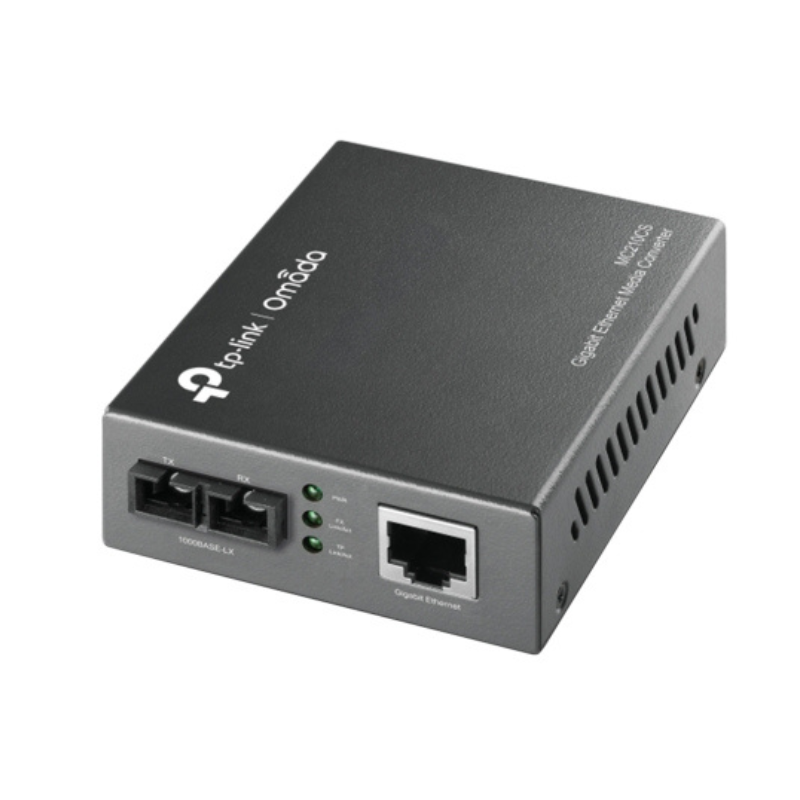
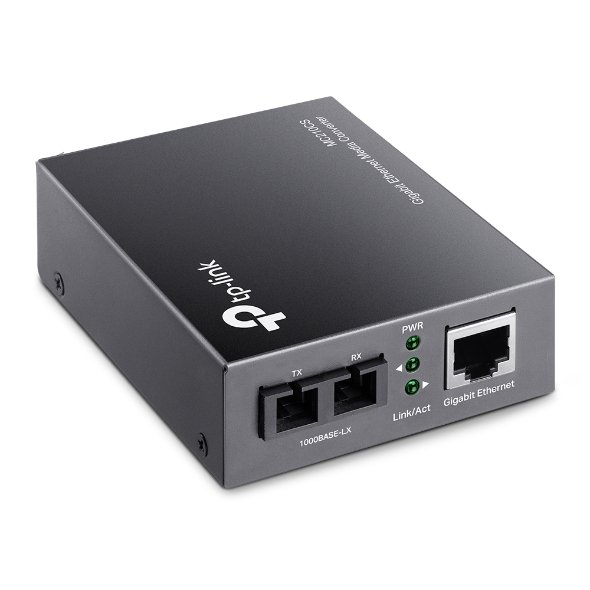
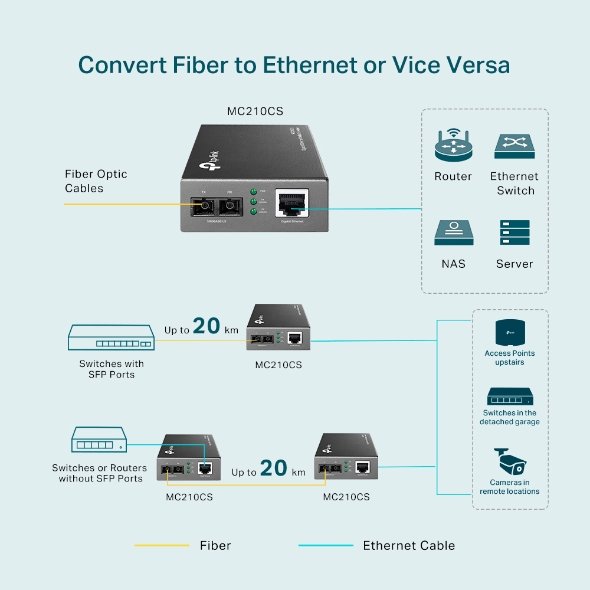
The TP-Link Gigabit Single Mode Media Converter MC210CS enables seamless network conversion from fiber optic to Ethernet with speeds up to 1Gbps. It supports long-distance communication over single-mode fiber and is ideal for expanding or bridging networks over greater distances.

8.950 OMR

متوفر في المخزون

1. Unboxing & Inspection

  • Remove the media converter and accessories from the packaging.

  • Ensure all parts are present: MC210CS Media Converter, power adapter, and quick installation guide.


2. Connect the Fiber Optic Cable

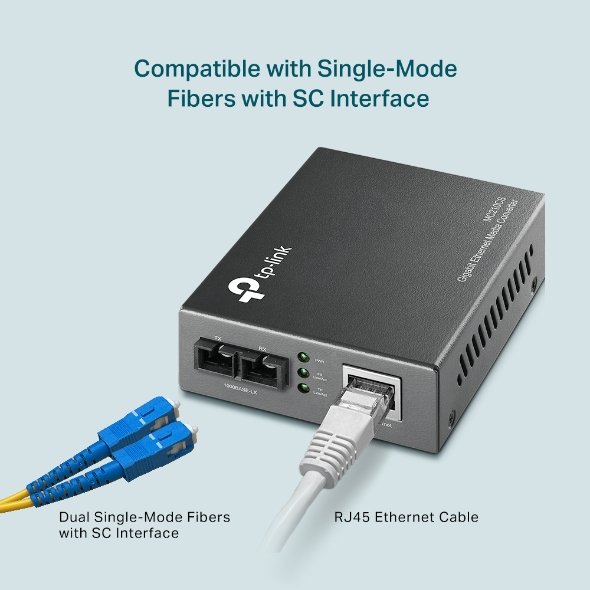
  • Take the single-mode fiber optic cable and connect one end to the fiber port (SFP) on the MC210CS.

  • Ensure the cable is securely plugged into the converter’s SFP port.


3. Connect the Ethernet Cable

  • Connect one end of an Ethernet cable to the RJ45 port of the media converter.

  • Plug the other end of the Ethernet cable into your network device (e.g., switch, router, or computer).


4. Power On the Device

  • Plug the power adapter into the media converter and connect it to a power outlet.

  • The device should power on automatically once connected to a power source.


5. Verify LED Indicators

  • Check the LED lights on the media converter to ensure proper functioning.

    • Power LED should be solid green when powered on.

    • Link/Act LED should blink or remain solid depending on the connection status.

    • Fiber LED should indicate connectivity when the fiber link is properly established.


6. Test the Connection

  • Verify the network connection by checking the device connected to the Ethernet port.

  • You should now have a stable network connection between the fiber optic cable and Ethernet network.


7. Placement & Final Setup

  • Place the media converter in a location that allows for proper cable management.

  • Ensure all cables are securely connected to avoid accidental disconnections.


8. Troubleshooting (if necessary)

  • If no connection is established, check the fiber optic cable for damage or ensure it’s properly plugged into both the media converter and the network device.

  • Double-check the SFP module type for compatibility if the media converter fails to recognize the fiber connection.

ماركة

TP-LINK

استنادا إلى 0 من المراجعات

0.0 overall
0
0
0
0
0

Be the first to review “Tp-link Gigabit Single Mode Media Converter Mc210cs”

لا توجد مراجعات حتى الآن.

SHOPPING CART

close