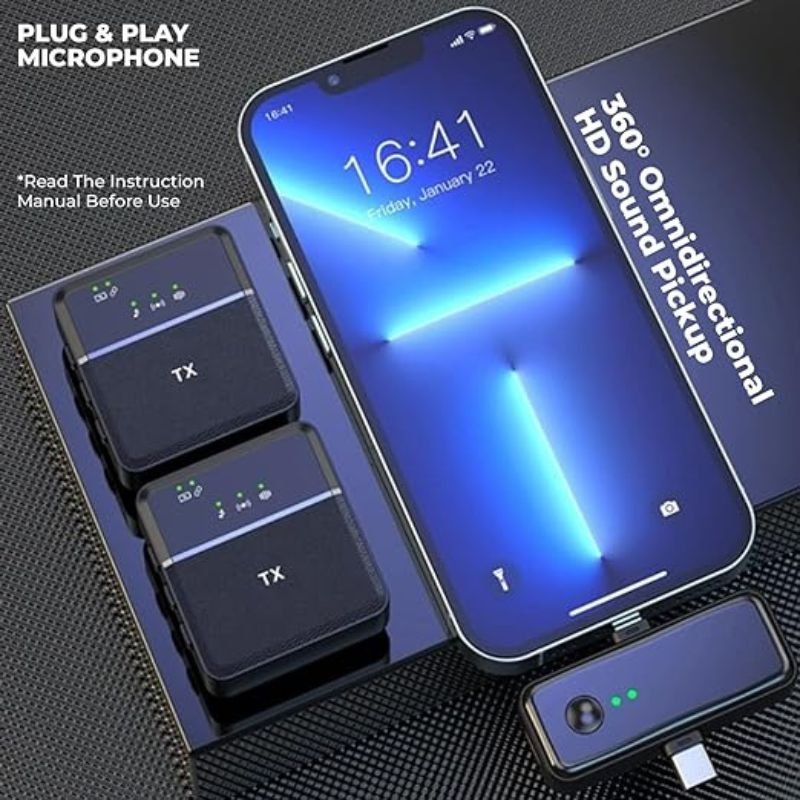
1. **Unboxing**: Carefully open the packaging of the SX31 Multi-Function Dual Wireless Microphone. Ensure that all components listed in the manual are present and undamaged.
2. **Power Supply**: Depending on the specific model, the SX31 may use rechargeable batteries or require connection to a power source using a power adapter. Ensure that the batteries are fully charged or that the power adapter is properly connected.
3. **Microphone Setup**:
– Remove the microphone(s) from their storage compartments.
– Check the microphone’s power switch and turn it on if it has one.
– If the microphones have removable batteries, ensure they are properly inserted.
4. **Receiver Setup**:
– Locate the receiver unit. It typically looks like a small box with antennas.
– Connect the receiver to your audio system using the appropriate cables. This may involve plugging in to a mixer, amplifier, or directly to speakers.
– Power on the receiver unit using the provided power adapter.
5. **Pairing Microphones with Receiver**:
– Press and hold the “Pair” button on the receiver until the LED indicator starts blinking.
– Turn on the microphone(s) by pressing the power button. They should automatically sync with the receiver.
– Wait for the LED indicator on the receiver to stop blinking, indicating successful pairing.
6. **Testing**:
– Speak into each microphone to ensure they are picking up sound.
– Adjust the volume levels on the receiver and any connected audio equipment to achieve the desired sound output.
7. **Optional Features**:
– Some SX31 models may have additional features such as built-in effects, equalizers, or adjustable frequencies. Consult the user manual for instructions on how to access and utilize these features.
8. **Mounting and Placement**:
– If using the microphones for performances or presentations, consider using microphone stands or clips for better stability and positioning.
– Place the receiver unit in a secure location where it can receive signals from the microphones without interference.
9. **Maintenance**:
– After each use, power off the microphones and receiver.
– Store the equipment in a safe and dry location to prevent damage.
– Regularly clean the microphones and receiver to prevent dust buildup and maintain performance.
10. **Troubleshooting**:
– If you encounter any issues such as poor sound quality or interference, refer to the troubleshooting section of the user manual for guidance.
– Contact customer support if problems persist or if you require further assistance.
Following these steps should help you set up and use the SX31 Multi-Function Dual Wireless Microphone effectively.

 Yesido Car Jump Starter VC11
1 × 12.600 OMR
Yesido Car Jump Starter VC11
1 × 12.600 OMR  فيلم زجاجي لعدسة كاميرا آي فون 11 برو المعدني من USAMS
1 × 1.900 OMR
فيلم زجاجي لعدسة كاميرا آي فون 11 برو المعدني من USAMS
1 × 1.900 OMR  ميلوديكا ميلوديكا النحلة Bm 13k
1 × 5.900 OMR
ميلوديكا ميلوديكا النحلة Bm 13k
1 × 5.900 OMR  أقل سعر
 الخدمة والإصلاح

 أحدث
أحدث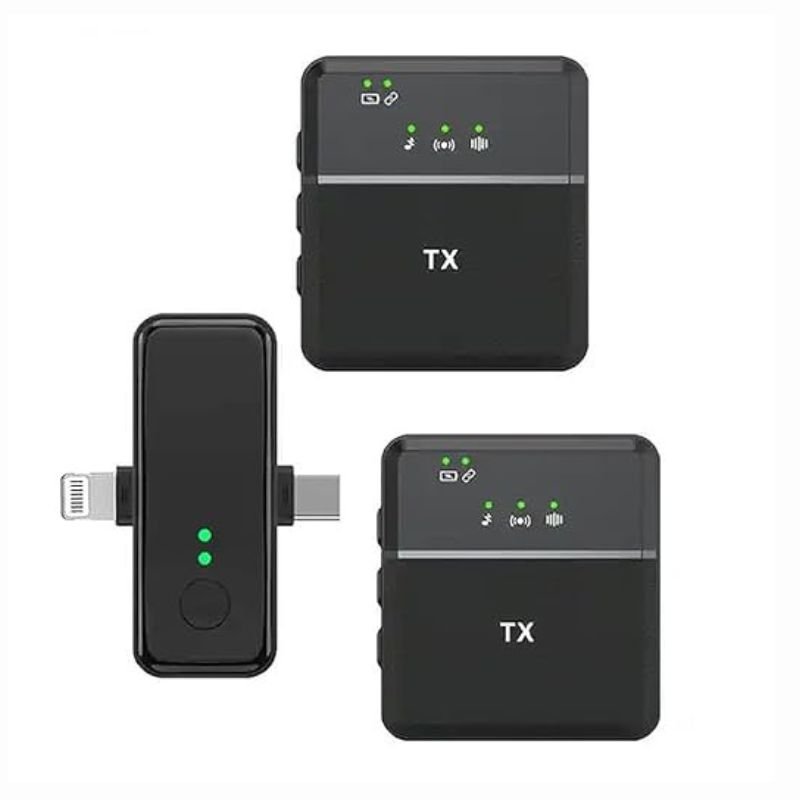

لا توجد مراجعات حتى الآن.