
 New Arrivals
 Offers
 Service & Repair

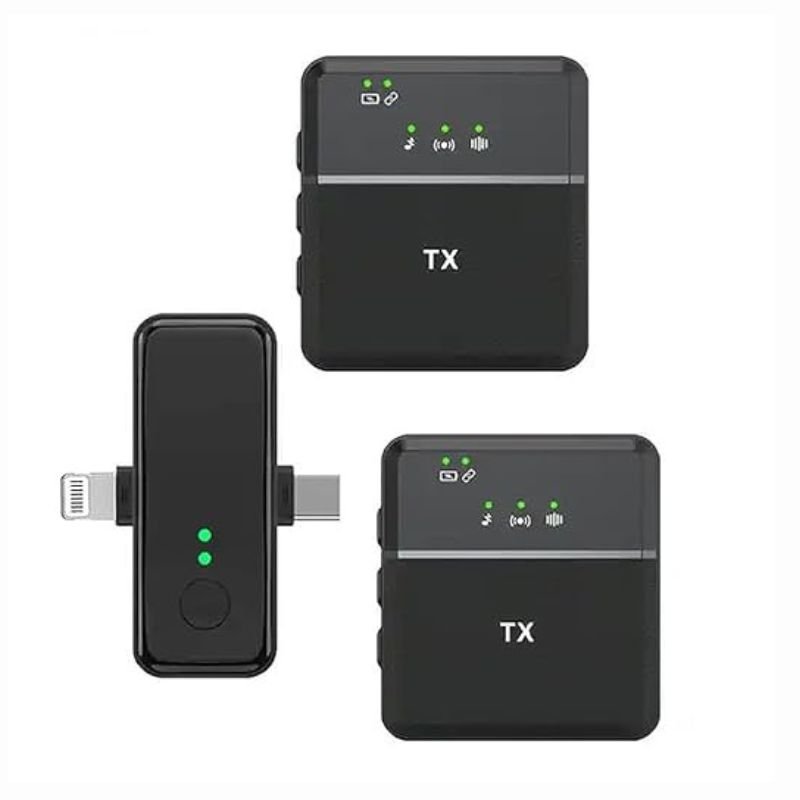
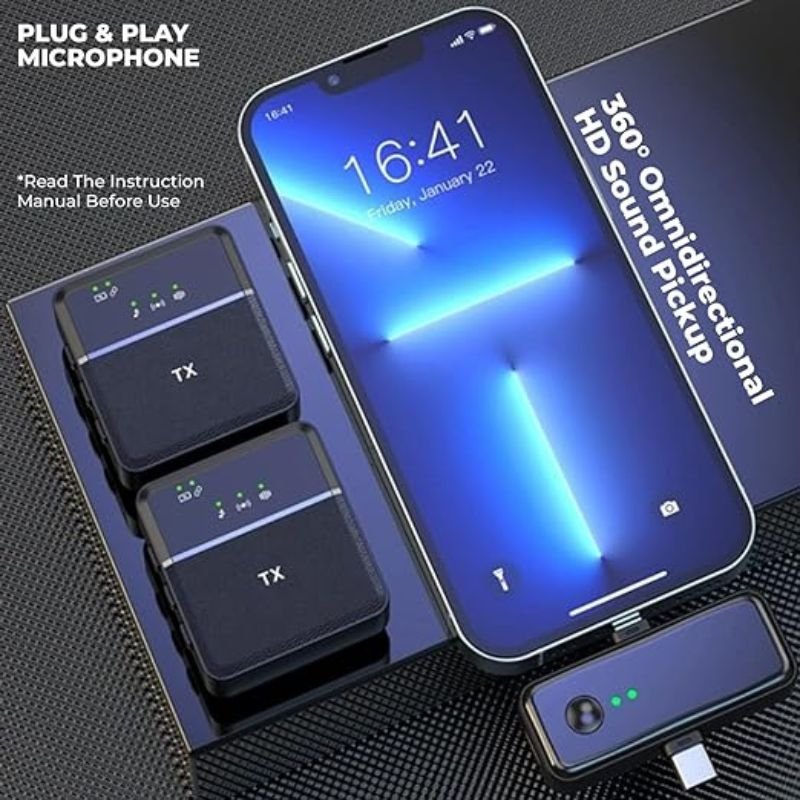
SX31 Multi-Function Dual Wireless Microphone
SKU: 1410000064
Out of stock
The SX31 Multi-Function Dual Wireless Microphone is a versatile audio solution that offers dual wireless microphones for amplified sound transmission without the hassle of cables. With easy setup and reliable performance, it’s suitable for various applications such as karaoke, public speaking, and performances. The system typically includes a receiver unit for connecting to audio equipment and two wireless microphones with adjustable frequencies and clear sound reproduction. Its compact design and portability make it convenient for use in different settings, providing flexibility and freedom of movement for presenters or performers.
Out of stock
1. **Unboxing**: Carefully open the packaging of the SX31 Multi-Function Dual Wireless Microphone. Ensure that all components listed in the manual are present and undamaged.
2. **Power Supply**: Depending on the specific model, the SX31 may use rechargeable batteries or require connection to a power source using a power adapter. Ensure that the batteries are fully charged or that the power adapter is properly connected.
3. **Microphone Setup**:
– Remove the microphone(s) from their storage compartments.
– Check the microphone’s power switch and turn it on if it has one.
– If the microphones have removable batteries, ensure they are properly inserted.
4. **Receiver Setup**:
– Locate the receiver unit. It typically looks like a small box with antennas.
– Connect the receiver to your audio system using the appropriate cables. This may involve plugging in to a mixer, amplifier, or directly to speakers.
– Power on the receiver unit using the provided power adapter.
5. **Pairing Microphones with Receiver**:
– Press and hold the “Pair” button on the receiver until the LED indicator starts blinking.
– Turn on the microphone(s) by pressing the power button. They should automatically sync with the receiver.
– Wait for the LED indicator on the receiver to stop blinking, indicating successful pairing.
6. **Testing**:
– Speak into each microphone to ensure they are picking up sound.
– Adjust the volume levels on the receiver and any connected audio equipment to achieve the desired sound output.
7. **Optional Features**:
– Some SX31 models may have additional features such as built-in effects, equalizers, or adjustable frequencies. Consult the user manual for instructions on how to access and utilize these features.
8. **Mounting and Placement**:
– If using the microphones for performances or presentations, consider using microphone stands or clips for better stability and positioning.
– Place the receiver unit in a secure location where it can receive signals from the microphones without interference.
9. **Maintenance**:
– After each use, power off the microphones and receiver.
– Store the equipment in a safe and dry location to prevent damage.
– Regularly clean the microphones and receiver to prevent dust buildup and maintain performance.
10. **Troubleshooting**:
– If you encounter any issues such as poor sound quality or interference, refer to the troubleshooting section of the user manual for guidance.
– Contact customer support if problems persist or if you require further assistance.
Following these steps should help you set up and use the SX31 Multi-Function Dual Wireless Microphone effectively.
Based on 0 reviews
Be the first to review “SX31 Multi-Function Dual Wireless Microphone”
Related products
-
Electronics
DOBE PS4 TP4 016 Mobile Phone CLAMP
– GAMERS’ GOOD NEWS: Say goodbye to the painful control on your smart phone.
– LARGE CAPACITY:Maximum support of 6-inch mobile phone.
– 2 in 1 holder: With an OTG cable you can enjoy your game with PS4 controller and it can be a smart mount itself.
– RSKU: 06010501000028

There are no reviews yet.