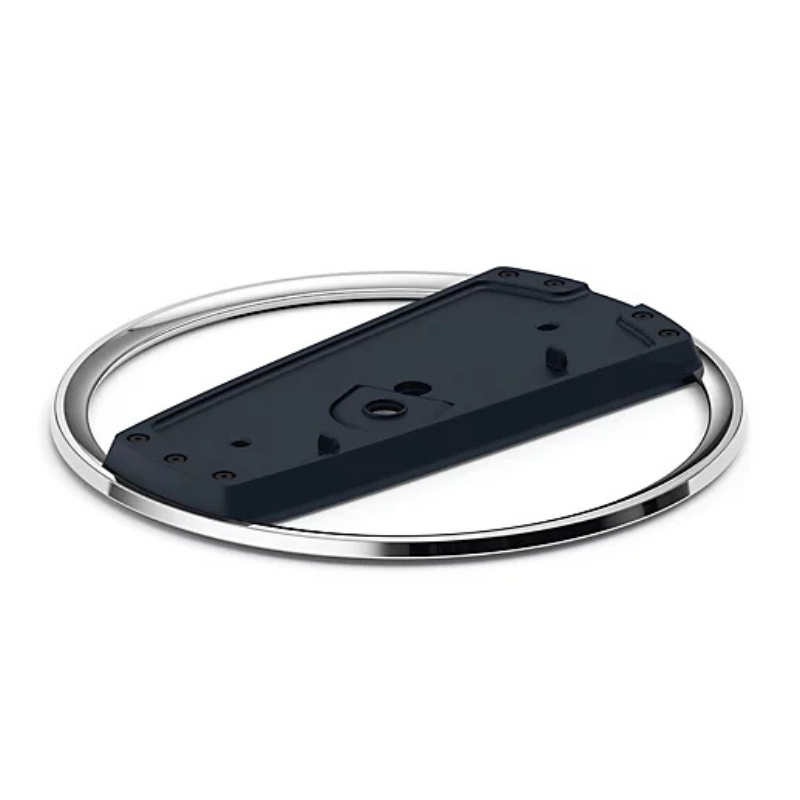
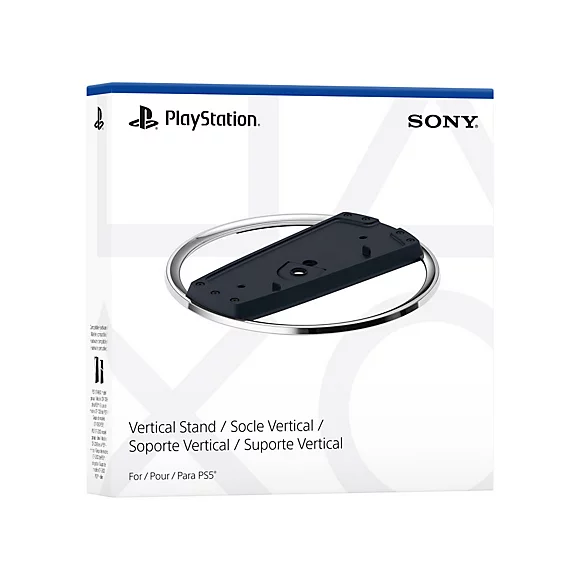
✅ What You’ll Need:
-
PS5 console (Disc or Digital Edition)
-
Sony PS5 Vertical Stand (official or compatible)
-
A coin or flathead screwdriver (optional, for screw)
🪛 For PS5 Disc Edition (with a disc drive):
-
Power Off & Unplug
Ensure your PS5 is turned off and unplugged from any cables. -
Locate the Stand & Screw
The stand comes with a screw hidden in the base. Remove it by turning the base to open the hidden compartment. -
Remove the Cap
On the bottom of the PS5 (where the stand goes), you’ll see a circular cap—remove it carefully. -
Align the Stand
Line up the stand with the base of the PS5 where the cap was removed. -
Insert the Screw
Use a coin or flathead screwdriver to secure the stand to the PS5 with the screw. -
Place the Console Upright
Stand the console vertically on a flat surface. Make sure it’s stable.
🪛 For PS5 Digital Edition (no disc drive):
-
No Screw Needed
The stand clips onto the base—no screw required for the Digital Edition. -
Align the Stand
Snap the stand onto the bottom curved part of the console. It should click into place. -
Double-Check Stability
Gently wiggle to ensure it’s securely attached. -
Stand the Console Up
Place it upright in a safe location with room for airflow.
نوكيا 6124 مستعملة
BOYA LARGER DIAPHRAGM CONDENSER MICROPHONE BY M1000
قارئ بطاقات أومنيكي 3121
FANTECH TUNNEL AC3002 VIRTUAL 7.1 USB AUDIO SOUND CARD
أقل سعر
الخدمة والإصلاح
أحدث


لا توجد مراجعات حتى الآن.