
-
×
 CLEO PLASTIC RECORDER
1 × 0.700 OMR
-
×
 AHUJA UTP30 WIRED TIE CLIP MIC
1 × 10.000 OMR
-
×
 DLC-38921-81 Air Fryer for 8Ltr Cooker
1 × 4.100 OMR
-
×
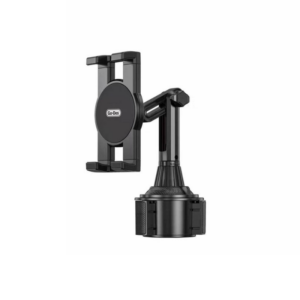 حامل تابلت للسيارة من Go-des GD HD313
1 × 4.500 OMR
-
×
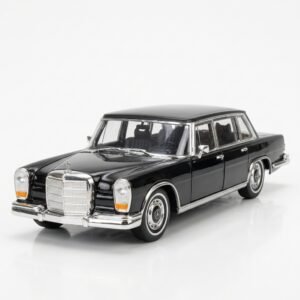 Welly Metal Car Mercedes Benz 600 Size 1.24 WL-24121W
3 × 12.900 OMR
-
×
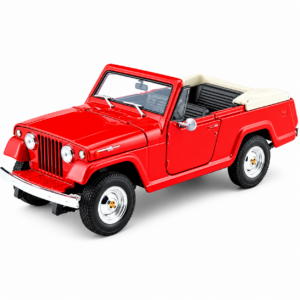 Welly Metal Car Jeep Jeepster Commando Roadster Size 1.24 WL-24117C-W
2 × 12.900 OMR
-
×
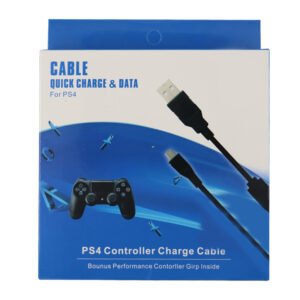 USB DATA CABLE PS4
1 × 1.900 OMR
-
×
 Apple Iphone 14 pro/14 pro Max Camera full lens
1 × 2.900 OMR
-
×
 Thrustmaster T80 Ferrari 488 GTB Edition Racing Wheel
1 × 54.900 OMR
-
×
 SONY PS4 UFC 4 GAME CD
1 × 16.000 OMR
-
×
 3713 ج موسيقى جيتار 3713 ج
1 × 3.800 OMR
-
×
 LAVALIER MICROPHONE LJ02
1 × 1.800 OMR
المجموع: 165.100 OMR
 أقل سعر
 الخدمة والإصلاح


 أحدث


لا توجد مراجعات حتى الآن.