1. **Connect**: Plug the Shure CVG18DS Microphone into your audio interface or mixer using its appropriate connector.
2. **Position**: Adjust the microphone to the desired position, ensuring it’s close enough to capture clear audio while remaining discreet.
3. **Power**: If required, supply power to the microphone through your audio interface or mixer.
4. **Test**: Perform a quick test to ensure the microphone is picking up sound properly and adjust settings as necessary.
5. **Use**: Once configured, the Shure CVG18DS Microphone is ready to capture clear, focused audio for your conferencing or speech needs.

 MAX BMS 135 BOOM MIC STAND
1 × 9.500 OMR
MAX BMS 135 BOOM MIC STAND
1 × 9.500 OMR 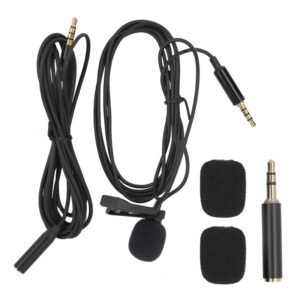 LAVALIER MICROPHONE LJ01B
1 × 1.500 OMR
LAVALIER MICROPHONE LJ01B
1 × 1.500 OMR  KALIMBA 17 KEYS FINGER PIANO
1 × 13.800 OMR
KALIMBA 17 KEYS FINGER PIANO
1 × 13.800 OMR  أقل سعر
 الخدمة والإصلاح

 أحدث
أحدث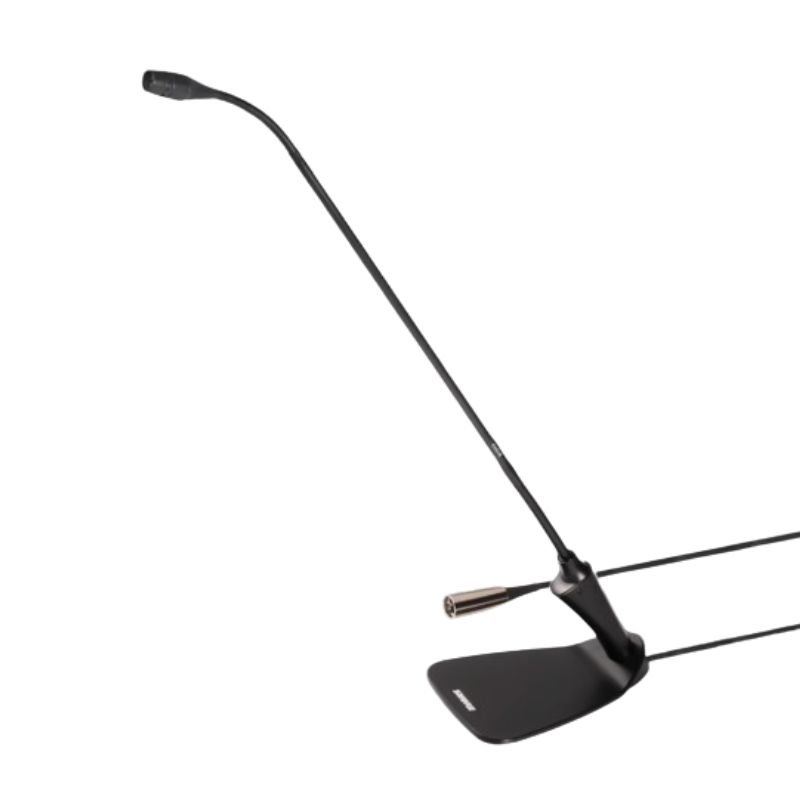


لا توجد مراجعات حتى الآن.