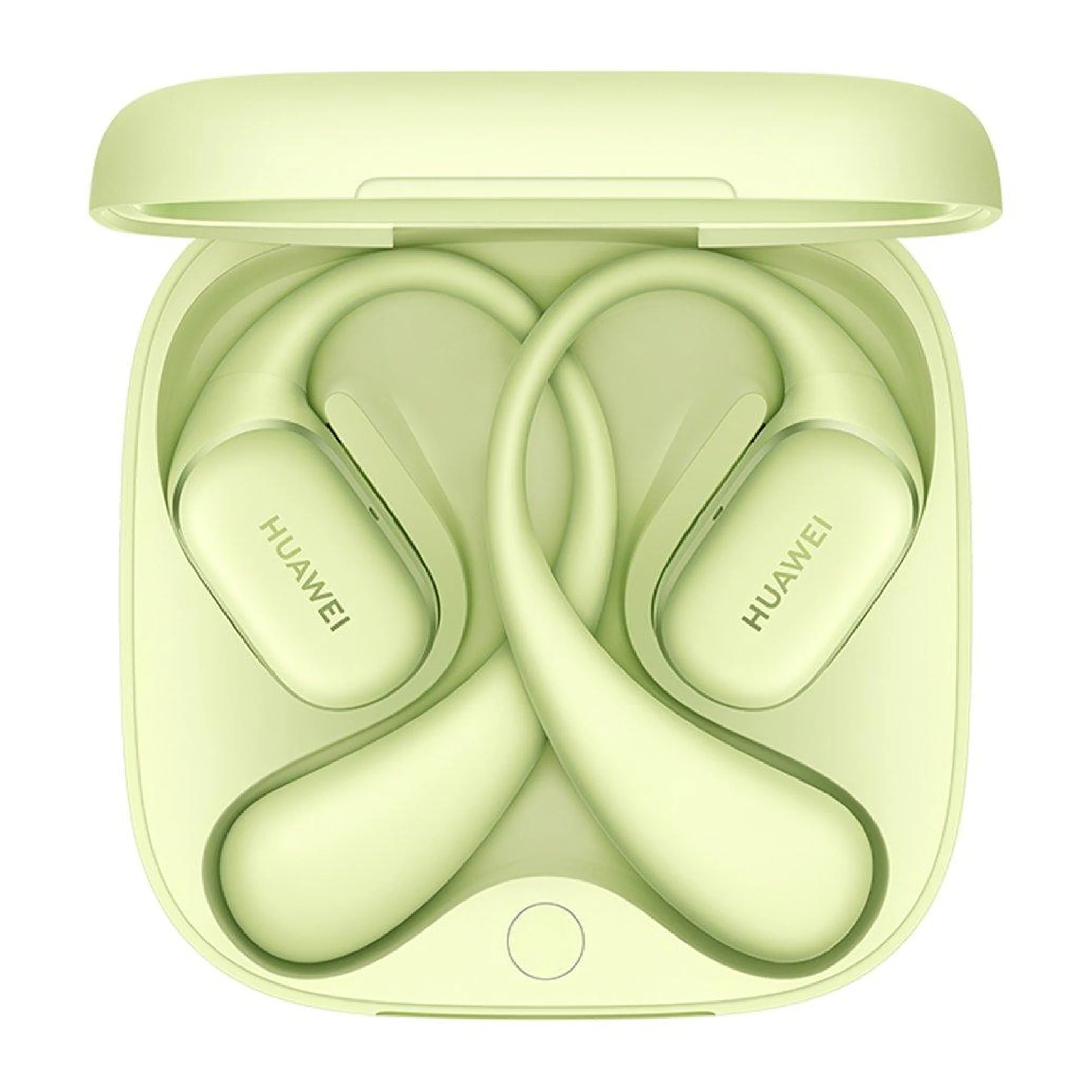
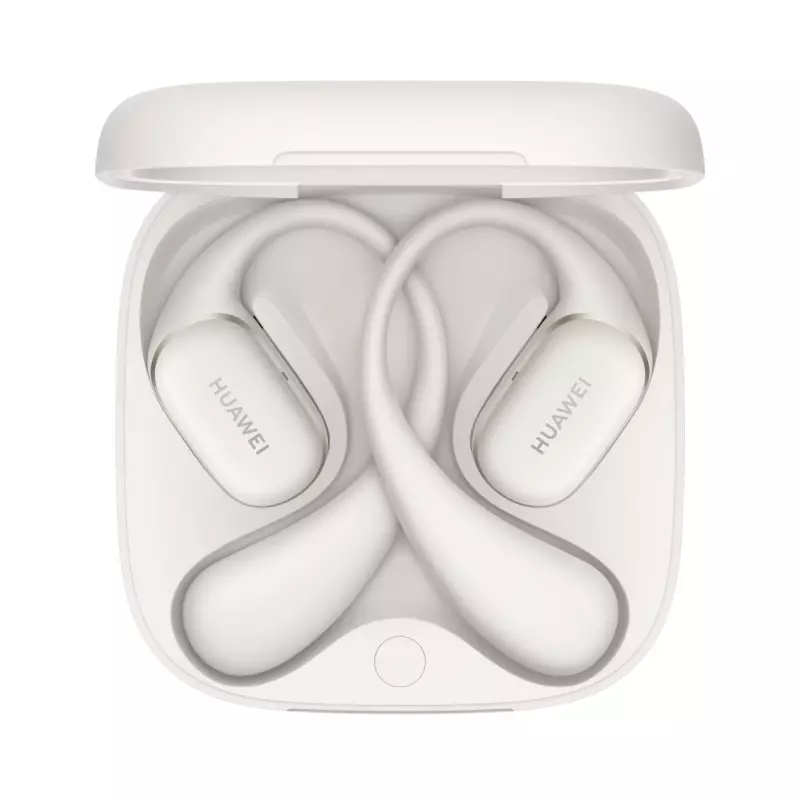
-
Unboxing
-
Open the packaging box.
-
Take out the earbuds case and accessories (charging cable, manual, extra ear tips if included).
-
-
Charging the Case
-
Connect the charging cable to the charging port.
-
Plug into a power source.
-
Charge until the indicator light shows full battery.
-
-
Opening the Case
-
Flip open the top lid of the charging case.
-
The earbuds will automatically power on.
-
-
Pairing Mode
-
If first time use: earbuds enter pairing mode automatically.
-
If not: press and hold the function button on the case for a few seconds until the indicator blinks.
-
-
Connecting to Device
-
Enable Bluetooth on your phone or device.
-
Search for “FreeBuds Arc” in available devices.
-
Tap to connect.
-
Confirm the pairing if prompted.
-
-
Wearing the Earbuds
-
Take the earbuds out of the case.
-
Insert into ears with correct left/right orientation.
-
Adjust for comfort and secure fit.
-
-
Using Touch Controls
-
Tap or swipe to play/pause, skip tracks, or answer calls.
-
Customize controls via Huawei AI Life app (if supported).
-
-
Charging the Earbuds
-
Place earbuds back in the charging case.
-
Ensure they are seated properly.
-
The case will begin charging the earbuds automatically.
-
-
Updating Firmware
-
Open Huawei AI Life app.
-
Connect to the earbuds.
-
Check for firmware updates and follow instructions.
-
-
Storing the Earbuds
-
Place earbuds in the case after use.
-
Close the lid to protect and keep them charged.
مشبك الهاتف المحمول DOBE PS4 TP4 TP4 016 CLAMP
APPLE IPAD Pro 12.9 Inch 4TH GEN SMART KEYBOARD FOLIO
أقل سعر
الخدمة والإصلاح
أحدث


لا توجد مراجعات حتى الآن.