
 New Arrivals
 Offers
 Service & Repair


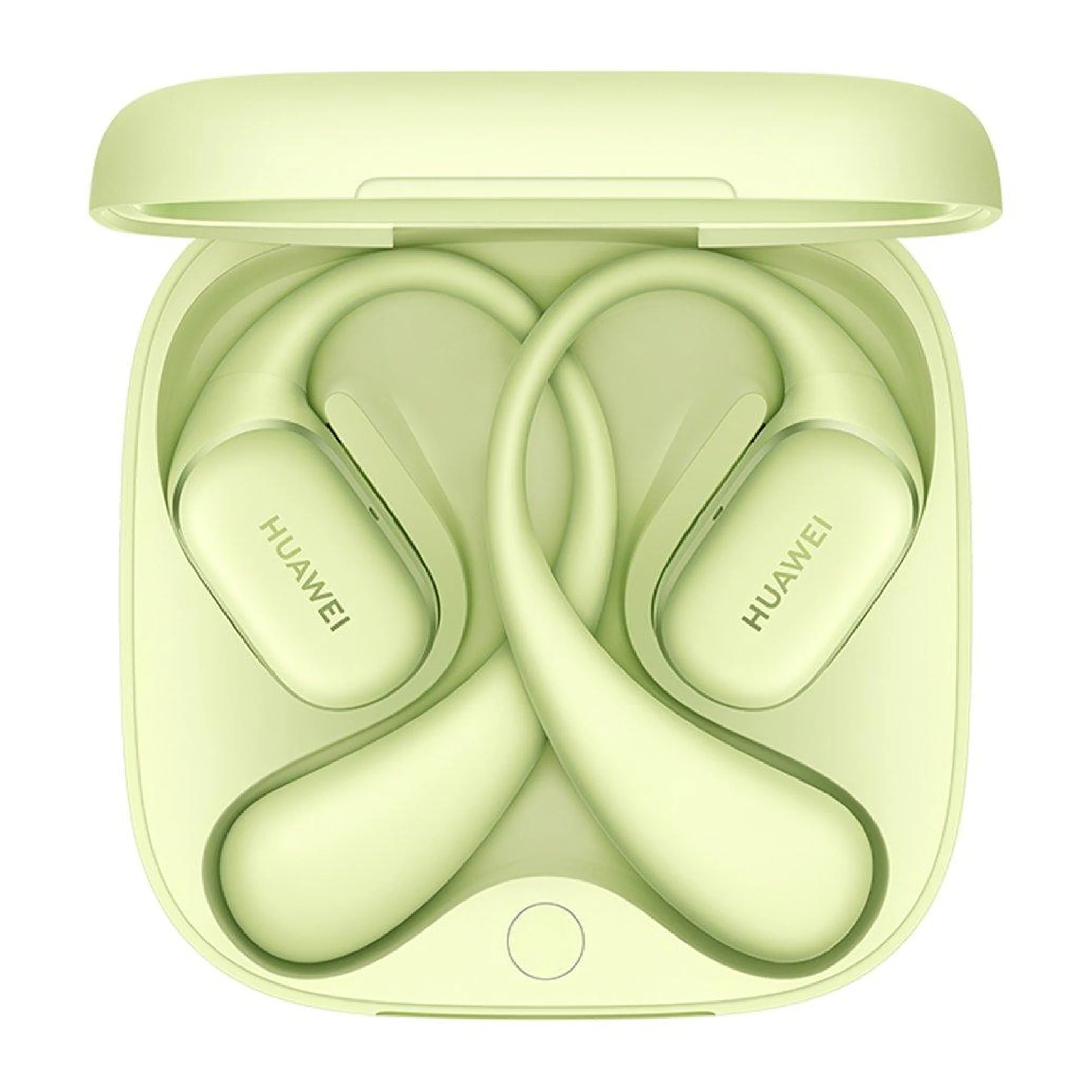
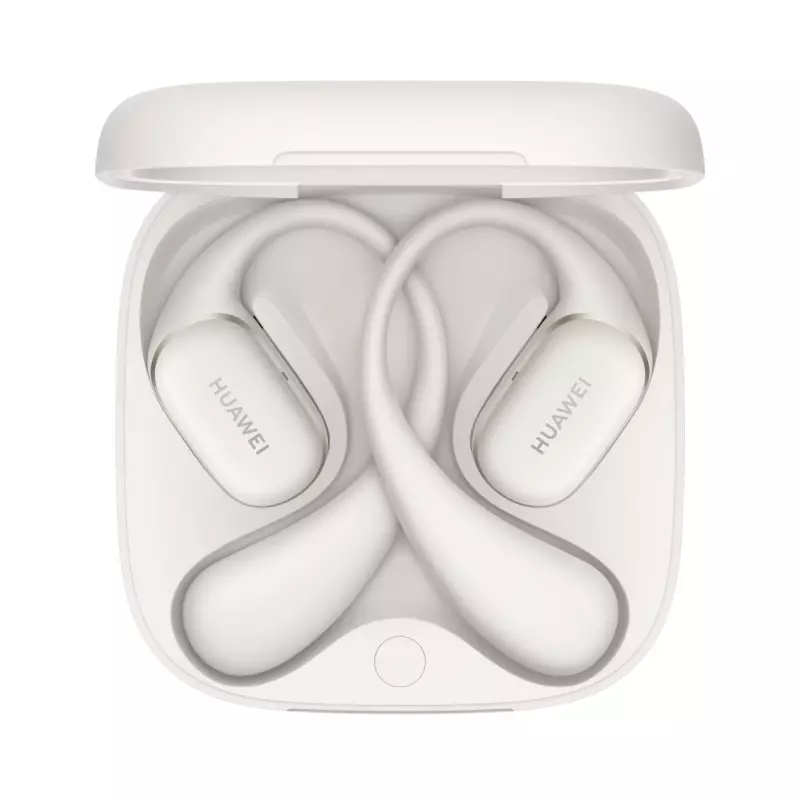
Huawei Wireless Earbuds Free Arc
SKU:
In stock
Huawei Wireless Earbuds FreeBuds Arc – Short Description:
Stylish and ergonomic wireless earbuds with an open-ear design, offering high-quality sound, secure fit, and long battery life. Features include Bluetooth connectivity, touch controls, noise cancellation, and compatibility with the Huawei AI Life app for customization. Ideal for all-day comfort and on-the-go listening.
29.900 OMR
-
Unboxing
-
Open the packaging box.
-
Take out the earbuds case and accessories (charging cable, manual, extra ear tips if included).
-
-
Charging the Case
-
Connect the charging cable to the charging port.
-
Plug into a power source.
-
Charge until the indicator light shows full battery.
-
-
Opening the Case
-
Flip open the top lid of the charging case.
-
The earbuds will automatically power on.
-
-
Pairing Mode
-
If first time use: earbuds enter pairing mode automatically.
-
If not: press and hold the function button on the case for a few seconds until the indicator blinks.
-
-
Connecting to Device
-
Enable Bluetooth on your phone or device.
-
Search for “FreeBuds Arc” in available devices.
-
Tap to connect.
-
Confirm the pairing if prompted.
-
-
Wearing the Earbuds
-
Take the earbuds out of the case.
-
Insert into ears with correct left/right orientation.
-
Adjust for comfort and secure fit.
-
-
Using Touch Controls
-
Tap or swipe to play/pause, skip tracks, or answer calls.
-
Customize controls via Huawei AI Life app (if supported).
-
-
Charging the Earbuds
-
Place earbuds back in the charging case.
-
Ensure they are seated properly.
-
The case will begin charging the earbuds automatically.
-
-
Updating Firmware
-
Open Huawei AI Life app.
-
Connect to the earbuds.
-
Check for firmware updates and follow instructions.
-
-
Storing the Earbuds
-
Place earbuds in the case after use.
-
Close the lid to protect and keep them charged.

There are no reviews yet.