
-
×
 PRO-SOUND DLSF-6T CELLING SPEAKER
1 × 7.000 OMR
-
×
 GEMINI DRP 1 19" RACK RECORDER
1 × 99.000 OMR
-
×
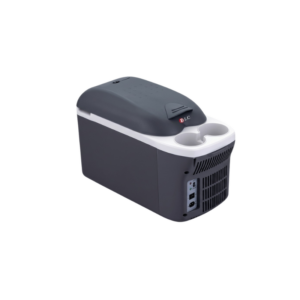 Dlc Thermoelectric Cooler And Warmer 8L DLC 5408
1 × 25.900 OMR
-
×
 ميكروفون كاندك DC C9 كارديويد ميكروفون
1 × 3.500 OMR
-
×
 BK-20 OUD OIL BUKHOOR BURNER
1 × 6.400 OMR
-
×
 AHUJA CSM-990 INTERVIEW MICROPHONE
1 × 25.000 OMR
-
×
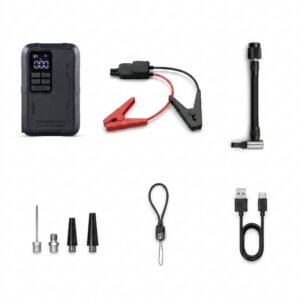 Blue Fire Mini Jump Starter BF-J06
1 × 24.900 OMR
-
×
 Google Fitbit Edge Fitness & Health Tracking Smart Band Green
1 × 86.900 OMR
-
×
 Belkin F2CU012bt Mixit Cable Usb A to Micro 3mtr
2 × 1.900 OMR
-
×
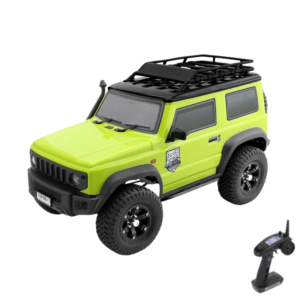 سيارة RGT Rock Cruiser RC (طراز 136100V3) التي تعمل بالتحكم عن بُعد من Cleo-TY
1 × 119.900 OMR
-
×
 GENERAL AC REMOTE
1 × 3.900 OMR
-
×
 X BOX WIRELESS CONTROLLER ELECTRIC VOLT YELLOW
1 × 20.900 OMR
-
×
 ANKER PowerCore III Sense PD 10000mAh POWERBANK
1 × 13.500 OMR
-
×
 M15 2.4G Wireless Controller Game
1 × 8.900 OMR
-
×
 Sandisk Flash Drive i-xpand Dual Luxe 64GB Type-C to Lightning
1 × 11.500 OMR
-
×
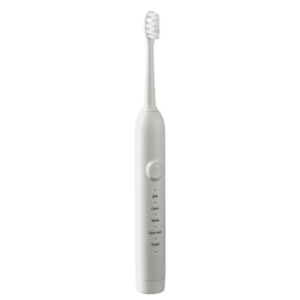 Dlc Electric Tooth Brush DLC 32108
1 × 3.900 OMR
-
×
 ONTEN USB to HDMI Adapter
1 × 8.900 OMR
المجموع: 473.800 OMR
 أقل سعر
 الخدمة والإصلاح


 أحدث

لا توجد مراجعات حتى الآن.