
 أقل سعر
 الخدمة والإصلاح

 أحدث
أحدث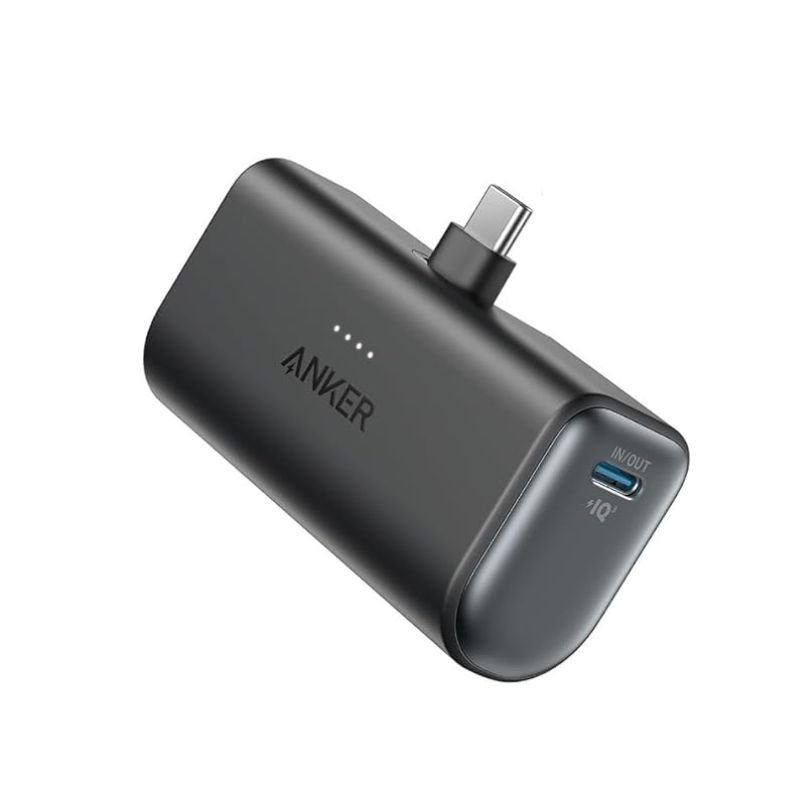
ANKER A1653H11 Built-in-USB-C Connector 5000mah Power Bank
SKU: ANKER A1653H11 Built-in-USB-C Connector 5000mah Power Bank
متوفر في المخزون
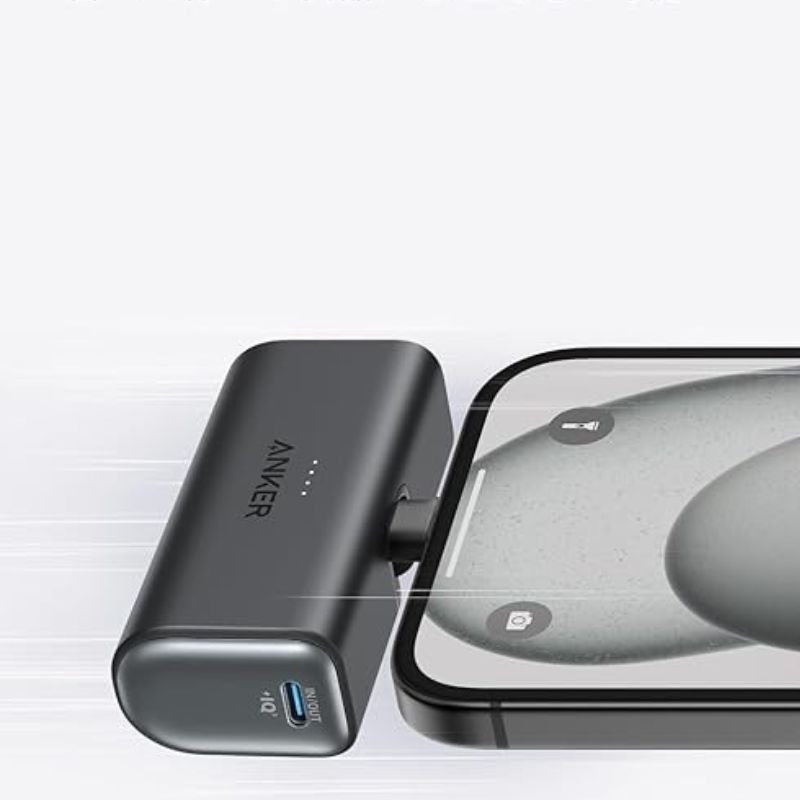
The ANKER A1653H11 Power Bank features a built-in USB-C connector and a capacity of 5000mAh, providing reliable portable power for your devices. Its compact design makes it easy to carry with you wherever you go, ensuring you stay charged while on the move. With the USB-C connector built right into the power bank, you can conveniently charge compatible devices without the need for additional cables. Ideal for travel, emergencies, or everyday use, this power bank from ANKER keeps your devices powered up whenever you need them.
11.900 OMR
متوفر في المخزون
1. **Charging the Power Bank:**
– Connect the included USB-C cable to the USB-C input port on the power bank.
– Plug the other end of the USB-C cable into a USB power source such as a wall adapter or a computer.
– The LED indicator lights on the power bank will illuminate to show that it’s charging. Wait until all LED indicators are solid to indicate a full charge.
2. **Charging Devices with Built-in USB-C Connector:**
– Locate the built-in USB-C connector on the power bank.
– If your device has a USB-C input port, simply plug the built-in USB-C connector directly into your device’s port.
3. **Charging Devices with Other Connectors:**
– If your device doesn’t have a USB-C input port, you can use a separate cable that is compatible with your device.
– Connect one end of the compatible cable to the appropriate output port on the power bank (usually USB-A).
– Plug the other end of the cable into your device’s charging port.
4. **Checking Battery Level:**
– Press the power button on the power bank to check the remaining battery level.
– The LED indicator lights will display the remaining battery capacity.
5. **Turning Off the Power Bank:**
– To conserve battery power when not in use, press and hold the power button until the LED indicator lights turn off.
6. **Recharging the Power Bank:**
– When the power bank runs out of battery, repeat step 1 to recharge it.
لا توجد مراجعات حتى الآن.