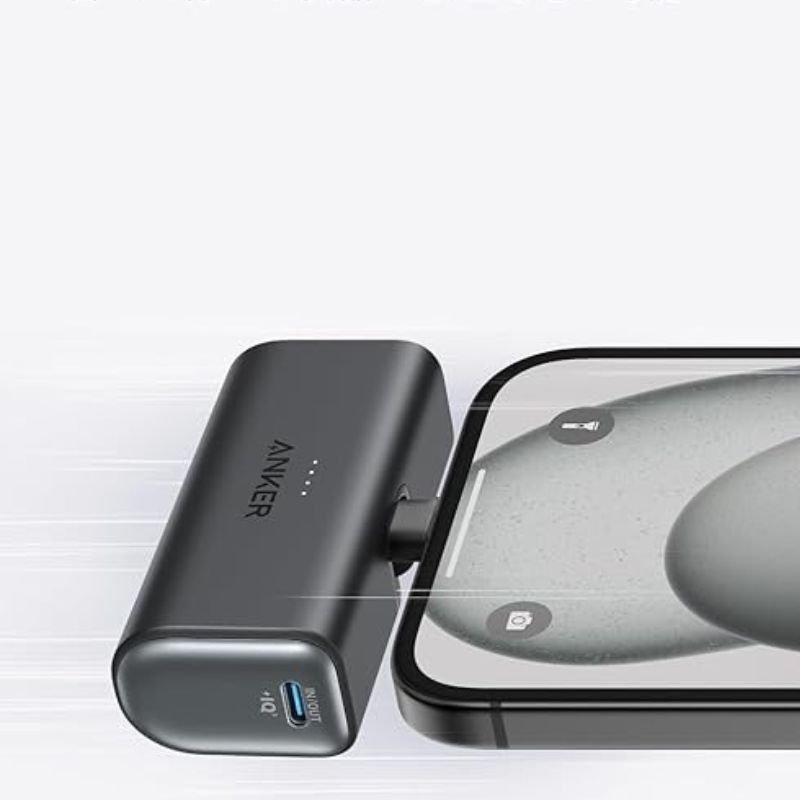
1. **Charging the Power Bank:**
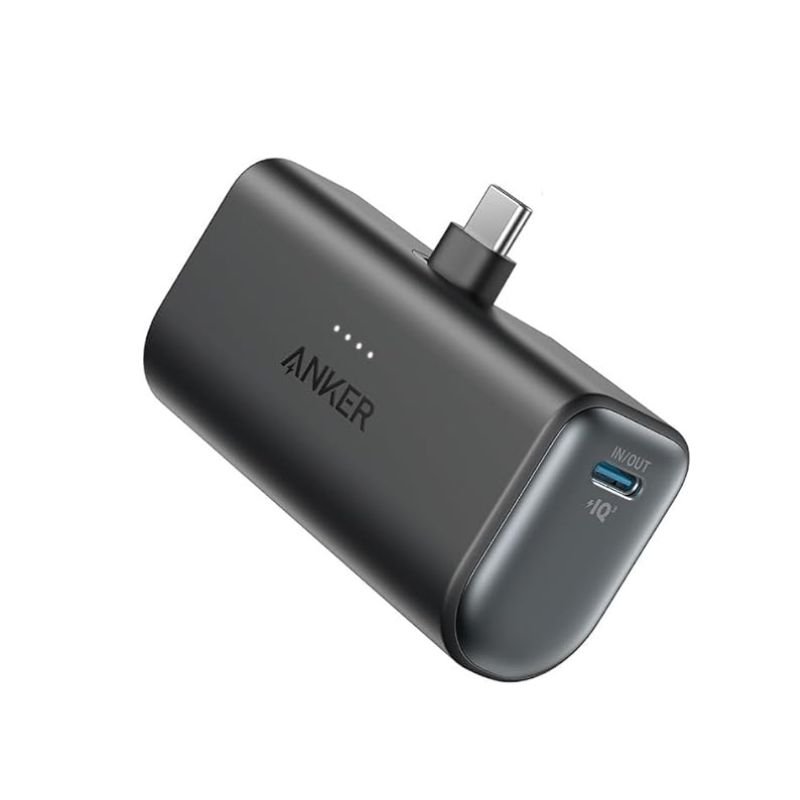
– Connect the included USB-C cable to the USB-C input port on the power bank.
– Plug the other end of the USB-C cable into a USB power source such as a wall adapter or a computer.
– The LED indicator lights on the power bank will illuminate to show that it’s charging. Wait until all LED indicators are solid to indicate a full charge.
2. **Charging Devices with Built-in USB-C Connector:**
– Locate the built-in USB-C connector on the power bank.
– If your device has a USB-C input port, simply plug the built-in USB-C connector directly into your device’s port.
3. **Charging Devices with Other Connectors:**
– If your device doesn’t have a USB-C input port, you can use a separate cable that is compatible with your device.
– Connect one end of the compatible cable to the appropriate output port on the power bank (usually USB-A).
– Plug the other end of the cable into your device’s charging port.
4. **Checking Battery Level:**
– Press the power button on the power bank to check the remaining battery level.
– The LED indicator lights will display the remaining battery capacity.
5. **Turning Off the Power Bank:**
– To conserve battery power when not in use, press and hold the power button until the LED indicator lights turn off.
6. **Recharging the Power Bank:**
– When the power bank runs out of battery, repeat step 1 to recharge it.
DOBE TYX-532 Dual Charging Dock
Sony PS 4 FIFA 21 Ultimate Edition Arabic Game CD
حامل تابلت للسيارة من Go-des GD HD313
Mi Redmi Note 17 6gb 256gb 5g Gsm
موصل كابل DUDAO AUX مقاس 3.5 مم
Cleo-TY Combat Aircraft Fighter Jet HT-S30
APPLE IPAD Pro 12.9 Inch 4TH GEN SMART KEYBOARD FOLIO
CLEO PLASTIC RECORDER
سيارة معدنية روسية من طراز شيرب، مناسبة لجميع التضاريس، مقاس 1.24
أقل سعر
الخدمة والإصلاح
أحدث

لا توجد مراجعات حتى الآن.