
-
×
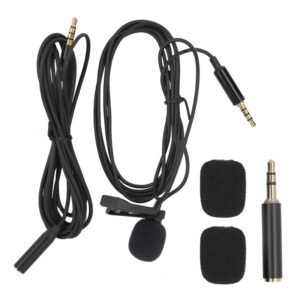 Lavalier Microphone Lj01b
1 × 1.500 OMR
Lavalier Microphone Lj01b
1 × 1.500 OMR
Subtotal: 1.500 OMR
SKU: 1402000068
In stock
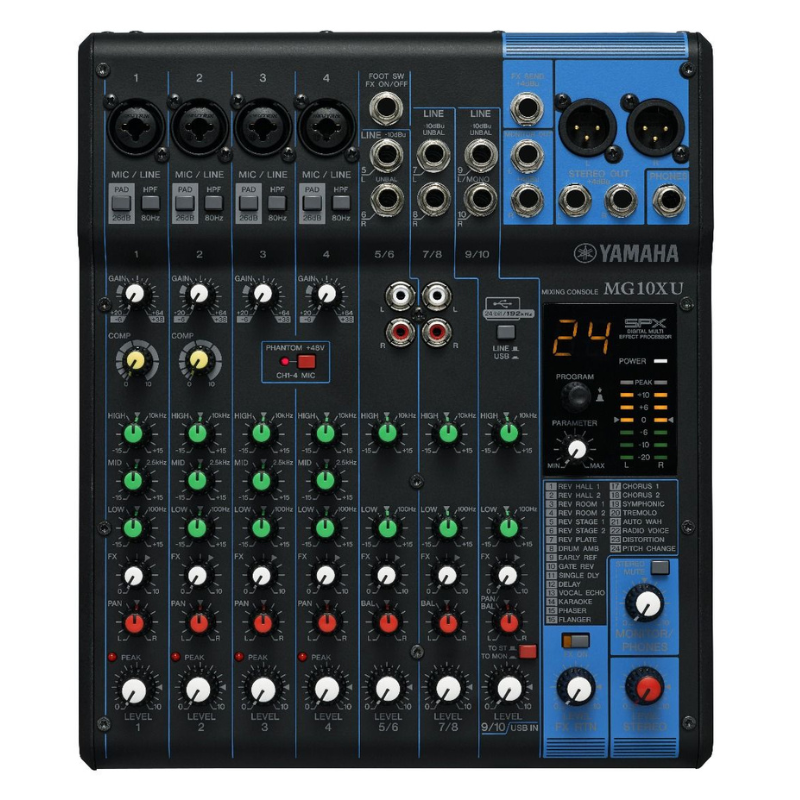
The Yamaha MG10XU is a versatile audio mixer featuring 10 channels with 4 microphone inputs equipped with D-PRE preamps for clear and natural sound. It includes built-in SPX digital effects, 3-band EQ on all channels, and USB connectivity for easy recording and playback from a computer or mobile device. Compact yet powerful, it’s ideal for small to medium-sized live performances, recordings, and multimedia applications.
119.000 OMR
In stock
1. **Setup**: Connect your microphones, instruments, and speakers to the Yamaha MG10XU using appropriate cables. Ensure the mixer is plugged into a power source.
2. **Channel Settings**: Adjust each channel’s input level using the gain knobs. Use the 3-band EQ (Bass, Mid, Treble) to tailor the sound of each channel to your preference.
3. **Effects**: Explore the built-in SPX digital effects by selecting a channel and adjusting the effect send levels. Experiment with reverb, delay, chorus, and other effects to enhance your audio.
4. **USB Connectivity**: Connect the mixer to your computer via USB to utilize its 24-bit/192kHz audio interface capabilities. This allows for recording directly to your computer and playback of audio from your DAW (Digital Audio Workstation).
5. **Monitoring and Output**: Use the headphone output for monitoring your mix in real-time. Adjust the main output level to send the mixed audio to your speakers or recording device. Ensure all connections are secure and levels are balanced for optimal sound quality.
*Ideal for interviews, ENG/EFP,film production *compander for high quality and clear sound *dual channel wireless receiver *48 UHF channels * more than 6 hours continuous operation * operation range cn rech upto 100m (wihout obstacle) * automatic LCD locked function *easy to read LCD disply
 New Arrivals
 Offers
 Service & Repair


There are no reviews yet.