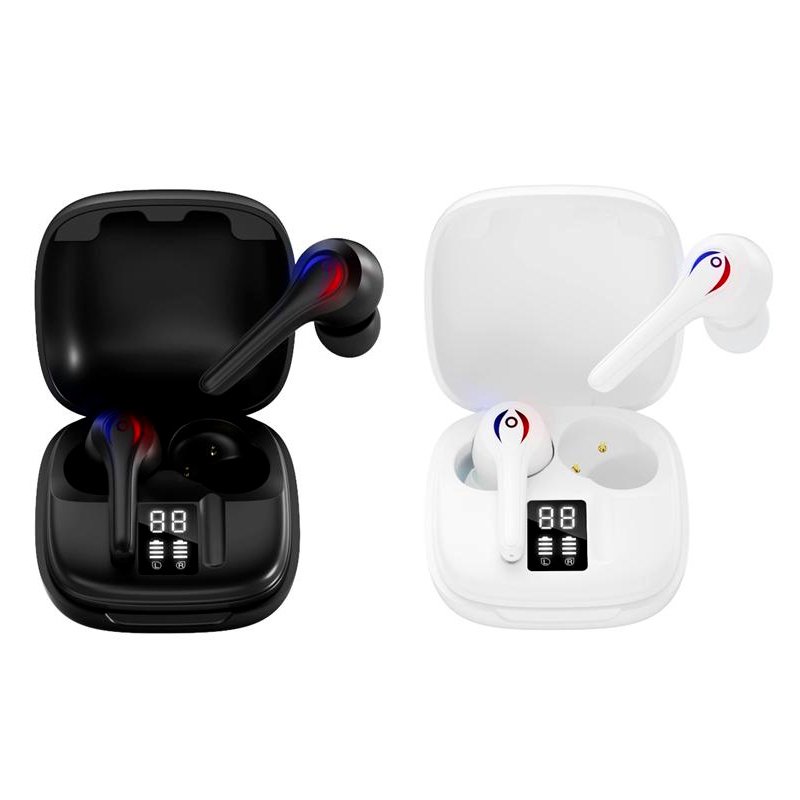
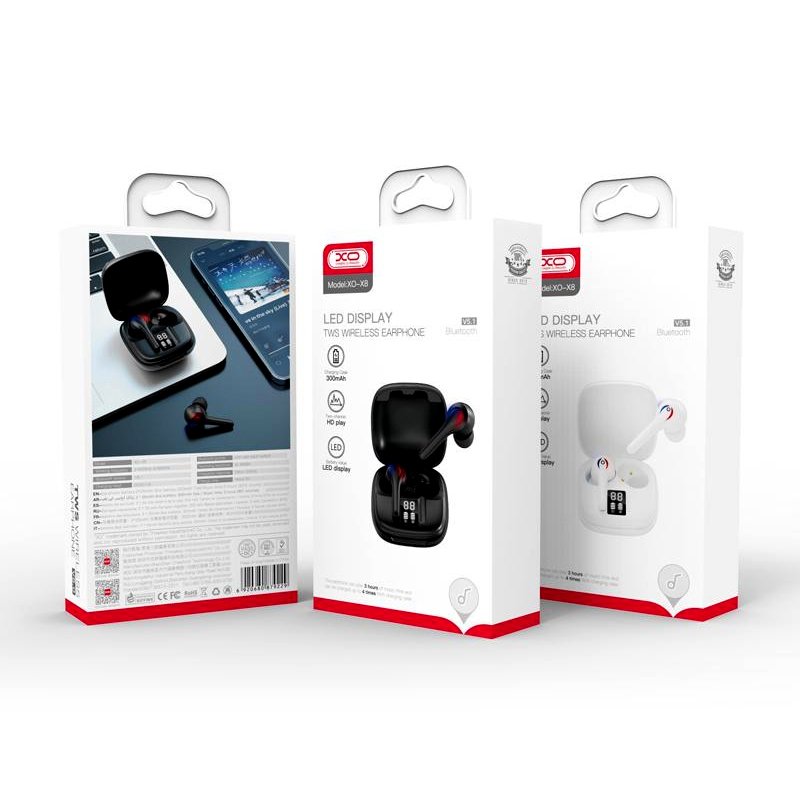
1. **Unboxing**: Open the package containing the XO-X8 Digital Display TWS Wireless Earbuds. Inside, you’ll find the earbuds themselves, a charging case, a USB charging cable, extra ear tips of various sizes, and any additional documentation.
2. **Charging the Case**: Before using the earbuds for the first time, ensure that the charging case is sufficiently charged. Connect the provided USB charging cable to the charging port on the case and plug the other end into a power source such as a computer or wall adapter. The LED indicator on the case will show the charging status.
3. **Pairing with Your Device**: Once the case is charged, open the lid to reveal the earbuds. The earbuds will automatically enter pairing mode. On your device (smartphone, tablet, etc.), enable Bluetooth and select “XO-X8” from the list of available devices to pair.
4. **Putting on the Earbuds**: Choose the ear tips that best fit your ears from the various sizes provided. Attach the ear tips securely to the earbuds. Insert the earbuds into your ears, making sure they fit comfortably and securely.
5. **Controls**: The XO-X8 earbuds feature touch-sensitive controls on each earbud. You can use these controls to play/pause music, adjust volume, skip tracks, answer/end calls, and activate voice assistants like Siri or Google Assistant. Refer to the user manual for specific instructions on using the touch controls.
6. **Charging the Earbuds**: When not in use, place the earbuds back into the charging case. The case will automatically begin charging the earbuds. Make sure the charging contacts on the earbuds align with those in the case to ensure proper charging.
7. **Monitoring Battery Life**: The LED indicators on the charging case will display the battery status of both the case and the earbuds. Green indicates a full charge, while red indicates low battery. You can also check the battery status of the earbuds on your connected device.
8. **Using the Earbuds**: Enjoy your favorite music, podcasts, or calls with the XO-X8 Digital Display TWS Wireless Earbuds. With their wireless design and compact charging case, they’re perfect for use during workouts, commutes, or leisure activities.
9. **Maintenance**: Keep the earbuds and charging case clean by wiping them with a soft, dry cloth as needed. Avoid exposing them to liquids or extreme temperatures, as this may damage the components.
10. **Turning Off**: To conserve battery life, turn off the earbuds when not in use by placing them back into the charging case and closing the lid. Ensure that Bluetooth is also turned off on your device to prevent unnecessary battery drain.
Following these steps will help you effectively set up and use the XO-X8 Digital Display TWS Wireless Earbuds for an enjoyable listening experience.

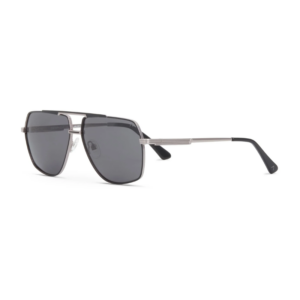 Despada Orginal Sunglasses DS2427 C1
1 × 45.000 OMR
Despada Orginal Sunglasses DS2427 C1
1 × 45.000 OMR 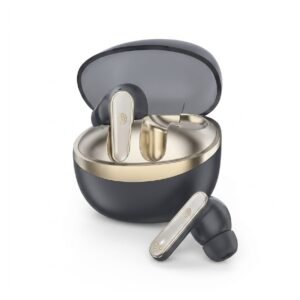 Cleo-MA JP-103 Wireless Bluetooth Earbuds
1 × 2.500 OMR
Cleo-MA JP-103 Wireless Bluetooth Earbuds
1 × 2.500 OMR 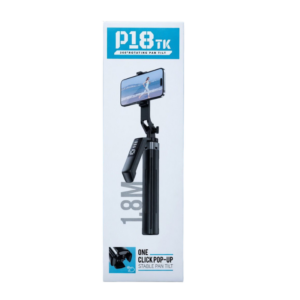 Cleo-MA P18 TK 1.8M Selfie Stick With 360 Degree Rotation
1 × 5.900 OMR
Cleo-MA P18 TK 1.8M Selfie Stick With 360 Degree Rotation
1 × 5.900 OMR 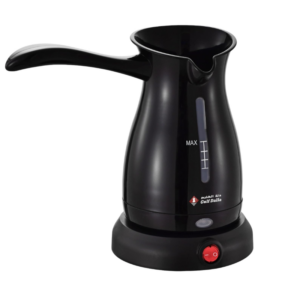 Gulf Dalla Turkish Coffee Machine GA-C96838
1 × 5.900 OMR
Gulf Dalla Turkish Coffee Machine GA-C96838
1 × 5.900 OMR 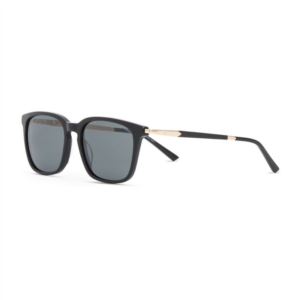 Despada Orginal Sunglasses DS2440 C1
1 × 45.000 OMR
Despada Orginal Sunglasses DS2440 C1
1 × 45.000 OMR 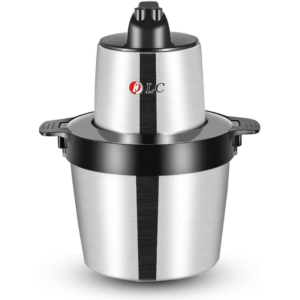 Dlc Electric Chopper 39405
1 × 13.900 OMR
Dlc Electric Chopper 39405
1 × 13.900 OMR 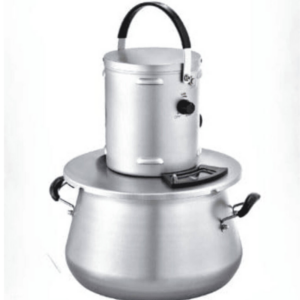 Dlc Multi Cooker 8013 Cooking Pot 10L
1 × 48.900 OMR
Dlc Multi Cooker 8013 Cooking Pot 10L
1 × 48.900 OMR 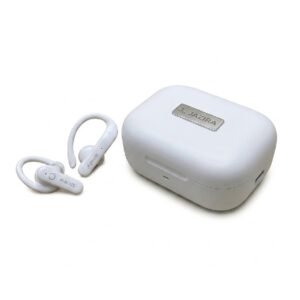 Cleo-MA JB Beats Ture Wireless Bluetooth Earbuds
1 × 2.900 OMR
Cleo-MA JB Beats Ture Wireless Bluetooth Earbuds
1 × 2.900 OMR  Apple Ipad Pro 12.9" 4th Gen Smart Keyboard Folio
1 × 94.900 OMR
Apple Ipad Pro 12.9" 4th Gen Smart Keyboard Folio
1 × 94.900 OMR  New Arrivals
 Offers
 Service & Repair


There are no reviews yet.