
 New Arrivals
 Offers
 Service & Repair


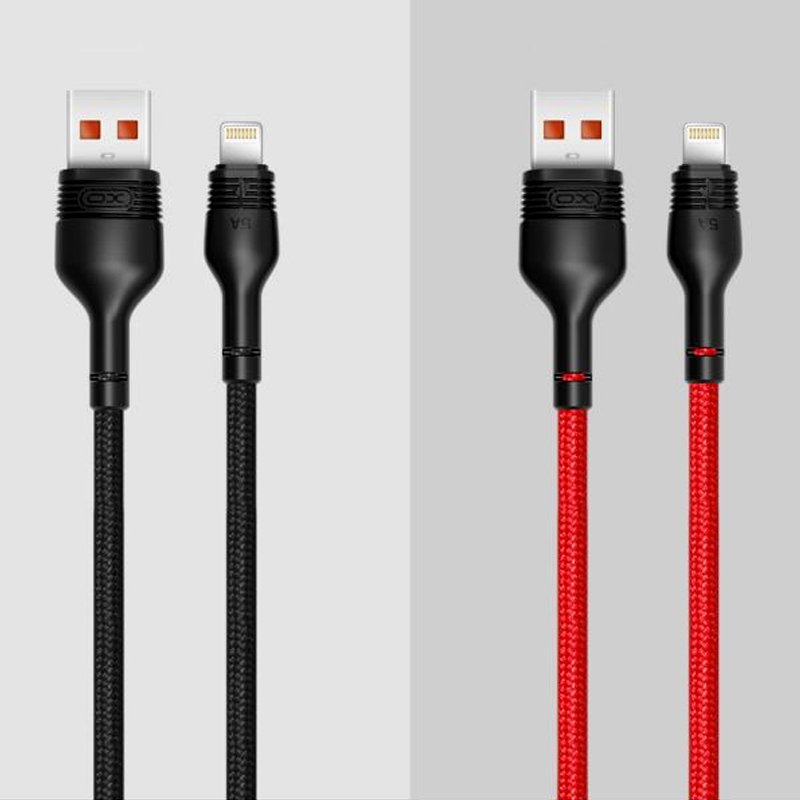
XO NB55 LIGHTNING USB CABLE
SKU: XO NB55 LIGHTNING USB
In stock
| 1 Year Warranty |
1. **Review the Warranty Terms:** Familiarize yourself with the terms and conditions of the XO NB55 Lightning USB Cable’s one-year warranty. This typically includes coverage for manufacturing defects and malfunctions under normal usage conditions.
2. **Retain Proof of Purchase:** Keep your original proof of purchase, such as a receipt or invoice, as it will be necessary to validate your warranty claim in case of any issues with the cable.
3. **Identify Potential Issues:** If you encounter any problems with the XO NB55 Lightning USB Cable during the warranty period, such as charging issues or physical damage not caused by misuse, take note of the specifics to help expedite the warranty claim process.
4. **Contact Customer Support:** Reach out to the manufacturer’s customer support team through their designated channels, which may include phone, email, or online forms. Provide them with details about the issue you’re experiencing and include any relevant documentation, such as photos or videos, if requested.
5. **Follow Warranty Claim Procedure:** Follow the instructions provided by the customer support team to initiate a warranty claim for the XO NB55 Lightning USB Cable. This may involve returning the defective cable, filling out a warranty claim form, or undergoing troubleshooting steps as guided by the support team. Once the claim is processed and approved, you should receive a replacement cable or repair service according to the terms of the warranty.

There are no reviews yet.