
 New Arrivals
 Offers
 Service & Repair

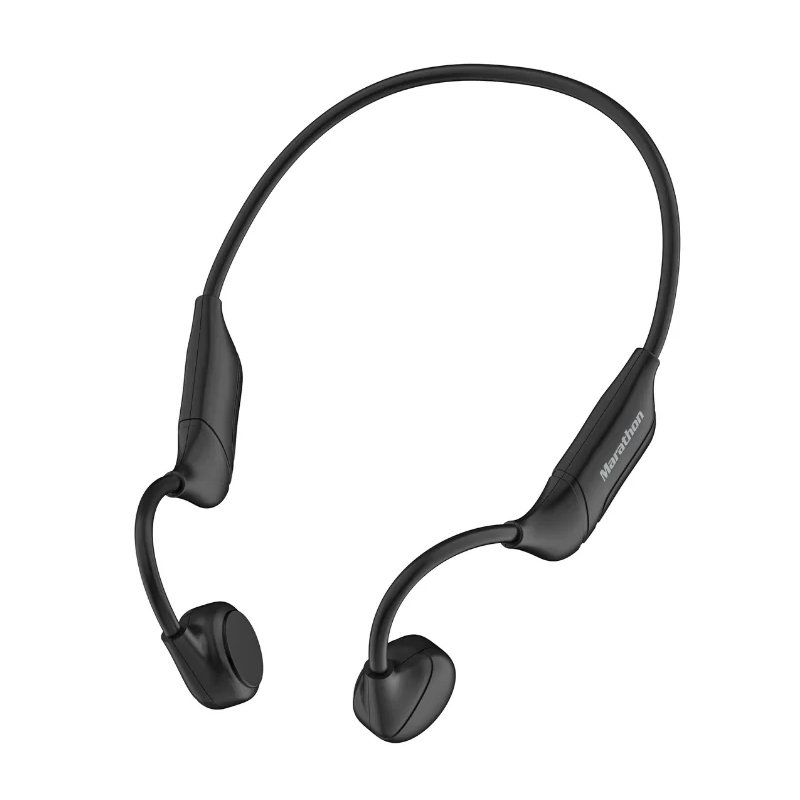
WIWU Marathon Ma-1 Bone Conduction WIRELESS HEADPHONE
SKU: WIWU Marathon Ma-1 Bone HEADPHONE
Out of stock
The WIWU Marathon Ma-1 Bone Conduction Wireless Headphones offer a unique listening experience by transmitting sound through vibrations in the cheekbones, leaving ears open to ambient sounds. With wireless connectivity, they provide freedom of movement during workouts or outdoor activities. These headphones are lightweight and comfortable for extended wear, making them ideal for active lifestyles.
Out of stock
– Turn on the WIWU Marathon Ma-1 Bone Conduction Wireless Headphones by pressing and holding the power button until the LED indicator lights up.
– Activate Bluetooth on your device and search for available devices. Select “WIWU Marathon Ma-1” from the list of available Bluetooth devices to pair them.
– Place the headphones on your head with the transducers positioned in front of your ears, ensuring they make contact with your cheekbones.
– Adjust the tension band to achieve a secure and comfortable fit. Ensure the headphones sit firmly in place while allowing ambient sounds to be heard.
– Once paired, play music or audio on your device, and it will stream wirelessly to the WIWU Marathon Ma-1 Bone Conduction Headphones. Adjust volume and playback controls as needed directly from the headphones.
There are no reviews yet.