
-
×
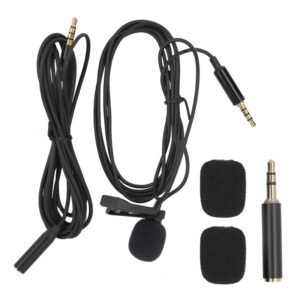
 Boya By Wm4 Pro K3 2.4ghz Wireless Microphone System
1 × 49.900 OMR
Boya By Wm4 Pro K3 2.4ghz Wireless Microphone System
1 × 49.900 OMR
Subtotal: 49.900 OMR
SKU: 0140803000023
In stock
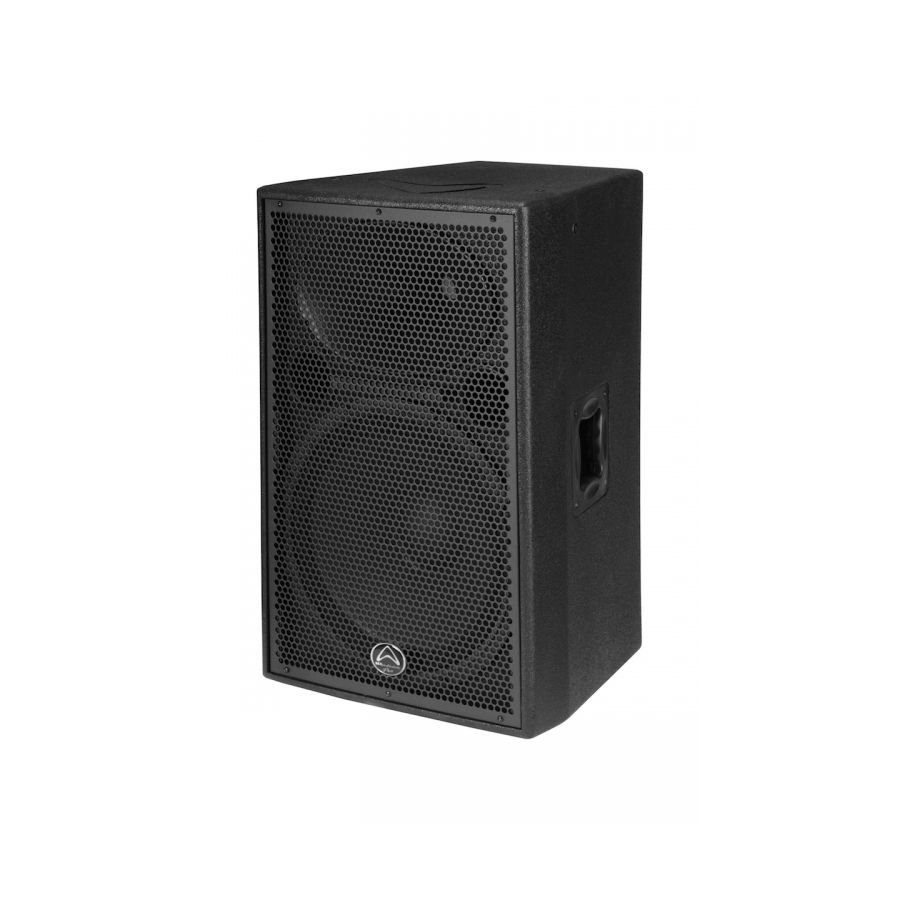
15” 2-way 500w RMS, 1000w Program 8 ohm Bi-amp trapez. spkr, Peak SPL 131dB, 50Hz-20kHz, Die-Cast Aluminium Woofer, Dual Angle Pole Mount, 6 x Rigging Points, Plywood Construction, Premium Rhino Rock Paint
130.000 OMR
In stock
1. **Setup and Placement**: Find a suitable location to place your Wharfedale Delta X15 Speaker. Ensure that it’s on a stable surface and positioned where it can deliver optimal sound coverage for your space. Consider factors such as room acoustics and audience positioning.
2. **Power Connection**: Plug the power cable into the power input on the back of the speaker and connect the other end to a power outlet. Ensure that the power source is stable and compatible with the speaker’s requirements.
3. **Audio Input Connection**: Decide how you’ll be connecting audio to the speaker. The Wharfedale Delta X15 typically offers multiple input options such as XLR, 1/4-inch jack, and RCA inputs. Choose the appropriate cable (XLR, TRS, RCA, etc.) based on your audio source and connect it to the corresponding input on the back of the speaker.
4. **Volume and EQ Adjustment**: Adjust the volume and EQ settings on the speaker to your preference. Most Wharfedale Delta X15 speakers feature dedicated knobs or controls for volume and EQ adjustments. Experiment with these settings to achieve the desired sound quality for your environment and content.
5. **Playback and Performance**: Once the connections and settings are adjusted, you’re ready to play audio through the Wharfedale Delta X15 Speaker. Start your audio source and ensure that the sound is coming through the speaker as expected. Fine-tune the volume and EQ as necessary during playback to optimize the sound for your audience.
 New Arrivals
 Offers
 Service & Repair


There are no reviews yet.