1. **Unboxing**: Carefully unpack the Umiio Q1 HD Portable Video Projector and ensure all components are present, including the projector unit, power adapter, remote control, HDMI cable, and any other accessories.
2. **Placement**: Choose a suitable location for the projector, ensuring it is positioned on a flat, stable surface and within range of a power outlet. Consider factors such as screen size, distance from the screen or wall, and ambient lighting conditions.
3. **Connect Power**: Plug the power adapter into the projector and then into a power outlet. Ensure the projector is powered off before connecting the power adapter.
4. **Connect Video Source**: Depending on your video source, connect it to the projector using one of the available connection options such as HDMI, VGA, USB, or AV. Use the appropriate cable for your device.
5. **Power On**: Turn on the projector using the power button on the unit or the remote control. Wait for the projector to boot up and display the startup screen.
6. **Adjust Focus and Keystone**: Use the focus ring on the projector lens to adjust the focus until the projected image is clear and sharp. Additionally, adjust the keystone correction if needed to correct any distortion in the image caused by the projection angle.
7. **Select Input Source**: Use the input/source button on the projector or the remote control to select the correct input source for your connected device (e.g., HDMI, VGA, USB).
8. **Adjust Display Settings**: Navigate the projector’s menu using the menu button on the unit or the remote control. Adjust display settings such as brightness, contrast, color temperature, and aspect ratio to your preferences.
9. **Mount or Adjust Screen**: If using a projector screen, mount it securely on a flat surface or wall. Alternatively, project onto a flat white wall or screen for temporary setups. Adjust the screen position and angle as needed for optimal viewing.
10. **Play Content**: Play your desired content on the connected device (e.g., laptop, DVD player, gaming console). The content should be displayed on the projector screen or wall.
11. **Volume Adjustment**: If the projector has built-in speakers, adjust the volume using the volume controls on the projector or the remote control. Alternatively, connect external speakers for enhanced audio quality.
12. **Power Off**: When you’re finished using the projector, turn it off using the power button on the unit or the remote control. Unplug the power adapter from the projector and the power outlet.
By following these steps, you can effectively set up and use the Umiio Q1 HD Portable Video Projector to enjoy high-quality video projection for movies, presentations, gaming, and more.
Telionix Electric Oven 35L 1500W TEO2900
Sony PS4 Village Resident Evil Game CD
Moulinex Blender LM207128 700W
SONY PS4 STAR WARS SQUADRONS GAME CD
Cleo-TY Plastic Stadium Horn HT 348 48CM
USB DATA CABLE PS4
Hot Wheels Deutschland Design
BBurago Metal Car Ferrari 296 GTB Size 1.18 18-16018
Maisto Metal Car Porsche 911 Targa 4 GTS Size 1.18 31470
Philips 1000 Series Body Groomer BG1025/15
Belkin F2CU012bt Mixit Cable Usb A to Micro 3mtr
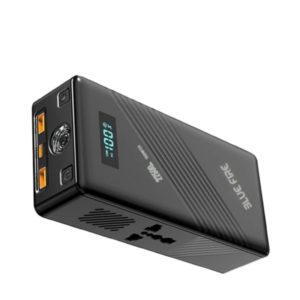
Blue Fire 22500MAh 150W Portable Power Bank
DOBE PS4 TP4 023B Charging STAND
Philips OneBlade 360 Shaver QP2734/23
Cpt Guitar 3713c
Cleo-TY Combat Aircraft Fighter Jet HT-S30
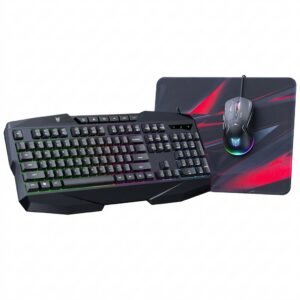
Onikuma 3-in-1 Professional Gaming Combo TZ3006
Maisto Metal Car Porsche 911 GT3 Size 1.18 36458
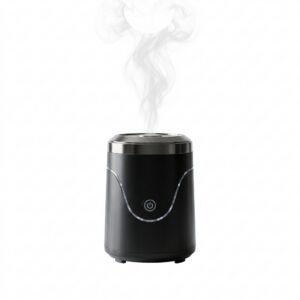
Cleo-EL Portable Electronic Bakhoor BQ-19
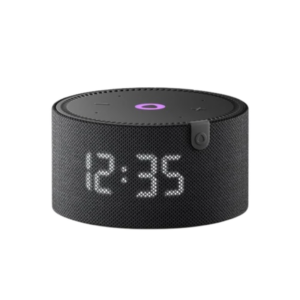
Yasmina Mini Smart Portable Bluetooth Speaker Black
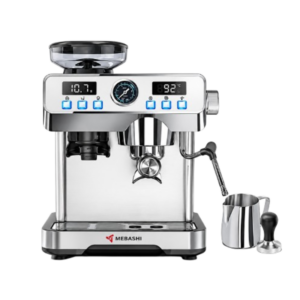
Mebashi Espresso Coffee Machine With Grinder ME-CCM2069
Ahuja Utp30 Wired Tie Clip Mic
OTVO P4 USB DATA CABLE (For P4 Host & Handle)
New Arrivals
Offers
Service & Repair


There are no reviews yet.