
-
×
 OMNIKEY 3121 CARD READER
3 × 7.900 OMR
-
×
 BBurago Metal Car Ferrari 296 GTB Size 1.18 18-16018
6 × 42.900 OMR
-
×
 Ahuja Utp30 Wired Tie Clip Mic
1 × 10.000 OMR
-
×
 Sony PS5 Dual Sense Wireless Controller - Purple
1 × 25.900 OMR
-
×
 ROCK W24 Double side Quick CHARGER
1 × 5.200 OMR
-
×
 Lavalier Microphone Lj02
1 × 1.800 OMR
-
×
 Sony PS5 The Pathless Game CD
1 × 15.800 OMR
-
×
 Bm 13k Bee Melodica
1 × 5.900 OMR
-
×
 SONY PS4 MADDEN NFL 21 GAME CD
1 × 11.900 OMR
-
×
 DOBE PS4 TP4 023B Charging STAND
1 × 6.900 OMR
-
×
 Kalimba 17 Keys Finger Piano
2 × 13.800 OMR
-
×
 Nintendo Switch Oled 64GB Console White
2 × 120.900 OMR
-
×
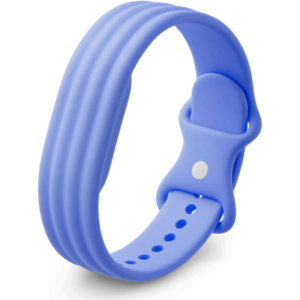 Google Fitbit Air Active Band Lavender Silicon Strap
1 × 20.900 OMR
-
×
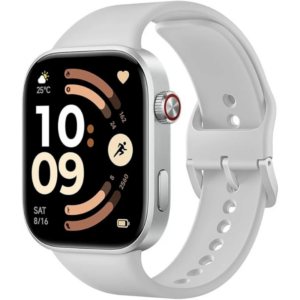 Redmi M2523 Smart Watch 6 Silver Gray
2 × 34.900 OMR
-
×
 Dlc 12L Electric Pressure Cooker 25612
1 × 34.900 OMR
-
×
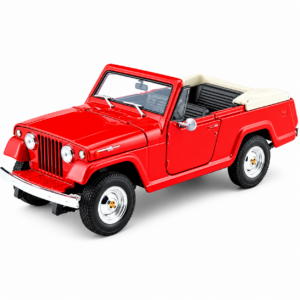 Welly Metal Car Jeep Jeepster Commando Roadster Size 1.24 WL-24117C-W
1 × 12.900 OMR
-
×
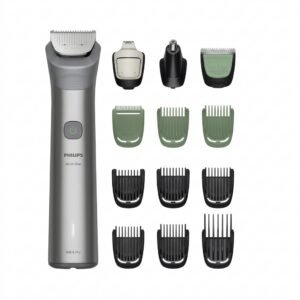 Philips 5000 Series All In One Trimmer 13 In 1 MG5942/15
1 × 19.900 OMR
-
×
 Sony PS5 Dual Sense Wireless Controller - Red
1 × 25.900 OMR
-
×
 Philips Dry Iron HD1172/27
3 × 5.800 OMR
-
×
 Used Nokia 5310 Express Music
1 × 25.800 OMR
-
×
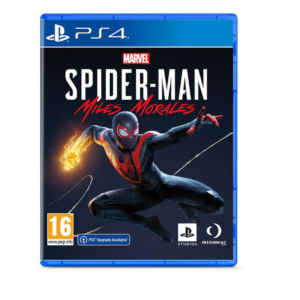 Sony PS4 Spider Man Game CD
1 × 12.900 OMR
-
×
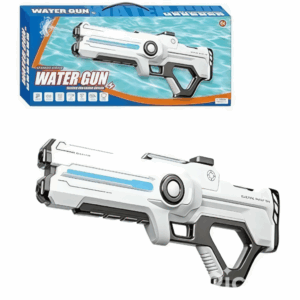 Cleo-TY Kids Water Gun 8899A 3
1 × 7.800 OMR
-
×
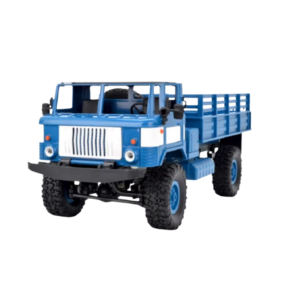 Cleo-TY Remote Control RC Military Truck B-24
1 × 14.900 OMR
-
×
 Belkin F2CU012bt Mixit Cable Usb A to Micro 3mtr
2 × 1.900 OMR
-
×
 SONY PS4 NIOH 2 GAME CD
1 × 9.900 OMR
-
×
 YH 25 PS4 Multifunctional Heat Dissipation Charging Bracket
1 × 12.900 OMR
-
×
 Tolaye Ks06 Keyboard Stand
1 × 14.000 OMR
-
×
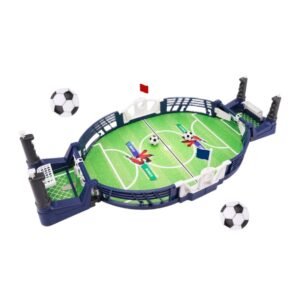 Cleo-TY Mini Tabletop Football Game
1 × 6.900 OMR
-
×
 ANKER NEBULA MARS 2PRO D2323211 PORTABLE PROJECTOR
1 × 199.800 OMR
-
×
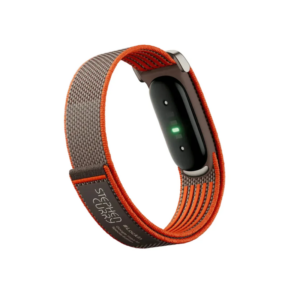 Google Fitbit Air Screen less Fitness & Health Tracking Stephen Curry Edition
1 × 61.900 OMR
-
×
 Google Fitbit Edge Fitness & Health Tracking Smart Band Green
3 × 86.900 OMR
-
×
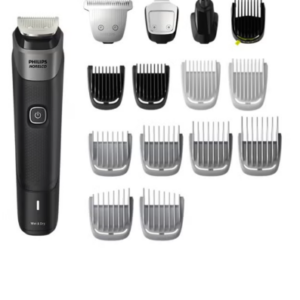 Philips 5000 Series Norelco All In One Trimmer MG5910/49
1 × 24.900 OMR
-
×
 Hot Wheels Deutschland Design
2 × 4.900 OMR
-
×
 L-1 Professional Streaming Player Stand
1 × 13.900 OMR
-
×
 Used NOKIA E90
1 × 120.000 OMR
-
×
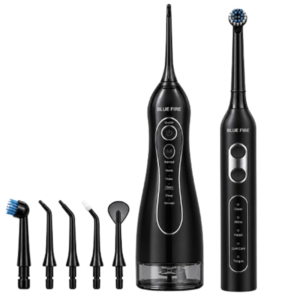 Blue Fire Hydroclean Oral Irrigator And Toothbrush BF-10
1 × 12.900 OMR
-
×
 NOKIA Used 3310 (Old Model)
1 × 12.000 OMR
-
×
 USAMS Iphone 11 Pro Metal Camera Lens Glass Film
1 × 1.900 OMR
-
×
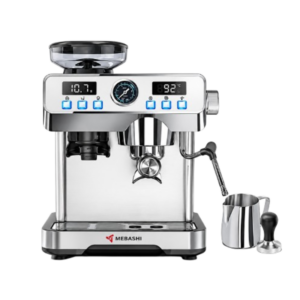 Mebashi Espresso Coffee Machine With Grinder ME-CCM2069
1 × 65.900 OMR
-
×
 Logitech Stereo Headset H390 Usb Connector
1 × 10.200 OMR
-
×
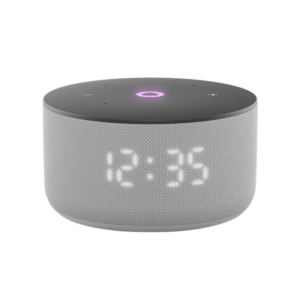 Yasmina Mini Smart Portable Bluetooth Speaker Grey
1 × 24.900 OMR
-
×
 Cleo-EL Portable Power Station 300W ZHY-CN01
1 × 44.900 OMR
-
×
 MiLi iData Air Flash Drive 32Gb
1 × 8.450 OMR
Subtotal: 1,816.650 OMR
 New Arrivals
 Offers
 Service & Repair


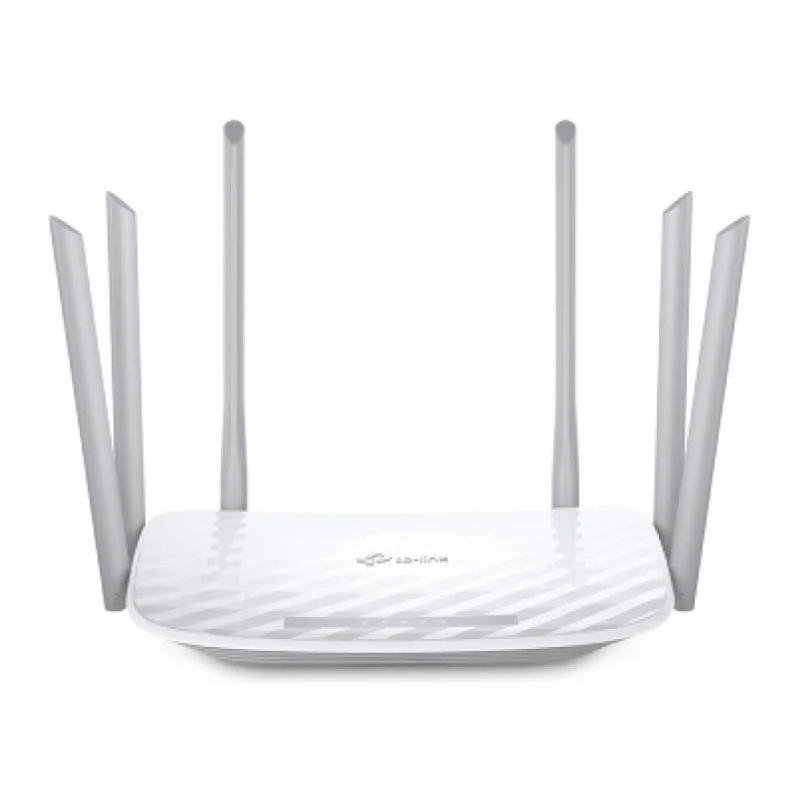
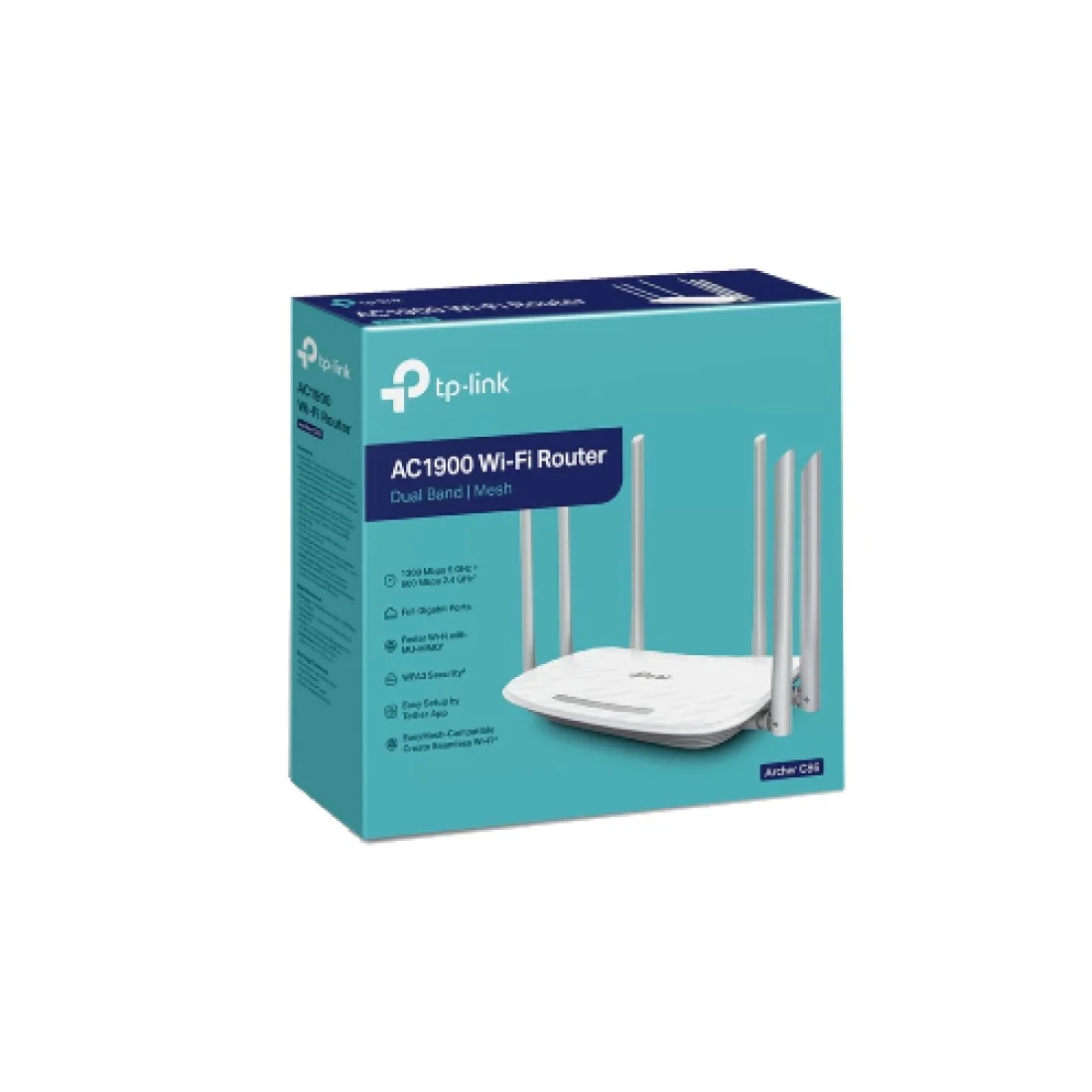
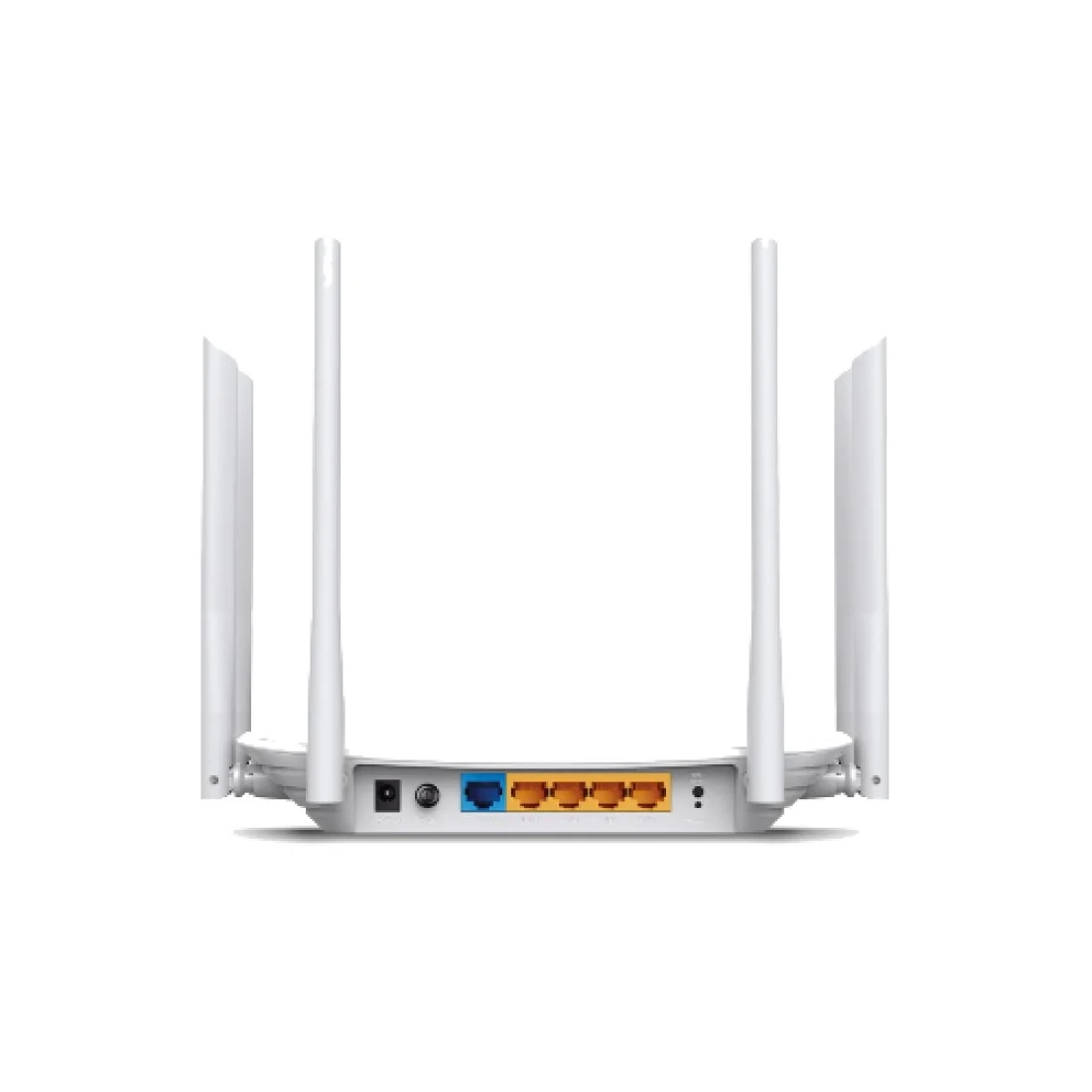

There are no reviews yet.