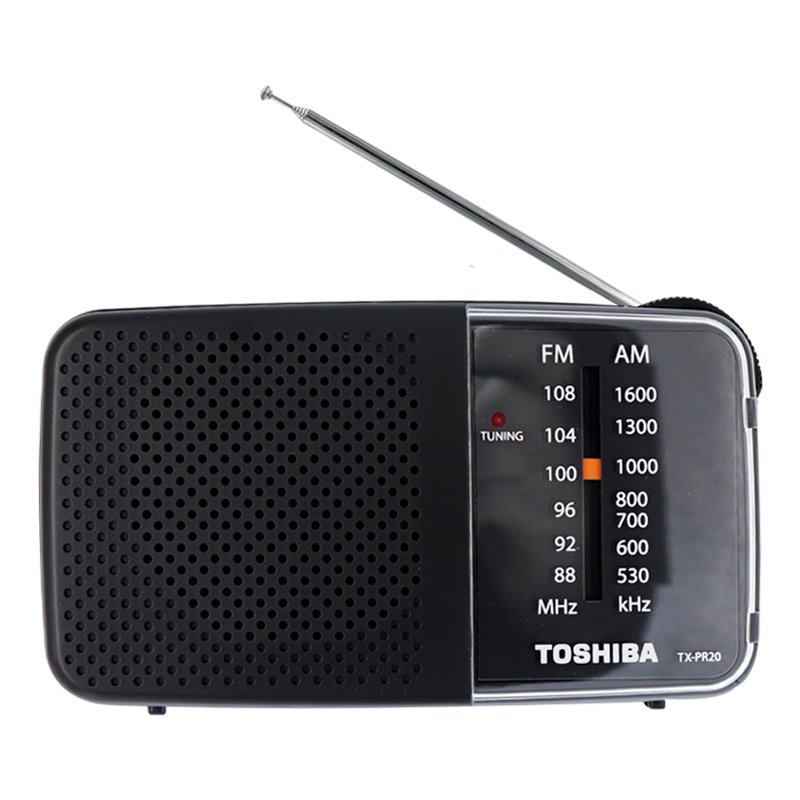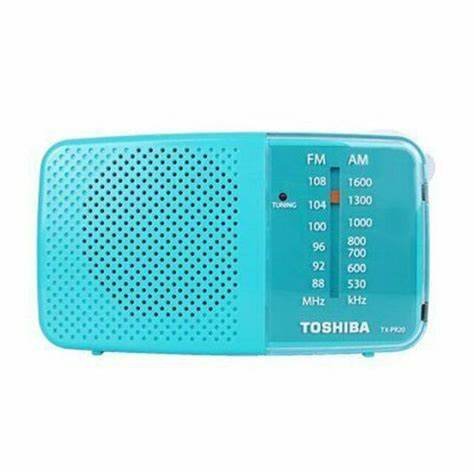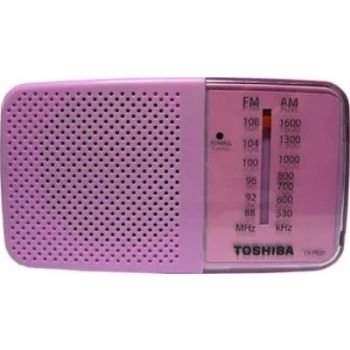
1. **Power On and Source Selection**: Start by powering on the TOSHIBA TX PR20 AM FM Radio using the designated power button or switch. Once powered on, select the desired radio band—AM or FM—using the band selector switch or buttons.
2. **Tuning**: Use the tuning dial or buttons to scan through available frequencies within the selected radio band. Tune in to your preferred radio station by adjusting the frequency until you find clear reception.
3. **Volume Adjustment**: Adjust the volume level using the volume control knob or buttons to your preferred listening level. Start with a low volume and gradually increase it until you reach the desired sound level for comfortable listening.
4. **Station Presets (Optional)**: If your TOSHIBA TX PR20 model supports station presets, use the preset buttons or controls to save your favorite radio stations for quick access. This feature allows you to easily switch between preset stations without the need for manual tuning.
5. **Enjoyment and Portability**: With its compact design and versatile features, the TOSHIBA TX PR20 AM FM Radio is suitable for enjoying music and radio programs at home, in the office, or on the go. Whether you prefer AM or FM radio stations, this device provides convenient entertainment wherever you are.
Following these steps will help you set up and enjoy the TOSHIBA TX PR20 AM FM Radio with ease.
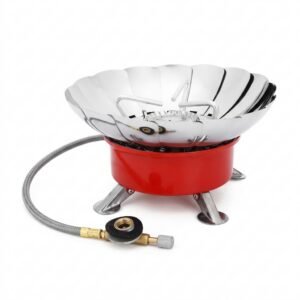
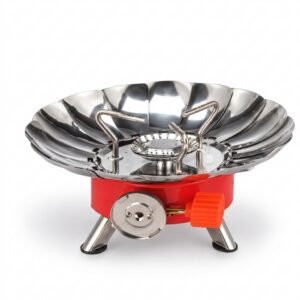
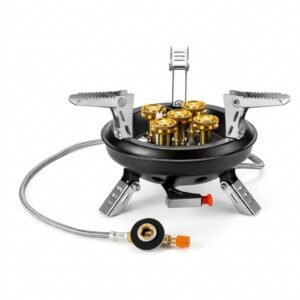
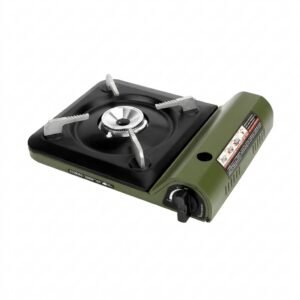
Cleo-EL Portable Camping Gas Stove ZB-16
Cleo-EL Portable Windproof Camping Gas Stove K-203L
Cleo-EL Portable Windproof Camping Gas Stove K-203
Cleo-EL Portable Outdoor Camping Gas Stove 201A
Cleo-TY Metal Car Tesla Semi Truck Head Size 1.24
Cleo-TY Baby Tricycle HT 4633
Cleo-TY Remote Control Car HT 2155
Cleo-TY Metal Car NIO ES8 Size 1.24
OMNIKEY 3121 CARD READER
New Arrivals
Offers
Service & Repair


There are no reviews yet.