
-
×
 L-1 Professional Streaming Player Stand
1 × 13.900 OMR
L-1 Professional Streaming Player Stand
1 × 13.900 OMR -
×
 USAMS Iphone 11 Pro Metal Camera Lens Glass Film
1 × 1.900 OMR
USAMS Iphone 11 Pro Metal Camera Lens Glass Film
1 × 1.900 OMR
Subtotal: 15.800 OMR
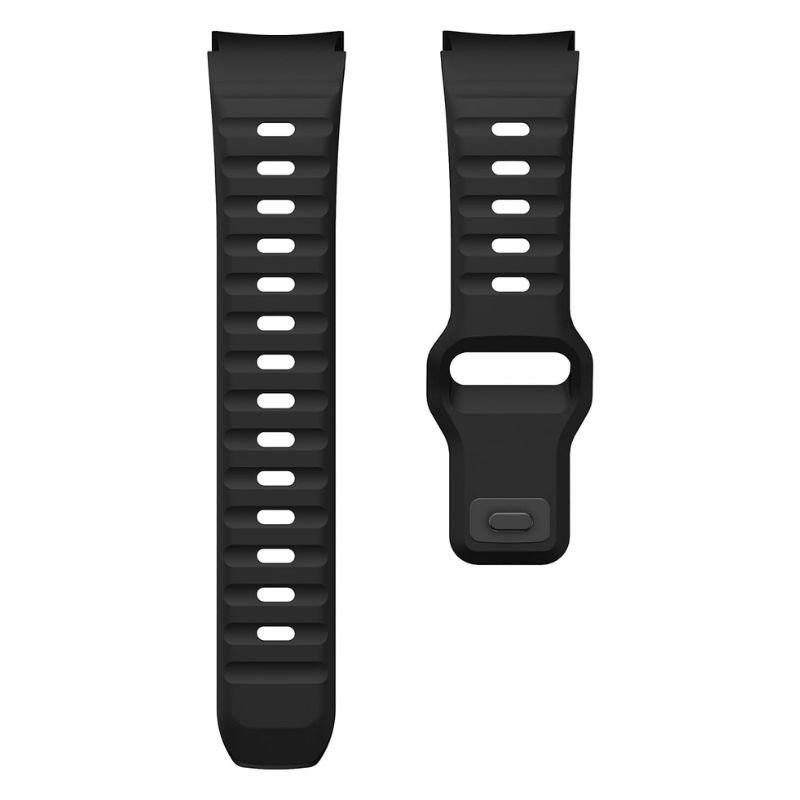
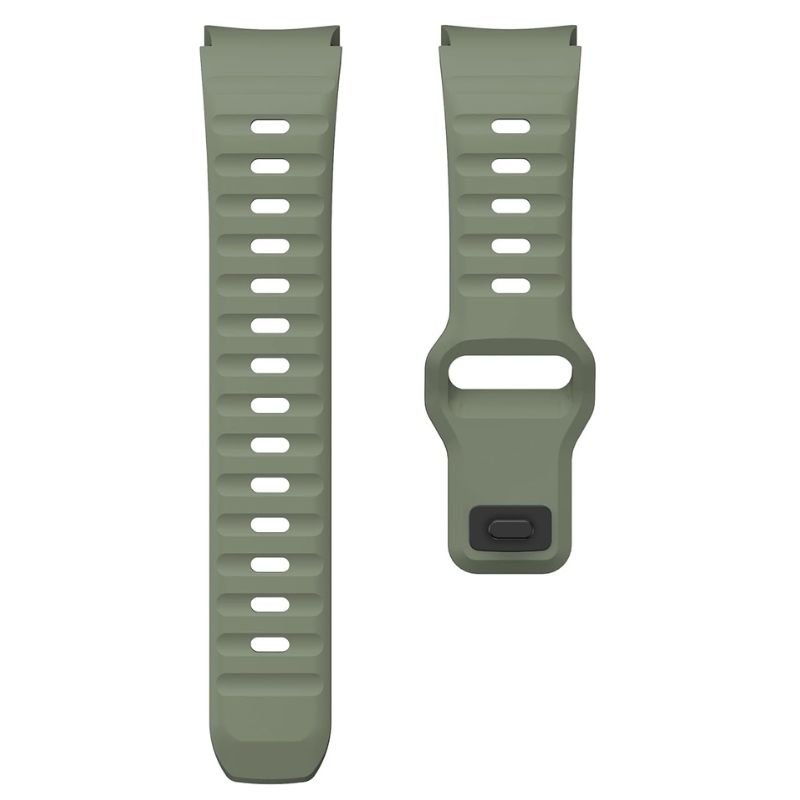
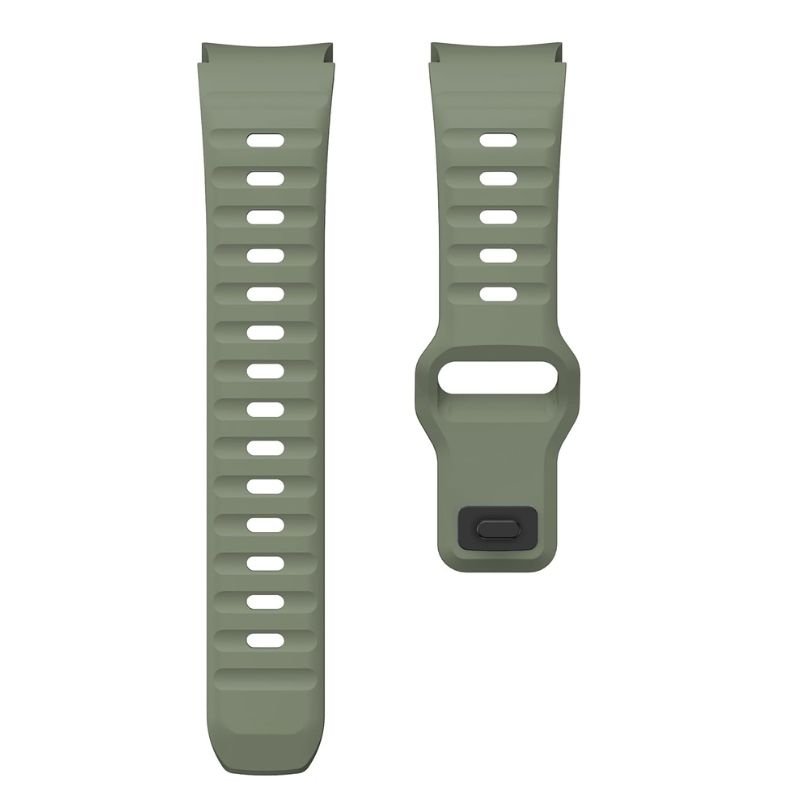
SKU: SPIGEN APPLE WATCH 44/45/49MM SILICON STRAP
In stock
The Spigen Silicon Strap for Apple Watch in 44/45/49mm offers a sleek and comfortable solution for customizing your wearable device. Crafted from high-quality silicone, it provides durability and flexibility for everyday wear. With its secure fit and adjustable design, this strap ensures a snug and comfortable fit on your wrist. Whether you’re hitting the gym or heading out for the day, the Spigen Silicon Strap combines style and functionality to complement your Apple Watch seamlessly.
2.900 OMR
In stock
1. **Select the appropriate size**: Determine the correct size of the Spigen Silicon Strap that matches your Apple Watch model, which comes in 44mm, 45mm, or 49mm variants, depending on your specific watch size.
2. **Detach the current strap**: If your Apple Watch is currently equipped with a different strap, release it by pressing the release buttons located on the back of the watch. Slide the current strap out of the slot until it is completely detached from the watch case.
3. **Attach the Spigen Silicon Strap**: Align the Spigen Silicon Strap with the slot on the side of your Apple Watch case. Slide the strap’s pins into the corresponding holes on the watch case until you hear a clicking sound, indicating that the strap is securely attached.
4. **Adjust the fit**: Once the Spigen Silicon Strap is attached to your Apple Watch, adjust its fit to ensure a comfortable and secure wearing experience. You can adjust the length of the strap by sliding the buckle along the holes provided on the strap, allowing you to find the perfect fit for your wrist size.
5. **Secure the strap**: After adjusting the strap to your desired length, fasten the buckle securely to ensure that the watch remains in place during daily activities. Make sure that the strap is snug but not too tight, allowing for comfortable wear throughout the day.
 New Arrivals
 Offers
 Service & Repair

There are no reviews yet.