
-
×
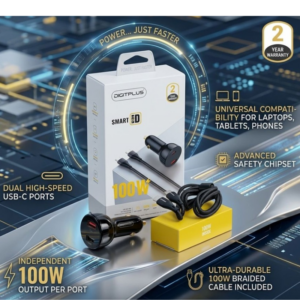 DigitPlus Car Charger 100w CC-DP-C101
1 × 8.900 OMR
-
×
 used Nokia 3109
1 × 17.900 OMR
-
×
 Tolaye Ks06 Keyboard Stand
1 × 14.000 OMR
-
×
 YH 31 PS4 2 in 1 Charging Heat Sink
1 × 11.900 OMR
-
×
 Boya By Wm8 Pro K2 Uhf Dual Channel Wireless Microphone
1 × 76.800 OMR
-
×
 Sony PS5 Dual Sense Wireless Controller - White
1 × 25.900 OMR
-
×
 Biba Flute Deluxe
1 × 6.500 OMR
-
×
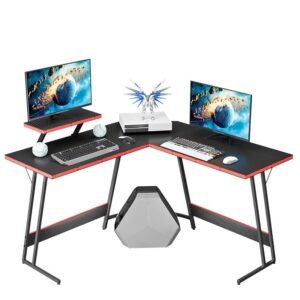 Cleo-GA Gaming Table ZJ001
1 × 44.900 OMR
-
×
 Sony PS4 Minecraft Dungeons Hero Edition Game CD
1 × 13.800 OMR
-
×
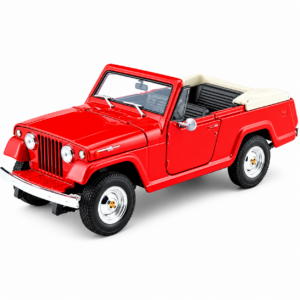 Welly Metal Car Jeep Jeepster Commando Roadster Size 1.24 WL-24117C-W
1 × 12.900 OMR
-
×
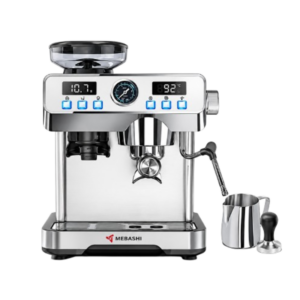 Mebashi Espresso Coffee Machine With Grinder ME-CCM2069
2 × 65.900 OMR
-
×
 Max Bms 135 Boom Mic Stand
1 × 9.500 OMR
-
×
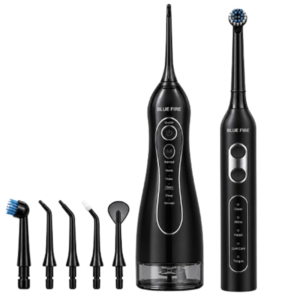 Blue Fire Hydroclean Oral Irrigator And Toothbrush BF-10
1 × 12.900 OMR
-
×
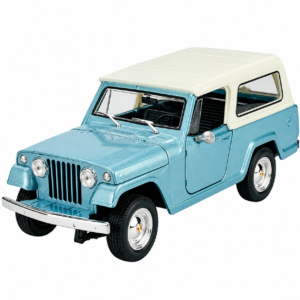 Welly Metal Car Jeep Jeepster Commando Station Wagon Size 1.24 WL-24117H-W
1 × 12.900 OMR
-
×
 Cle Usb Fridge
1 × 5.900 OMR
-
×
 Kalimba 17 Keys Finger Piano
1 × 13.800 OMR
-
×
 SONY PS4 CD DOOM
1 × 10.800 OMR
Subtotal: 431.100 OMR
 New Arrivals
 Offers
 Service & Repair





There are no reviews yet.