
-
×
 OTVO P4 USB DATA CABLE (For P4 Host & Handle)
1 × 1.900 OMR
OTVO P4 USB DATA CABLE (For P4 Host & Handle)
1 × 1.900 OMR
Subtotal: 1.900 OMR
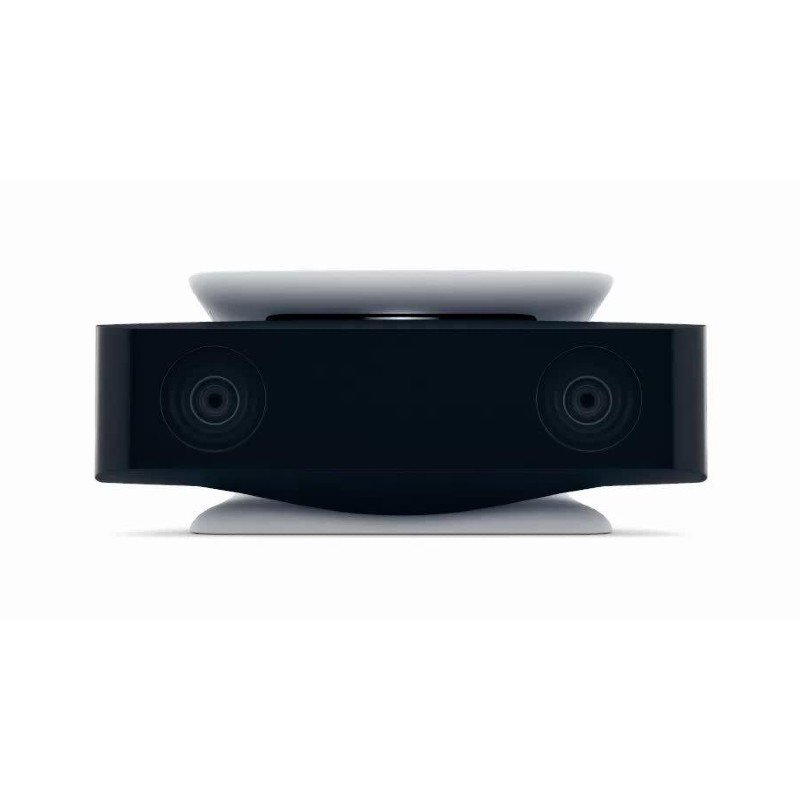
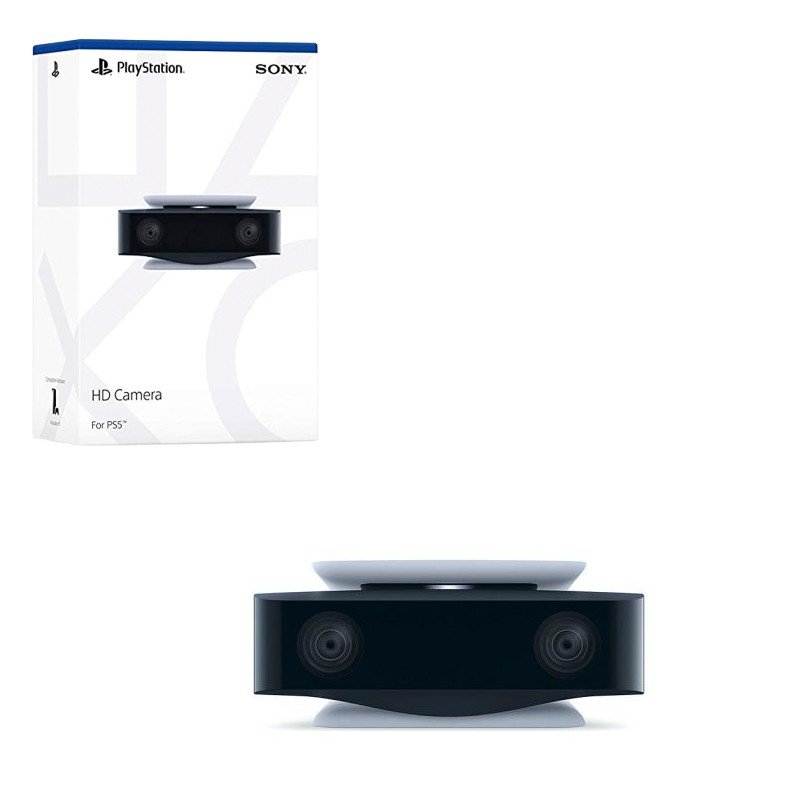
SKU: Sony PS5 HD Camera
In stock
The Sony PS5 HD Camera is a high-definition webcam designed for the PlayStation 5 console. It features dual 1080p lenses that capture clear, sharp video, making it ideal for streaming and video chats. The camera also includes a built-in stand and integrates seamlessly with the PS5’s user interface, allowing for easy setup and customization. With advanced image processing, it enhances your gameplay experience by enabling features like facial recognition and background removal.
8.950 OMR
In stock
1. **Unboxing and Setup**: Remove the Sony PS5 HD Camera from its packaging. Connect the camera to the PS5 console using the provided USB cable, and position it on your TV stand or gaming area using the adjustable stand.
2. **System Integration**: Power on your PS5 and navigate to the settings menu. Select the “Devices” section and then “Camera” to ensure the PS5 recognizes the HD Camera.
3. **Camera Calibration**: Adjust the camera’s angle and position for optimal framing. Use the PS5’s camera settings to fine-tune image clarity, brightness, and contrast according to your preference.
4. **Feature Customization**: Explore additional features such as background removal or face tracking through the PS5’s camera settings. Customize these options to enhance your streaming or video chat experience.
5. **Usage**: Start your game or streaming application, and the PS5 HD Camera will automatically integrate with your gameplay or broadcast. Enjoy high-quality video and interactive features that enhance your overall gaming experience.
| Weight | 1 kg |
|---|
– About item:
* Easy to learn modern wind instrument for young and old to make their own music.
* It is also exceedingly useful in musical education as an introduction to all keyboard instruments.
* Ideal for anyone interested in learning the melodica, t
 New Arrivals
 Offers
 Service & Repair


There are no reviews yet.