1. **Access the PlayStation Store:** Turn on your PlayStation 5 console and navigate to the PlayStation Store from the main menu using your controller. The PlayStation Store icon is usually located in the top row of icons.
2. **Search for the DLC:** Once in the PlayStation Store, use the search function to find the Crash Team Rumble Dls Cross EDI DLC. You can either type the full name or use keywords like “Crash Team Rumble” to narrow down your search.
3. **Purchase and Download:** Select the DLC from the search results to view its details and price. If you haven’t already purchased it, you’ll need to do so at this stage. Once purchased, initiate the download by selecting the “Download” or “Add to Cart” button, then follow the prompts to complete the process.
4. **Access the Game:** After the DLC is successfully downloaded and installed on your console, launch the Crash Team Racing game from your PS5’s home screen. Ensure that your console is connected to the internet to access the downloaded content.
5. **Access DLC Content:** Once the game is loaded, navigate to the appropriate menu option within the game to access the DLC content. This may vary depending on the game’s menu structure, but typically you’ll find it under “Extras,” “Downloadable Content,” or a similar section. Select the Crash Team Rumble Dls Cross EDI DLC to access the new features, characters, and content it offers.
With these steps, you can easily access and enjoy the SONY PS5 Crash Team Rumble Dls Cross EDI DLC, expanding your Crash Team Racing experience with exciting new content and challenges.
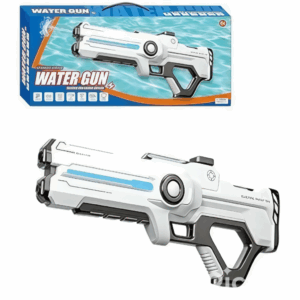
Cleo-TY Kids Water Gun 8899A 3
Candc DC C9 Cardioid Microphone
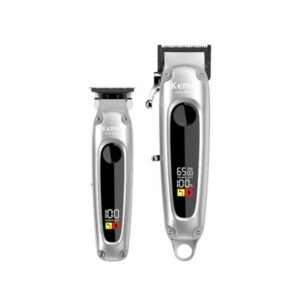
Kemei Professional Hair Clipper KM-8540
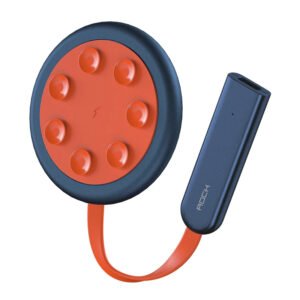
ROCK W24 Double side Quick CHARGER
Used NOKIA E90
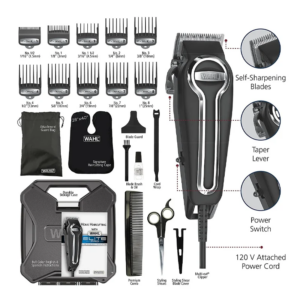
WAHL ELITE PRO HAIRCUTTING KIT
ADJUSTABLE ONE PIECE WAIST BAND TW 32093
Sony PS 4 FIFA 21 Ultimate Edition Arabic Game CD
New Arrivals
Offers
Service & Repair


There are no reviews yet.