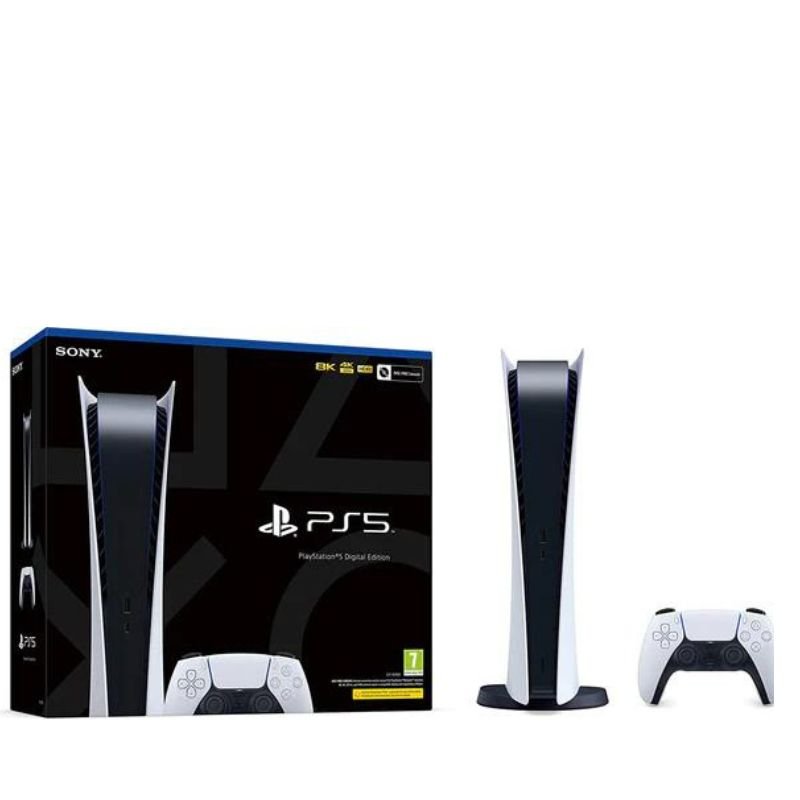
1. **Unboxing**: Carefully remove the PS5 console from its packaging, ensuring not to damage any components or accessories.
2. **Placement**: Choose a suitable location for your PS5 console near a power outlet and your TV or monitor. Ensure there’s enough space around the console for ventilation.
3. **Connections**: Connect the HDMI cable from the PS5 console to your TV or monitor. Plug in the power cable to the console and then into a power outlet. Optionally, connect an Ethernet cable for a wired internet connection or set up a wireless connection.
4. **Power On**: Press the power button on the PS5 console to turn it on. Follow the on-screen prompts to select your language, region, and other settings.
5. **Controller Setup**: Turn on the DualSense controller that comes with the PS5. Press and hold the PS button on the controller until the light bar starts blinking. Follow the on-screen instructions to pair the controller with the console.
6. **System Software Update**: If prompted, connect to the internet to download and install any available system software updates. This ensures your PS5 is up to date with the latest features and improvements.
7. **PlayStation Network Sign-In**: Sign in to your PlayStation Network (PSN) account or create a new one if you don’t have an existing account. This allows you to access online features, purchase games, and connect with friends.
8. **Explore the Interface**: Familiarize yourself with the PS5’s user interface, including the home screen, game library, settings, and PlayStation Store. Navigate using the DualSense controller’s buttons and touchpad.
9. **Game Installation**: Insert any physical game discs you have into the PS5’s disc drive or download games directly from the PlayStation Store. Follow the on-screen prompts to install and launch games.
10. **Enjoy Gaming**: Once everything is set up, start playing games on your PS5! Explore a vast library of titles, experience stunning graphics, and immerse yourself in the world of gaming.
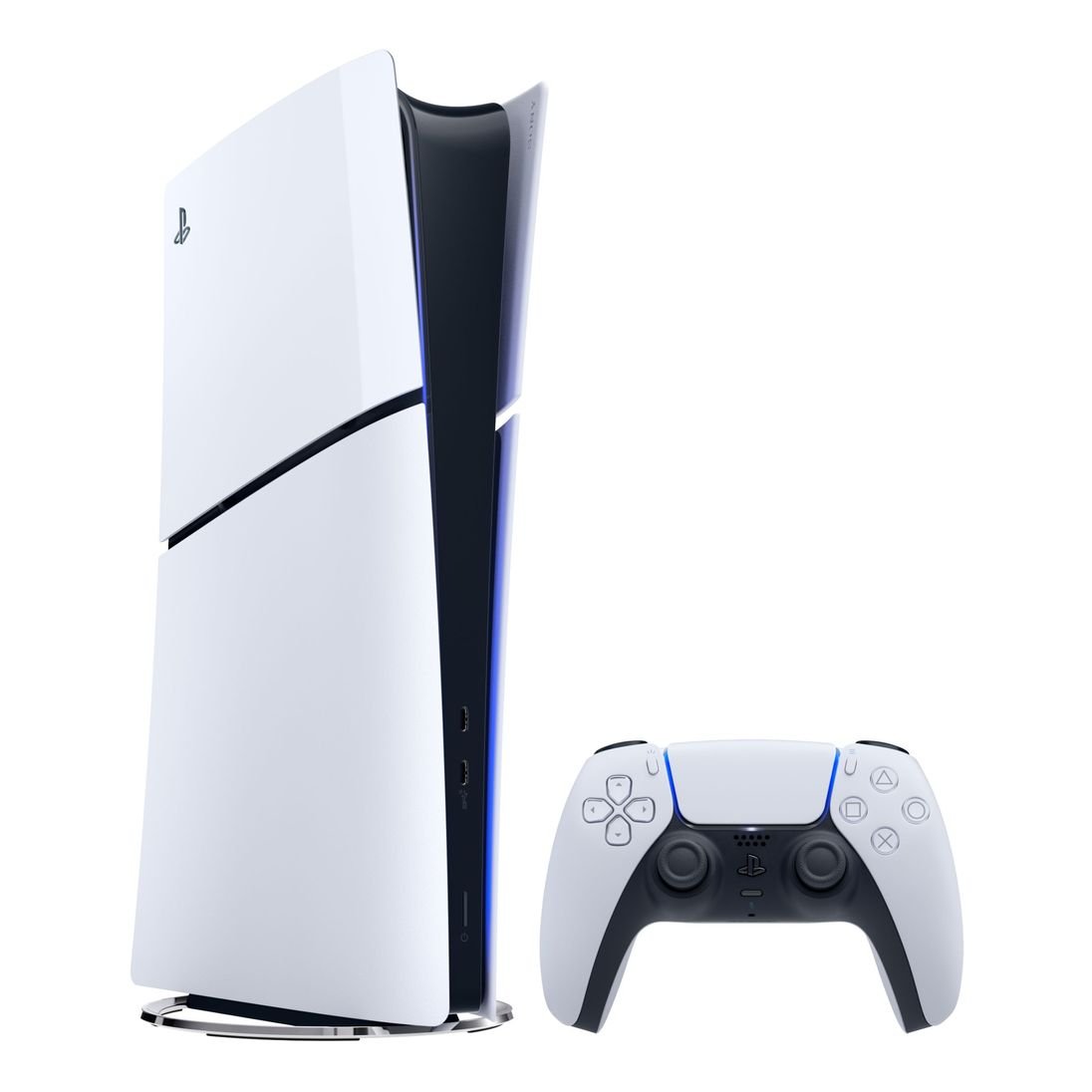
By following these steps, you can set up and start using your Sony PS5 CFI-1216A01Y/B Digital Slim Console for an exceptional gaming experience.
Here’s a step-by-step description of setting up and using the Sony PS5 CFI-1216A01Y/B Digital Slim Console:
1. **Unboxing**: Carefully remove the PS5 console from its packaging, ensuring not to damage any components or accessories.
2. **Placement**: Choose a suitable location for your PS5 console near a power outlet and your TV or monitor. Ensure there’s enough space around the console for ventilation.
3. **Connections**: Connect the HDMI cable from the PS5 console to your TV or monitor. Plug in the power cable to the console and then into a power outlet. Optionally, connect an Ethernet cable for a wired internet connection or set up a wireless connection.
4. **Power On**: Press the power button on the PS5 console to turn it on. Follow the on-screen prompts to select your language, region, and other settings.
5. **Controller Setup**: Turn on the DualSense controller that comes with the PS5. Press and hold the PS button on the controller until the light bar starts blinking. Follow the on-screen instructions to pair the controller with the console.
6. **System Software Update**: If prompted, connect to the internet to download and install any available system software updates. This ensures your PS5 is up to date with the latest features and improvements.
7. **PlayStation Network Sign-In**: Sign in to your PlayStation Network (PSN) account or create a new one if you don’t have an existing account. This allows you to access online features, purchase games, and connect with friends.
8. **Explore the Interface**: Familiarize yourself with the PS5’s user interface, including the home screen, game library, settings, and PlayStation Store. Navigate using the DualSense controller’s buttons and touchpad.
9. **Game Installation**: Insert any physical game discs you have into the PS5’s disc drive or download games directly from the PlayStation Store. Follow the on-screen prompts to install and launch games.
10. **Enjoy Gaming**: Once everything is set up, start playing games on your PS5! Explore a vast library of titles, experience stunning graphics, and immerse yourself in the world of gaming.
By following these steps, you can set up and start using your Sony PS5 CFI-1216A01Y/B Digital Slim Console for an exceptional gaming experience.

 ANKER NEBULA MARS 2PRO D2323211 PORTABLE PROJECTOR
1 × 199.800 OMR
ANKER NEBULA MARS 2PRO D2323211 PORTABLE PROJECTOR
1 × 199.800 OMR  SONY PS4 STAR WARS SQUADRONS GAME CD
1 × 15.800 OMR
SONY PS4 STAR WARS SQUADRONS GAME CD
1 × 15.800 OMR  Welly Metal Car Porsche 911 GT3 RS Size 1.24 WL-24122W
3 × 14.900 OMR
Welly Metal Car Porsche 911 GT3 RS Size 1.24 WL-24122W
3 × 14.900 OMR  DigitPlus Wired Headset DP-HD5 Gaming with Mic
1 × 4.900 OMR
DigitPlus Wired Headset DP-HD5 Gaming with Mic
1 × 4.900 OMR  WAHL HOME PRO 300 SERIES HAIRCUT KIT
1 × 15.800 OMR
WAHL HOME PRO 300 SERIES HAIRCUT KIT
1 × 15.800 OMR  Boya Wireless Microphone By Wm4 Pro
1 × 47.900 OMR
Boya Wireless Microphone By Wm4 Pro
1 × 47.900 OMR  GT Autos Metal Car Bugatti Chiron Size 1.18 GTA-11010MB
2 × 34.900 OMR
GT Autos Metal Car Bugatti Chiron Size 1.18 GTA-11010MB
2 × 34.900 OMR  SONY PS4 CD DOOM
1 × 10.800 OMR
SONY PS4 CD DOOM
1 × 10.800 OMR  Bm 13k Bee Melodica
1 × 5.900 OMR
Bm 13k Bee Melodica
1 × 5.900 OMR  SteelSeries Arctis Pro 61486 Gaming Headset
1 × 39.700 OMR
SteelSeries Arctis Pro 61486 Gaming Headset
1 × 39.700 OMR 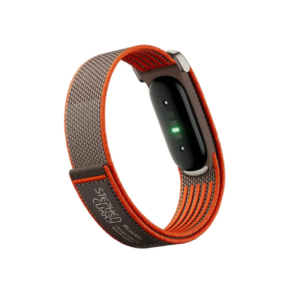 Google Fitbit Air Screen less Fitness & Health Tracking Stephen Curry Edition
1 × 61.900 OMR
Google Fitbit Air Screen less Fitness & Health Tracking Stephen Curry Edition
1 × 61.900 OMR  WAHL 3615 Cordless Mobile shaver
1 × 9.800 OMR
WAHL 3615 Cordless Mobile shaver
1 × 9.800 OMR  Apple Ipad Pro 12.9" 4th Gen Smart Keyboard Folio
1 × 94.900 OMR
Apple Ipad Pro 12.9" 4th Gen Smart Keyboard Folio
1 × 94.900 OMR 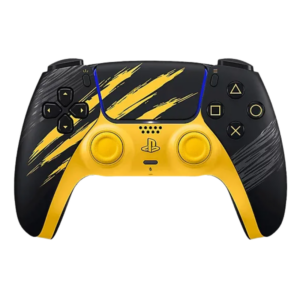 Sony Ps 5 Controller Marvel Wolverine Limited Edition
2 × 42.900 OMR
Sony Ps 5 Controller Marvel Wolverine Limited Edition
2 × 42.900 OMR  OTVO P4 USB DATA CABLE (For P4 Host & Handle)
1 × 1.900 OMR
OTVO P4 USB DATA CABLE (For P4 Host & Handle)
1 × 1.900 OMR  Logitech Driving Force Shifter for G29/G920 941-000130
1 × 19.800 OMR
Logitech Driving Force Shifter for G29/G920 941-000130
1 × 19.800 OMR 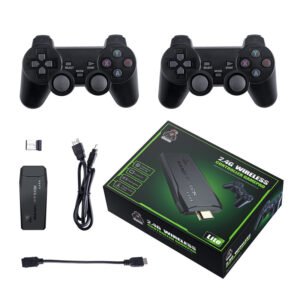 2.4G Wireless Controller Game Pad
1 × 7.500 OMR
2.4G Wireless Controller Game Pad
1 × 7.500 OMR  New Arrivals
 Offers
 Service & Repair



There are no reviews yet.