1. **Insert the Game CD**: Open the disc tray on your PlayStation 4 console and carefully insert the Call of Duty Black Ops Cold War Game CD into the disc slot.
2. **Close the Disc Tray**: Gently push the disc tray back into the console until it securely closes.
3. **Launch the Game**: Turn on your PlayStation 4 console and wait for it to boot up. Once the console is ready, navigate to the home screen using your controller.
4. **Select the Game Icon**: Locate the Call of Duty Black Ops Cold War game icon on the home screen. It typically appears as a tile with the game’s logo. Use the controller to highlight the icon.
5. **Initiate Installation (if required)**: If this is the first time you’re playing the game or if there are any updates available, the console may prompt you to install or update the game. Follow the on-screen instructions to initiate the installation process. This may take some time depending on the speed of your internet connection and the size of the update.
6. **Wait for Installation to Complete**: Allow the game to install or update completely. You can track the progress from the notification screen or the game’s icon on the home screen.
7. **Launch the Game**: Once the installation or update is complete, select the game icon again and press the “X” button on your controller to launch the game.
8. **Navigate the Main Menu**: After the game loads, you’ll be taken to the main menu. Here, you can choose different game modes such as Campaign, Multiplayer, or Zombies. Navigate through the menu using the directional buttons on your controller.
9. **Select Game Mode**: Choose the game mode you want to play by highlighting it and pressing the “X” button on your controller.
10. **Start Playing**: Once you’ve selected your desired game mode, follow the on-screen prompts to start playing. You may need to create or sign in to your PlayStation Network (PSN) account if you haven’t already done so.
11. **Enjoy the Game**: Immerse yourself in the action-packed world of Call of Duty Black Ops Cold War and enjoy the thrilling gameplay, stunning graphics, and immersive storyline.
By following these steps, you’ll be able to easily play the Sony PS4 Call of Duty Black Ops Cold War Game CD on your PlayStation 4 console.
Ps4 890 Gaming Headset
OMNIKEY 3121 CARD READER
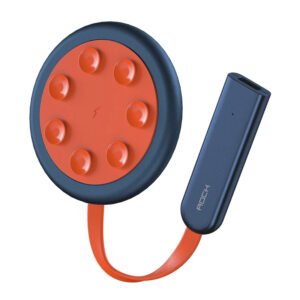
ROCK W24 Double side Quick CHARGER
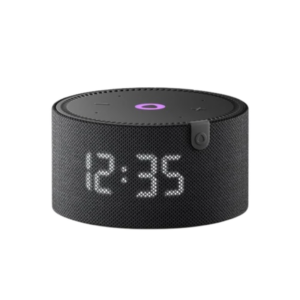
Yasmina Mini Smart Portable Bluetooth Speaker Black
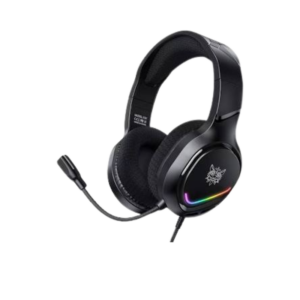
Onikuma X31 Rgb Wired Gaming Headset
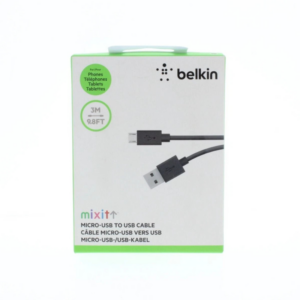
Belkin F2CU012bt Mixit Cable Usb A to Micro 3mtr
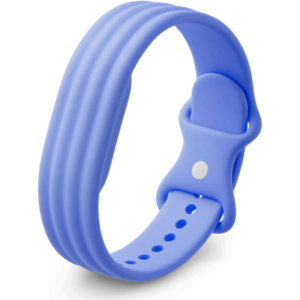
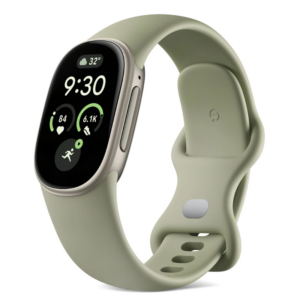
Google Fitbit Edge Fitness & Health Tracking Smart Band Green
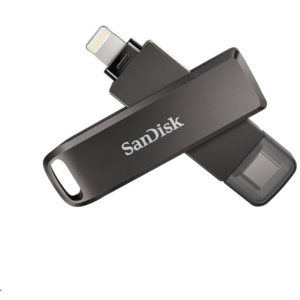
Sandisk Flash Drive i-xpand Dual Luxe 64GB Type-C to Lightning
Maisto Metal Car Porsche 911 Targa 4 GTS Size 1.18 31470
Dell Essential BackPack 15.6" Red
BBurago Metal Car Ferrari 296 GTB Size 1.18 18-16018
Ariete Portafilter Espresso Machine Matisse 1363C
SONY PS4 TOM CLANCY'S RAINBOW SIX SIEGE GAME CD
Cleo-TY Metal Car Mercedes Benz S400L Size 1.24
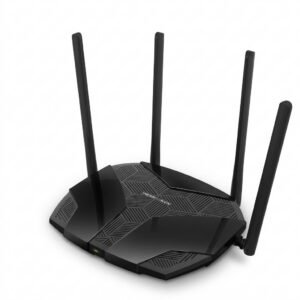
Mercusys AX3000 Dual-Band Wi-Fi 6 Router MR80X
Cleo-TY Kids Scooter HB 919-E1
Maisto Metal Car Porsche 911 GT3 Size 1.18 36458
XBOX ONE TOM CLANCY'S THE DIVISON 2 GAME CD
New Arrivals
Offers
Service & Repair


There are no reviews yet.