✅ What You’ll Need:
-
PS5 console (Disc or Digital Edition)
-
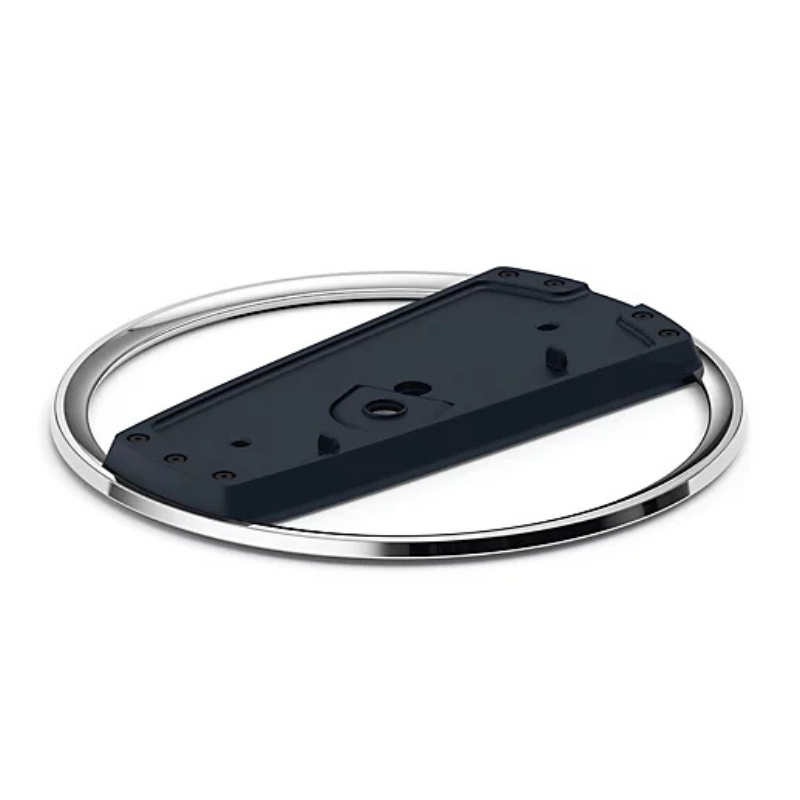
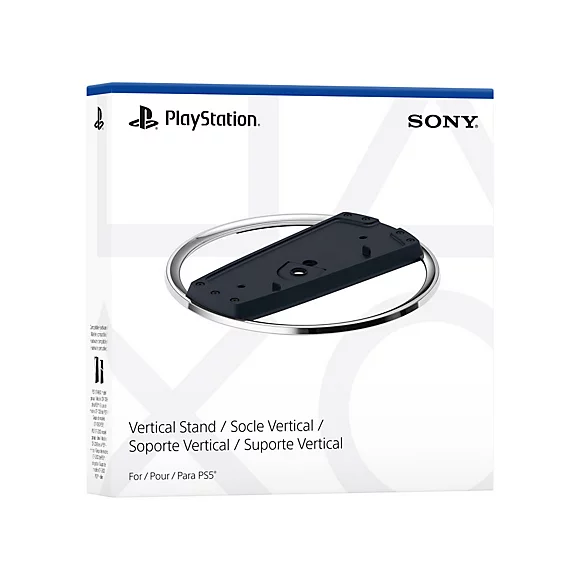
Sony PS5 Vertical Stand (official or compatible)
-
A coin or flathead screwdriver (optional, for screw)
🪛 For PS5 Disc Edition (with a disc drive):
-
Power Off & Unplug
Ensure your PS5 is turned off and unplugged from any cables. -
Locate the Stand & Screw
The stand comes with a screw hidden in the base. Remove it by turning the base to open the hidden compartment. -
Remove the Cap
On the bottom of the PS5 (where the stand goes), you’ll see a circular cap—remove it carefully. -
Align the Stand
Line up the stand with the base of the PS5 where the cap was removed. -
Insert the Screw
Use a coin or flathead screwdriver to secure the stand to the PS5 with the screw. -
Place the Console Upright
Stand the console vertically on a flat surface. Make sure it’s stable.
🪛 For PS5 Digital Edition (no disc drive):
-
No Screw Needed
The stand clips onto the base—no screw required for the Digital Edition. -
Align the Stand
Snap the stand onto the bottom curved part of the console. It should click into place. -
Double-Check Stability
Gently wiggle to ensure it’s securely attached. -
Stand the Console Up
Place it upright in a safe location with room for airflow.
Cleo Plastic Recorder
Used Nokia 6124
Cpt Guitar 3713c
NOKIA Used 3310 (Old Model)
Atouch Led Mini Game Box Keychain
Max Bms 135 Boom Mic Stand
Mebby 95195 Nose Clean
Used NOKIA 7370
Apple Ipad Pro 12.9" 4th Gen Smart Keyboard Folio
Mebashi Espresso Coffee Machine With Grinder ME-CCM2069
Beats MUVX3AE Solo Buds - Arctic Purple
Ahuja Au 40xt 40w White Driver Unit
OMNIKEY 3121 CARD READER
Sony PS5 The Pathless Game CD
Cleo-GA 270° Racing Steering Wheel
New Arrivals
Offers
Service & Repair


There are no reviews yet.