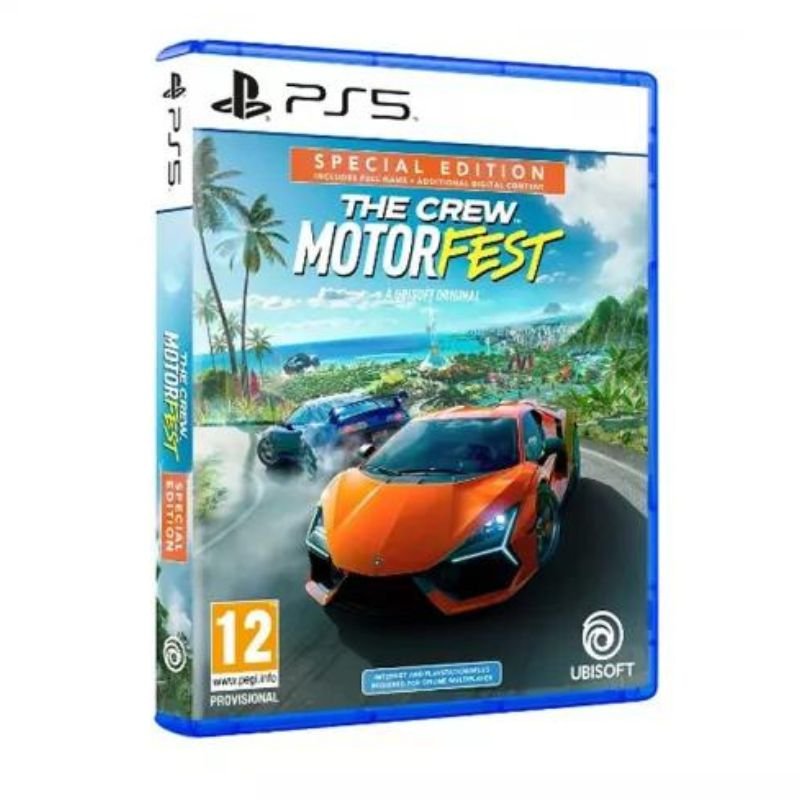
1. **Insert the Game Disc**: Locate the disc slot on your PlayStation 5 console. Carefully insert The Crew Motor Fest game disc into the disc slot with the label facing up.
2. **Wait for Recognition**: Give the console a moment to recognize the inserted disc. You may hear the disc spinning as the console reads the data.
3. **Access the Game**: Once the disc is recognized, navigate to the home screen of your PlayStation 5 by pressing the PlayStation button on your controller. Scroll to the game library or game section using the directional pad on your controller.
4. **Select The Crew Motor Fest**: In the game library or game section, find The Crew Motor Fest game icon. It should be represented by the game’s logo. Highlight the icon using the directional pad.
5. **Start Playing**: Once you’ve selected the game icon, press the “X” button on your controller to launch the game. Follow any on-screen prompts or instructions to begin your adventure in The Crew Motor Fest on your PlayStation 5 console.
By following these steps, you can easily start playing The Crew Motor Fest on your PlayStation 5 console and dive into the thrilling world of high-speed racing and exploration.
Sandisk Ultra Ixpand Flip Flash Drive 64GB
Sandisk Flash Drive Ultra Ixpand Flip 128GB
Cle Usb Fridge
Apple Ipad Pro 12.9" 4th Gen Smart Keyboard Folio
Black & Decker Heavy Weight Dry Iron F550-B5 1200W
OCULUS QUEST2 ELITE STRAP with BATTERY and CARRYING CASE
Hot Wheels Deutschland Design
Toa Pc1860 Ceiling Speaker
BBurago Metal Car Ferrari 296 GTB Size 1.18 18-16018
Maisto Metal Car Porsche 911 Targa 4 GTS Size 1.18 31470
OMNIKEY 3121 CARD READER
New Arrivals
Offers
Service & Repair


There are no reviews yet.