
-
×
 Google Fitbit Edge Fitness & Health Tracking Smart Band Green
1 × 86.900 OMR
-
×
 Belkin F2CU012bt Mixit Cable Usb A to Micro 3mtr
1 × 1.900 OMR
-
×
 Boya Wireless Microphone By Wm4 Pro
1 × 47.900 OMR
-
×
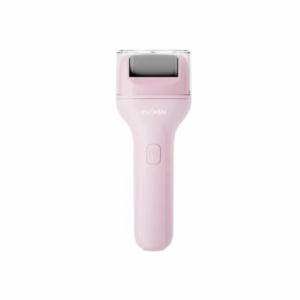 Enchen Foot Callous Remover Rock 2
1 × 4.900 OMR
-
×
 Bosch Lc3 Uc06 6W Ceiling Speaker
1 × 7.000 OMR
-
×
 Lavalier Microphone Lj02
1 × 1.800 OMR
-
×
 Philips Voice Recorder DVT1160
1 × 20.900 OMR
-
×
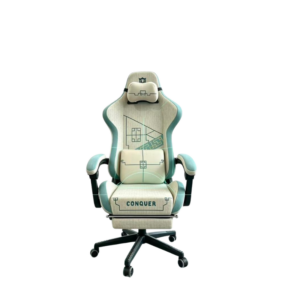 Cleo-GA Lxradeo Ergonomic Gaming Chair
1 × 49.900 OMR
-
×
 Hot Wheels Deutschland Design
2 × 4.900 OMR
-
×
 Tolaye Ks06 Keyboard Stand
1 × 14.000 OMR
-
×
 Sony PS5 Village Resident Evil Game CD
2 × 12.900 OMR
-
×
 SONY PS4 MX VS ATV ALL OUT GAME CD
1 × 18.800 OMR
Subtotal: 289.600 OMR
 New Arrivals
 Offers
 Service & Repair




There are no reviews yet.