
-
×
 Jacobs Skbb 413/5 Stereo To Rc Cable
1 × 8.000 OMR
-
×
 BBurago Metal Car Ferrari 296 GTB Size 1.18 18-16018
1 × 42.900 OMR
-
×
 Boya Wireless Microphone By Wm4 Pro
1 × 47.900 OMR
-
×
 Redmi Smart Watch5 Lite M2352
1 × 17.900 OMR
-
×
 GameSir F5 Falcon Mini Mobile Gaming Controller
1 × 3.900 OMR
-
×
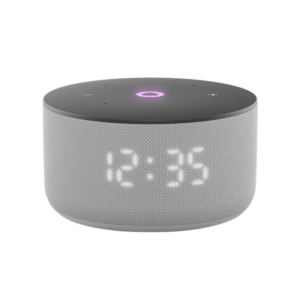 Yasmina Mini Smart Portable Bluetooth Speaker Grey
1 × 24.900 OMR
-
×
 ANNKE DVR DN41R
1 × 10.300 OMR
-
×
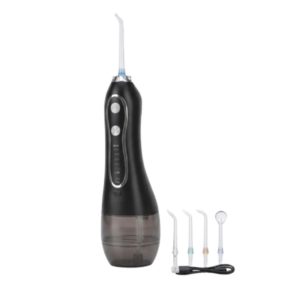 Blue Fire Hydrojet Portable Oral Irrigator BF-6
1 × 8.900 OMR
-
×
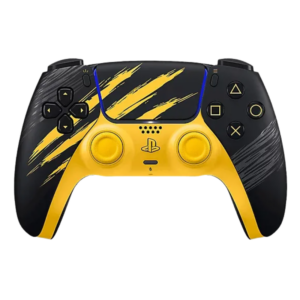 Sony Ps 5 Controller Marvel Wolverine Limited Edition
1 × 42.900 OMR
-
×
 Bm 13k Bee Melodica
1 × 5.900 OMR
-
×
 ROCK W24 Double side Quick CHARGER
1 × 5.200 OMR
-
×
 Max Bms 135 Boom Mic Stand
1 × 9.500 OMR
-
×
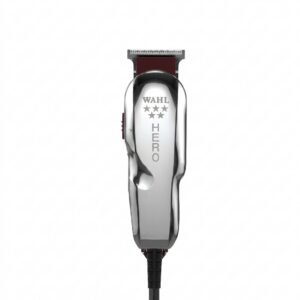 WAHL HERO PROFESSIONAL TRIMMER 8991
1 × 32.800 OMR
-
×
 Canon Ink Paper Set Postcard Size Rp108
1 × 12.400 OMR
-
×
 Canon GI-490 Yellow
1 × 4.800 OMR
-
×
 Cleo-TY Kitchen Set HT 008 951A
1 × 7.800 OMR
-
×
 SONY PS4 CD DOOM
1 × 10.800 OMR
Subtotal: 296.800 OMR
 New Arrivals
 Offers
 Service & Repair



There are no reviews yet.