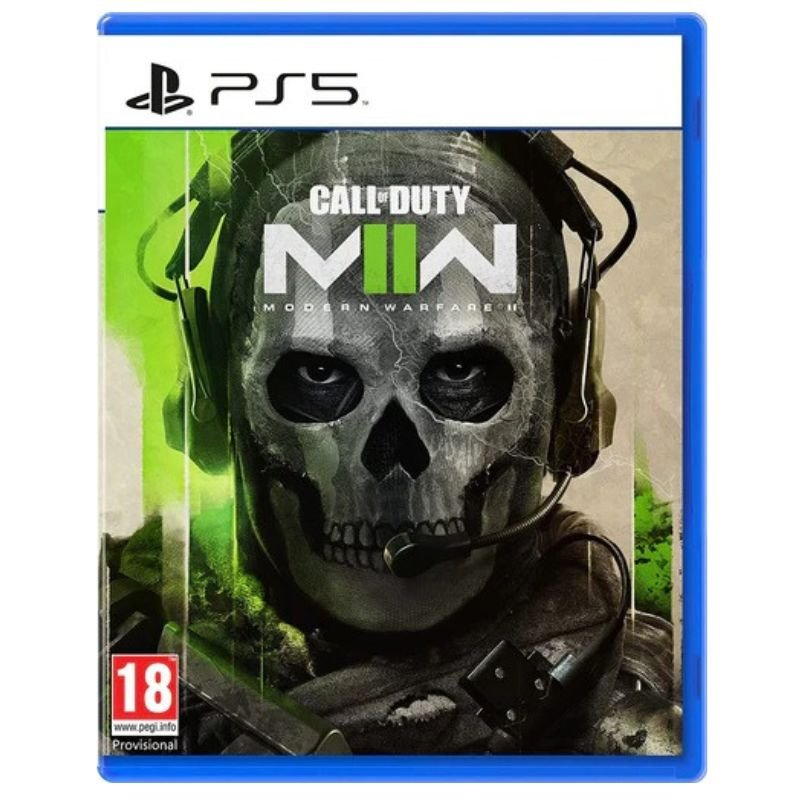
1. **Insert the Game CD**: Locate the disc slot on your PlayStation 5 console. Carefully insert the Call of Duty Modern Warfare 2 (MW2) Game CD into the disc slot with the label facing up.
2. **Wait for Recognition**: Give the console a moment to recognize the inserted CD. You’ll typically hear the disc spinning as the console reads the data.
3. **Launch the Game**: Once the disc is recognized, navigate to the home screen of your PlayStation 5. You can do this by pressing the PlayStation button on your controller. Scroll to the game library or game section using the directional pad on your controller.
4. **Select the Game Icon**: In the game library or game section, locate the Call of Duty Modern Warfare 2 (MW2) game icon. It should be represented by the game’s logo. Highlight the icon using the directional pad.
5. **Start Playing**: Once you’ve selected the game icon, press the “X” button on your controller to start the game. Follow any on-screen prompts or instructions to begin playing Call of Duty Modern Warfare 2 (MW2) on your PlayStation 5 console.
With these steps, you can easily insert and play the Sony PS5 Call of Duty Modern Warfare 2 (MW2) Game CD on your PlayStation 5 console.
Dlc Electric Stove 1500W 6705
OMNIKEY 3121 CARD READER
Kalimba 17 Keys Finger Piano
Belkin F2CU012bt Mixit Cable Usb A to Micro 3mtr
Google Fitbit Edge Fitness & Health Tracking Smart Band Green
Google Fitbit Edge Fitness & Health Tracking Smart Band Black
Cleo-GA Wired Gaming Headphone H83
L-1 Professional Streaming Player Stand
New Arrivals
Offers
Service & Repair

There are no reviews yet.