
-
×
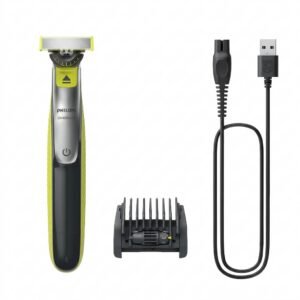 Philips OneBlade 360 Shaver QP2734/23
1 × 22.900 OMR
-
×
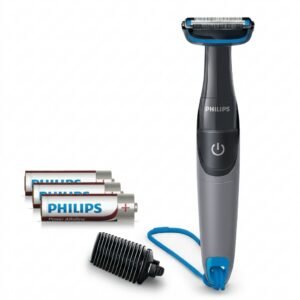 Philips 1000 Series Body Groomer BG1025/15
1 × 10.900 OMR
-
×
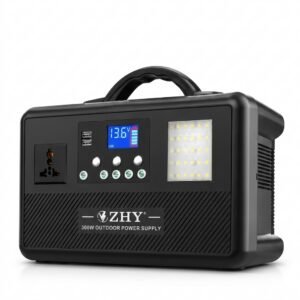 Cleo-EL Portable Power Station 300W ZHY-CN01
1 × 44.900 OMR
-
×
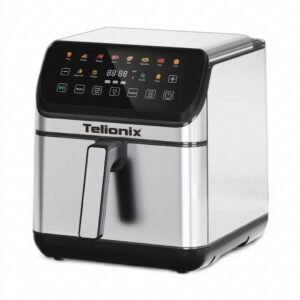 Telionix Electric Air Fryer 9L TAF4424
1 × 34.900 OMR
-
×
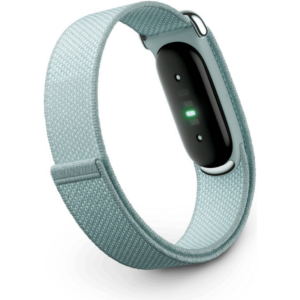 Google Fitbit Air Screen less Fitness & Health Tracking Band Fog
1 × 51.900 OMR
-
×
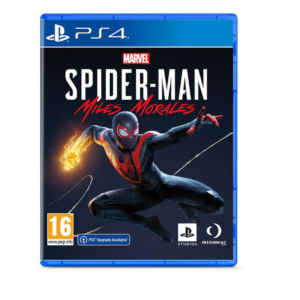 Sony PS4 Spider Man Game CD
1 × 12.900 OMR
-
×
 OCULUS QUEST2 ELITE STRAP with BATTERY and CARRYING CASE
1 × 36.400 OMR
-
×
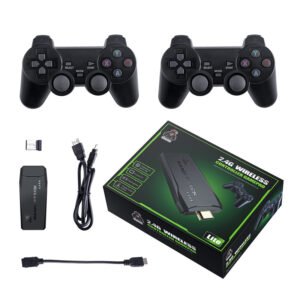 2.4G Wireless Controller Game Pad
1 × 7.500 OMR
-
×
 Sony PS4 Village Resident Evil Game CD
1 × 18.700 OMR
-
×
 Boya By Wm8 Pro K2 Uhf Dual Channel Wireless Microphone
1 × 76.800 OMR
Subtotal: 317.800 OMR
 New Arrivals
 Offers
 Service & Repair




There are no reviews yet.