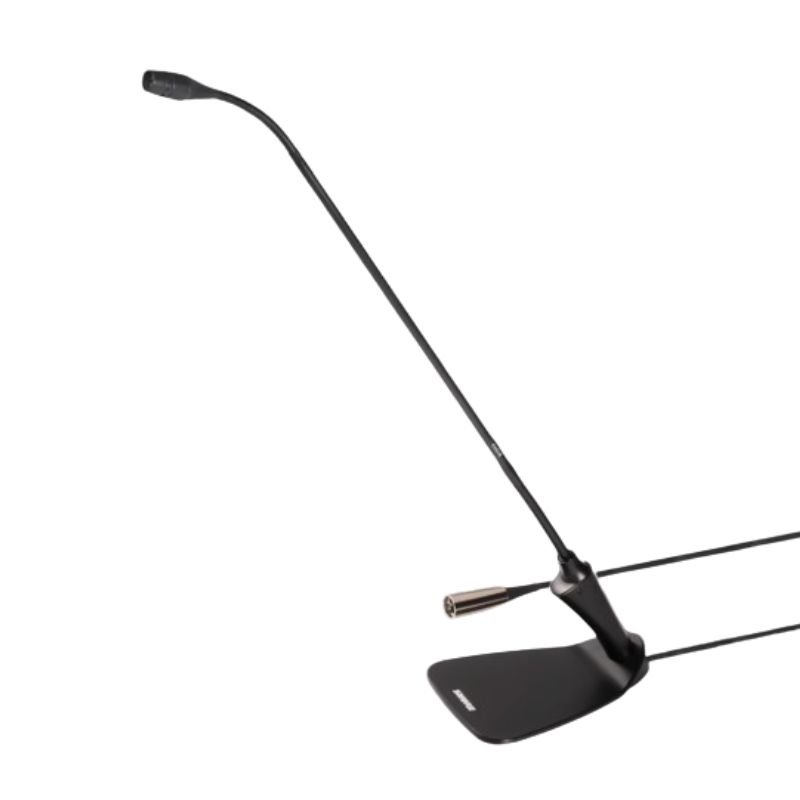
1. **Connect**: Plug the Shure CVG18DS Microphone into your audio interface or mixer using its appropriate connector.
2. **Position**: Adjust the microphone to the desired position, ensuring it’s close enough to capture clear audio while remaining discreet.
3. **Power**: If required, supply power to the microphone through your audio interface or mixer.
4. **Test**: Perform a quick test to ensure the microphone is picking up sound properly and adjust settings as necessary.
5. **Use**: Once configured, the Shure CVG18DS Microphone is ready to capture clear, focused audio for your conferencing or speech needs.

 Boya By Wm8 Pro K2 Uhf Dual Channel Wireless Microphone
1 × 76.800 OMR
Boya By Wm8 Pro K2 Uhf Dual Channel Wireless Microphone
1 × 76.800 OMR  Boya By Wm4 Pro K3 2.4ghz Wireless Microphone System
1 × 49.900 OMR
Boya By Wm4 Pro K3 2.4ghz Wireless Microphone System
1 × 49.900 OMR  New Arrivals
 Offers
 Service & Repair



There are no reviews yet.