
-
×
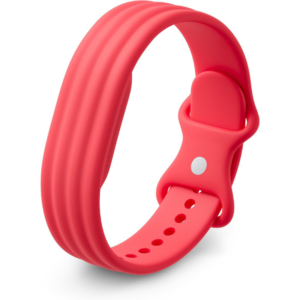 Google Fitbit Air Active Band Berry Silicon Strap
1 × 20.900 OMR
-
×
 Cleo Plastic Recorder
1 × 0.700 OMR
-
×
 Logitech G29 Racing Wheel & Pedals
1 × 80.800 OMR
-
×
 Ipega Gladiator Game Joystick For Smart Phone Pg-9135
1 × 4.700 OMR
-
×
 Candc DC C9 Cardioid Microphone
1 × 3.500 OMR
-
×
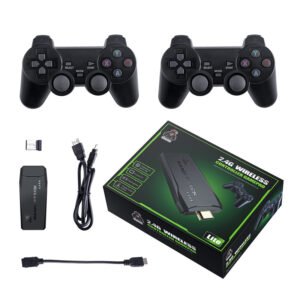 2.4G Wireless Controller Game Pad
1 × 7.500 OMR
-
×
 SONY PS4 Toukiden2 GAME CD
1 × 7.700 OMR
-
×
 Dlc Portable Car Refrigerator 12L DLC-37412
1 × 68.900 OMR
-
×
 Zhon 3X54 Led Par Can
1 × 25.000 OMR
-
×
 Max Tza-1500Dp Usb Pa Amlifier
1 × 80.000 OMR
-
×
 Sony Ps 4 Mdievil CD
1 × 11.000 OMR
-
×
 Toa Bs 1034w Speaker
1 × 28.000 OMR
-
×
 SONY PS4 FINAL FANTASY VII GAME CD
1 × 17.700 OMR
-
×
 Bm 13k Bee Melodica
1 × 5.900 OMR
-
×
 Boya By Wm8 Pro K2 Uhf Dual Channel Wireless Microphone
1 × 76.800 OMR
-
×
 Cpt Guitar 3713c
1 × 3.800 OMR
-
×
 Lavalier Microphone Lj02
1 × 1.800 OMR
Subtotal: 444.700 OMR
 New Arrivals
 Offers
 Service & Repair




There are no reviews yet.